Screen Recordings that
live inside  Zendesk
Userplane brings screen recordings into Zendesk.
Close tickets faster with full technical context upfront.
Available in theZendesk App Store
Works with the tools you already use
 Intercom
 Zendesk
 Crisp
Crisp Help Scout
 Slack
Slack Zapier
 Freshdesk
 HubSpot
 Jira
Jira Linear
 Notion
 Salesforce
 Asana
Asana Chrome
 ClickUp
 Discord
 Freshchat
 Front
Front HappyFox
 Hiver
Hiver Jira Service Desk
 Make
Make n8n
n8n Plain
Plain Pylon
Pylon Sentry
 ZohoIntercomZendeskCrispHelp ScoutSlackZapierFreshdeskHubSpotJiraLinearNotionSalesforceAsanaChromeClickUpDiscordFreshchatFrontHappyFoxHiverJira Service DeskMaken8nPlainPylonSentryZoho
Designed for Zendesk
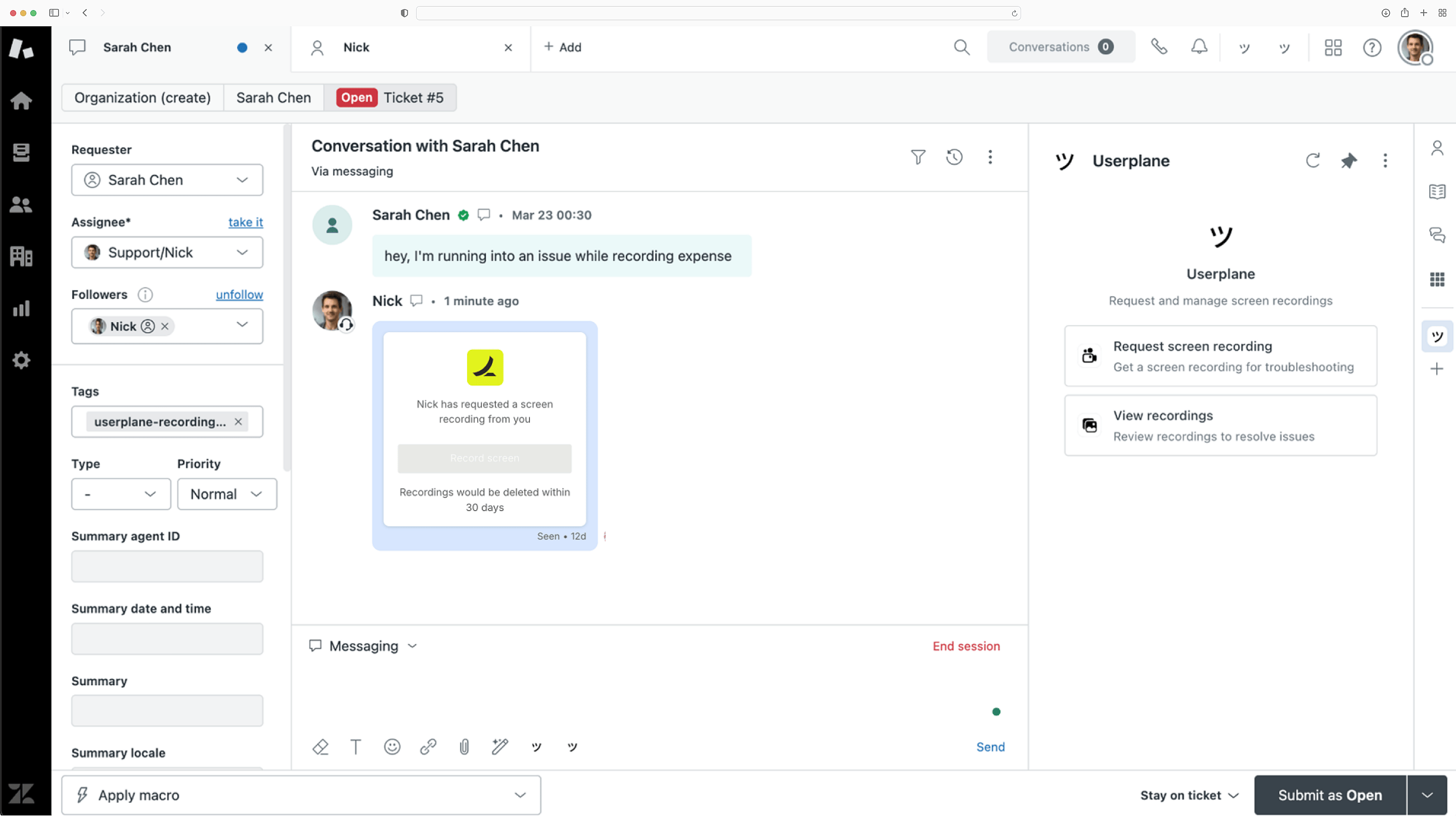
A native Zendesk app for screen recordings. Capture logs, network activity, and user context to speed up ticket resolution.
Built for Zendesk tickets
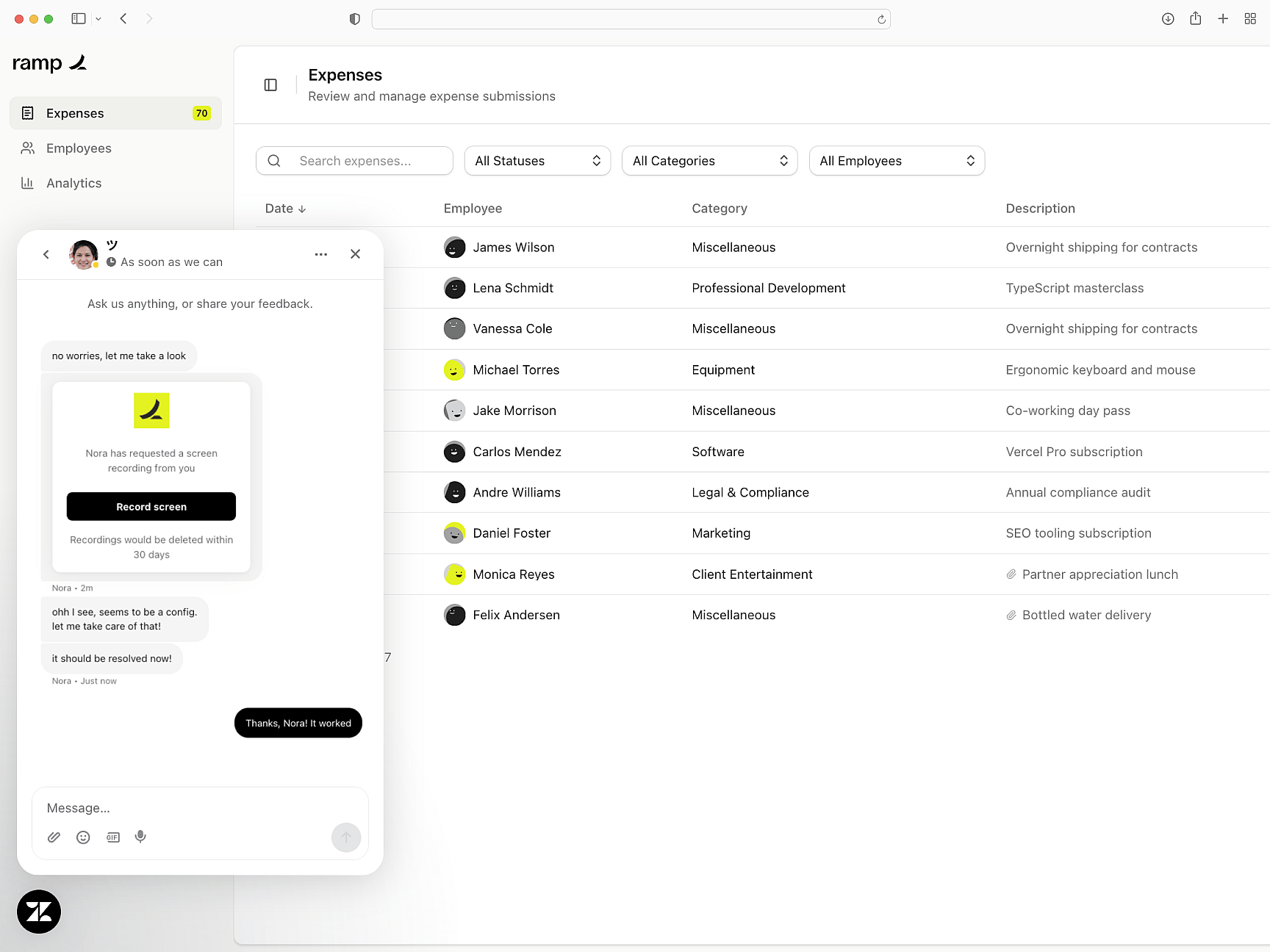
Everything you need to debug
From console errors to user steps, every recording include complete session context — so your team can identify root causes instantly.
Full-stack visibility
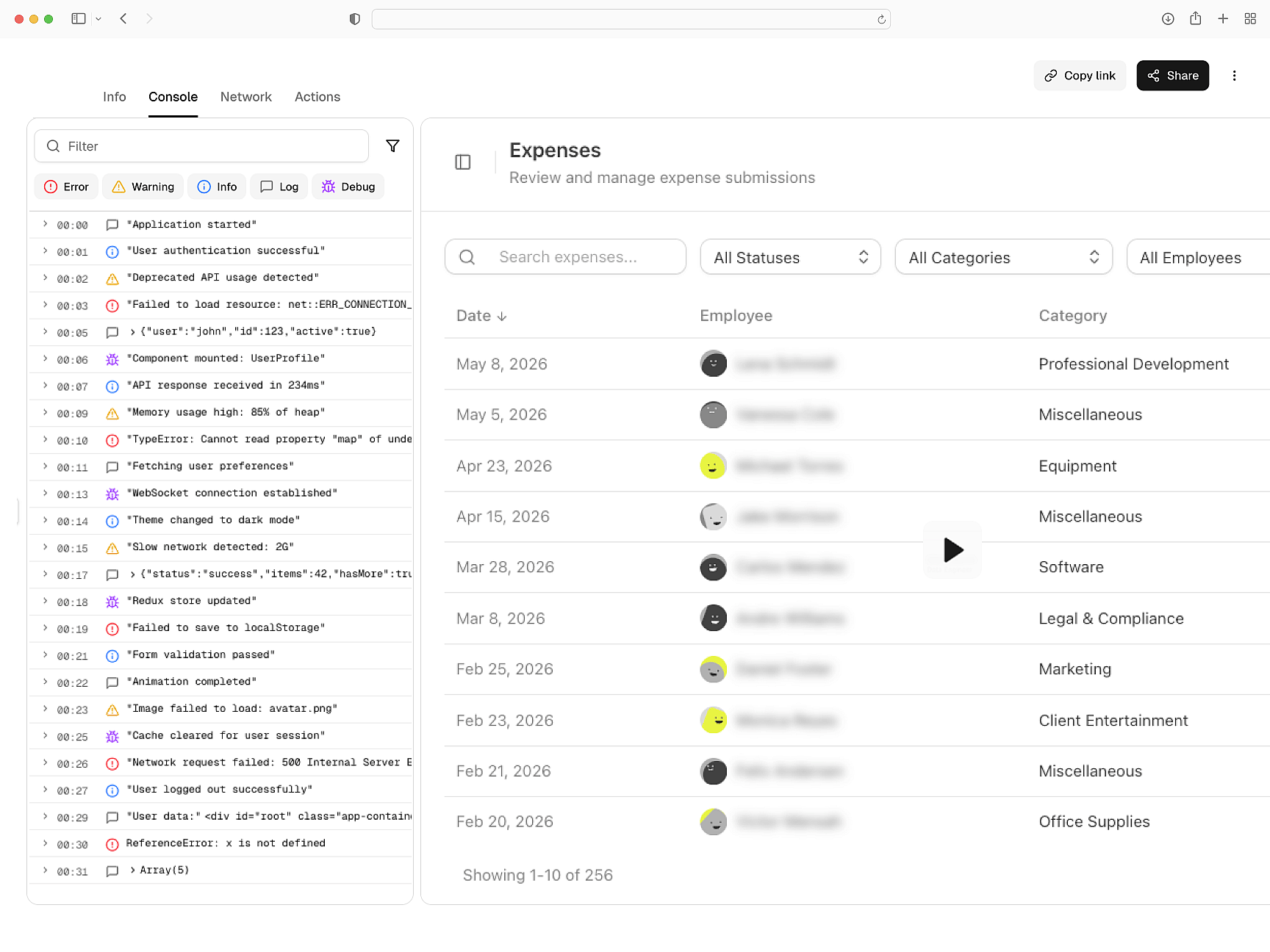
Privacy-first recording
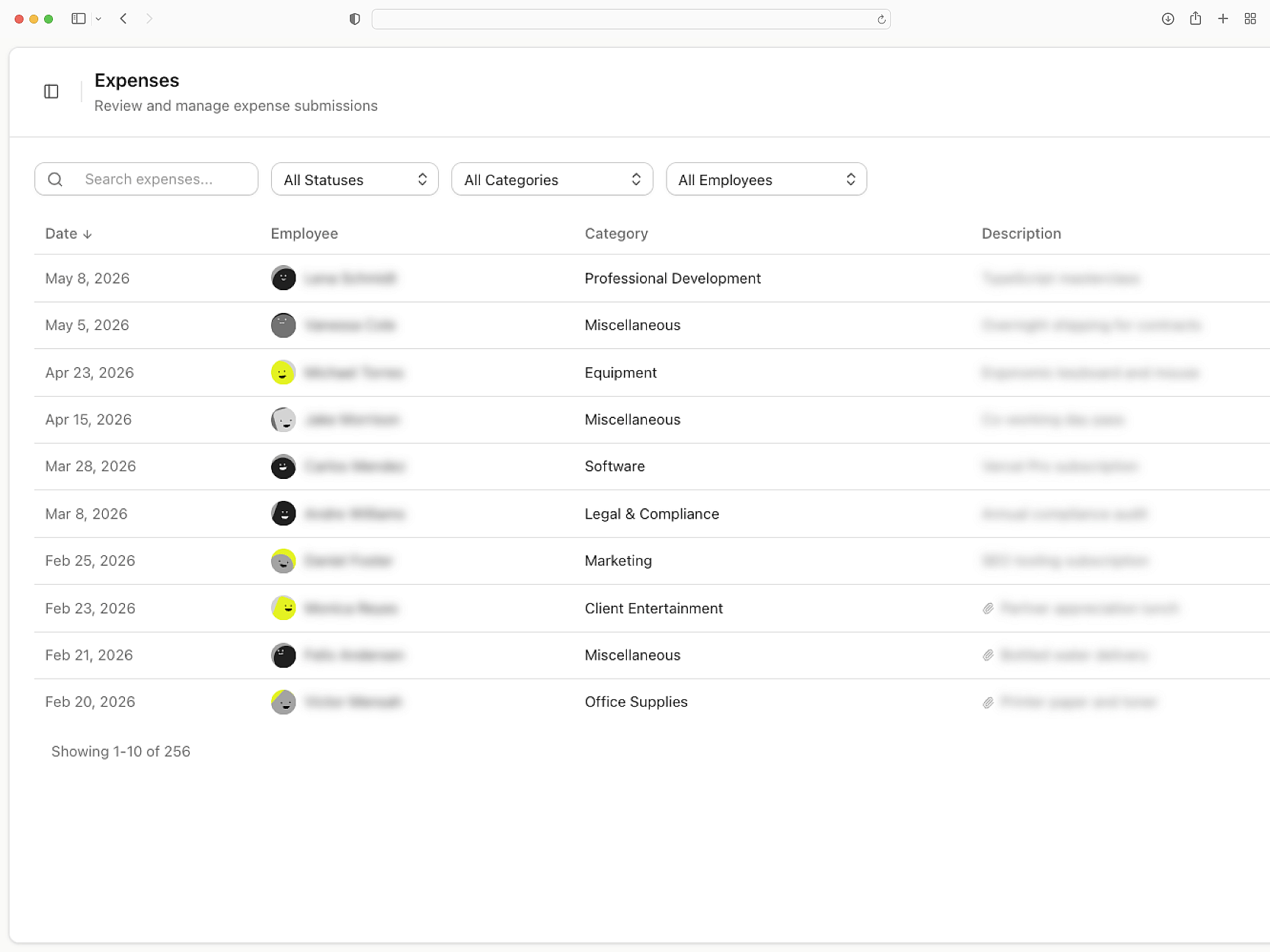
Mask and redact sensitive data before it reaches your team. Control redaction, manage consent, and stay compliant by default.
Compliant by default
Zendesk
Getting Started with Zendesk
Set up Userplane in your Zendesk workspace and send your first recording request in minutes.
How Screen Recording Works
Learn how recordings capture console logs, network requests, and session metadata automatically.
Developer Installation Guide
Technical guide for installing the Userplane SDK and configuring it for your application.
Intercom
Resolve Intercom tickets without back-and-forth. Recordings carry console logs, network data, and session activity.
Slack
Triage customer bugs within Slack. Every screen recording carries console logs, network data, and session activity.
Chrome Extension
Resolve customer bugs without leaving Chrome. Send a recording link; the replay returns with console, network, and session activity.
Request screen recordings
right within Zendesk
Share recording links from Zendesk and get back a complete replay of the customer's issue.