Debug  Rails issues
with screen recordings
Add screen recordings to your Rails app with a single script tag.
Compatible with Turbo, Devise, and Rails middleware.
Works with the tools you already use
 Intercom
 Zendesk
 Crisp
Crisp Help Scout
 Slack
Slack Zapier
 Freshdesk
 HubSpot
 Jira
Jira Linear
 Notion
 SalesforceIntercomZendeskCrispHelp ScoutSlackZapierFreshdeskHubSpotJiraLinearNotionSalesforce
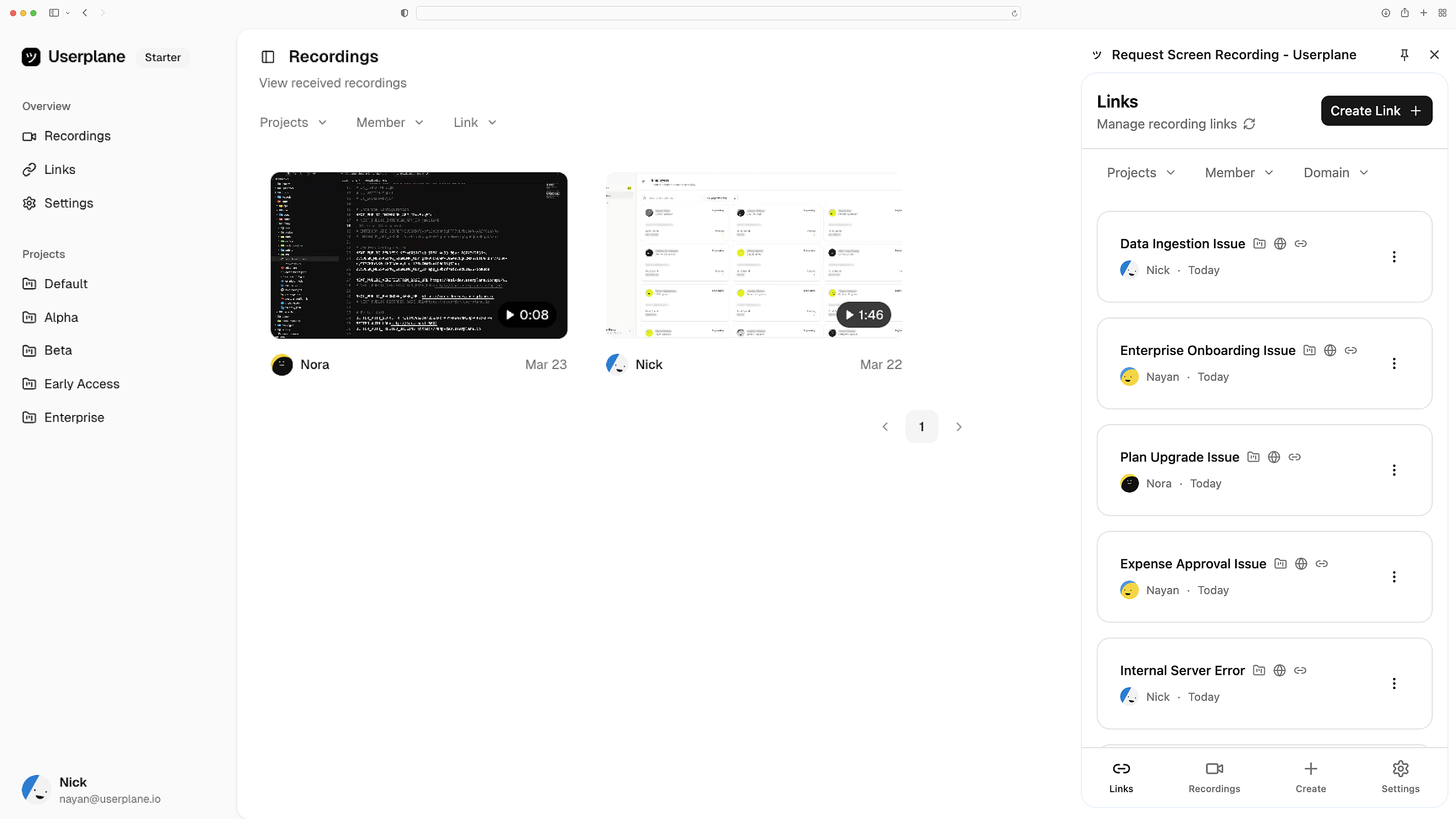
Add to your application layout
One script tag in application.html.erb. Rails layout inheritance propagates it to every page. Use content_for to conditionally load on specific views.
ERB layout integration
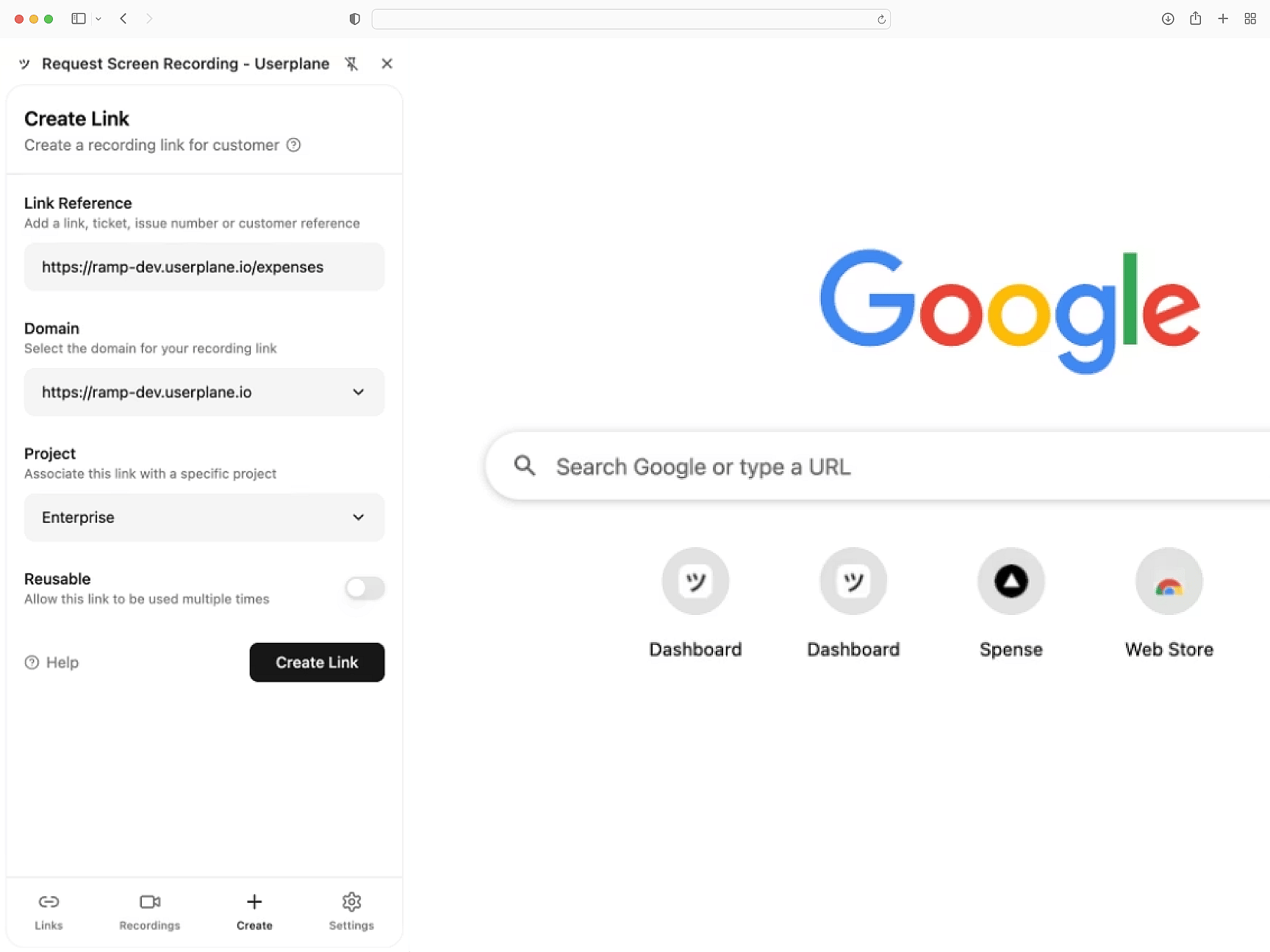
Turbo-compatible diagnostics
Console errors, network requests, browser metadata, and user steps — captured across Turbo page transitions. Recordings persist through partial page replacements.
Works with Turbo Drive
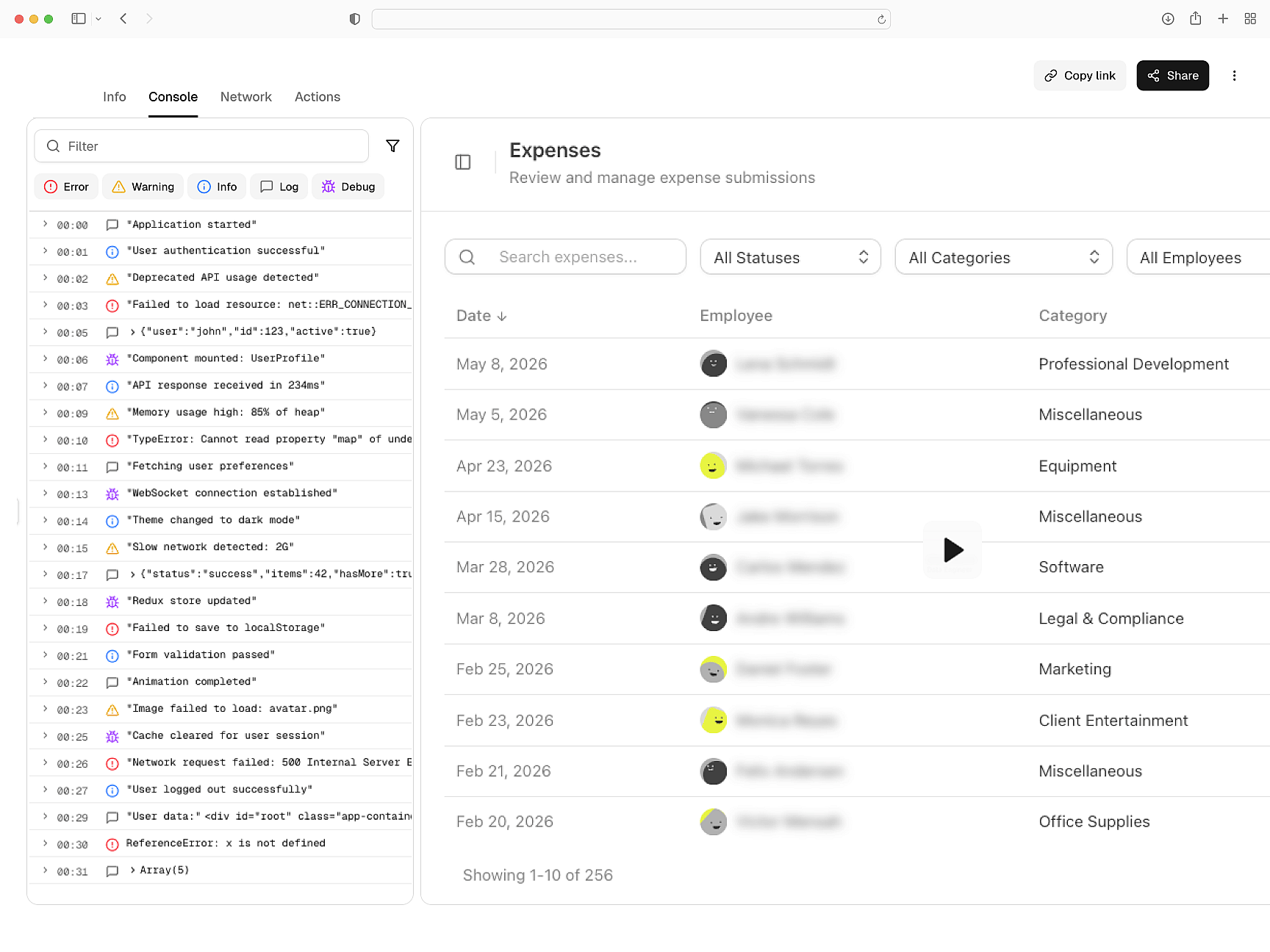
Privacy via Rails CSP
Sensitive data is masked before recordings leave the browser. Works with Rails built-in CSP DSL and Devise authentication flows. GDPR and CCPA compliant.
CSP and Devise ready
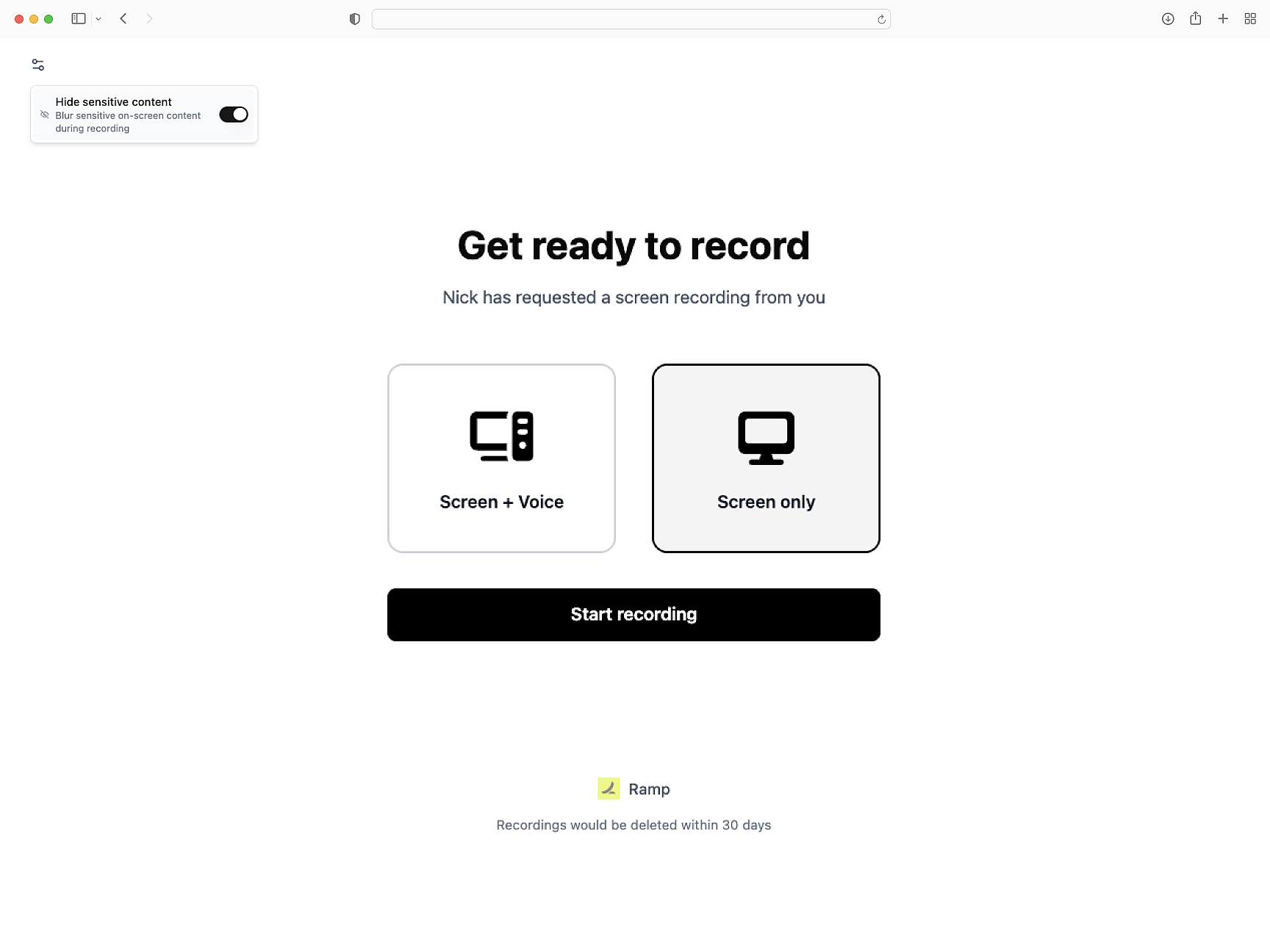
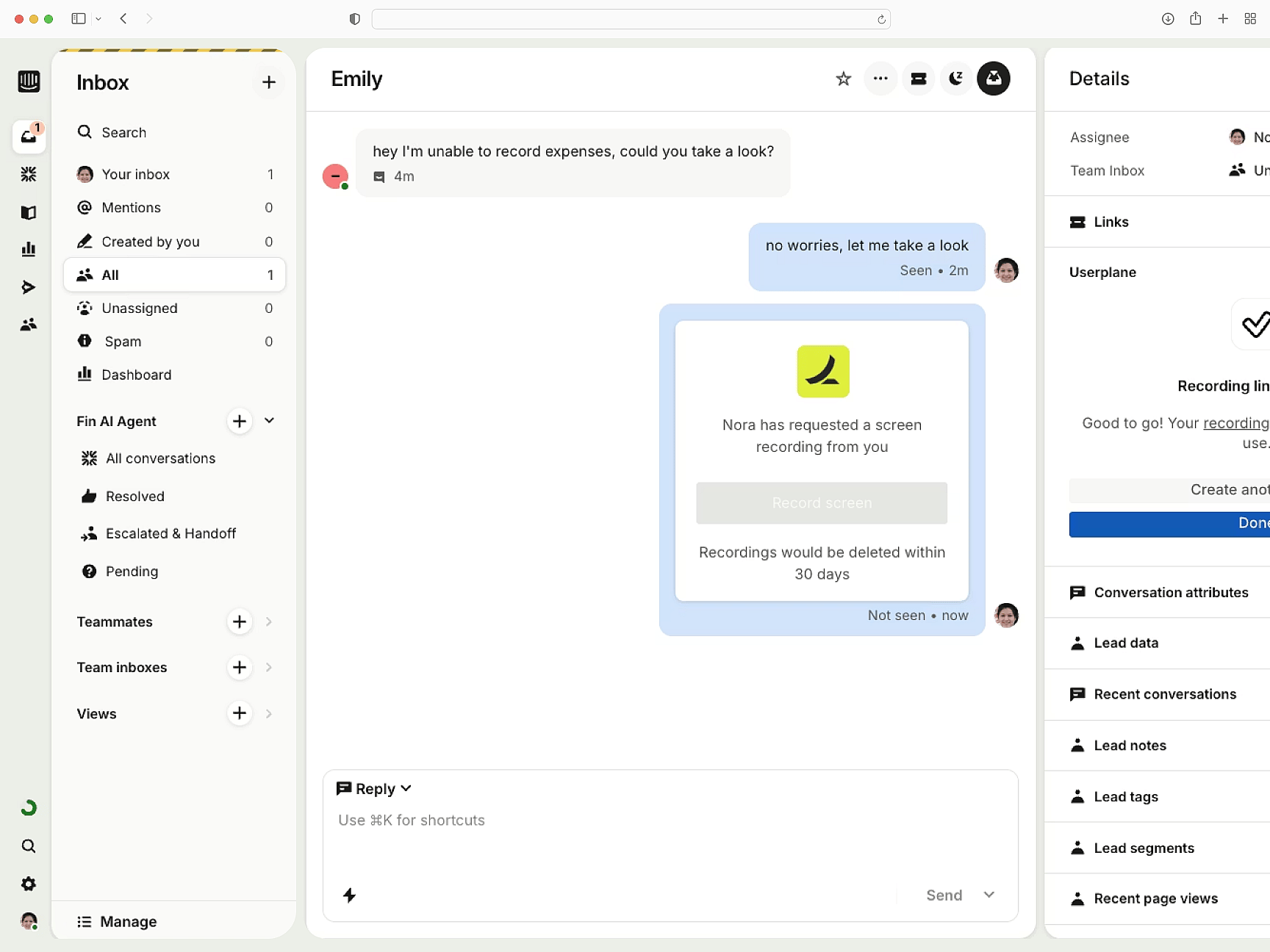
Pipes to your help desk
Screen recordings route to Intercom, Zendesk, and Slack. Link recordings to support tickets. API and webhook endpoints for custom pipelines.
Context lands where you work
Rails
Rails Setup Guide
Install Userplane in your Rails application. Add the script to your application layout.
SDK Overview
CDN script or npm package. Identify users, manage sessions, and apply privacy settings.
How Screen Recording Works
How recordings gather console output, network requests, and session interactions automatically.
Next.js
Capture console logs, network requests, and session details from your Next.js app. Works with App Router and Server Components.
React
Every React recording ships with console logs, network activity, and session context. Works with Vite, CRA, and custom setups.
Vue
Every Vue recording ships with console logs, network data, and session activity across Vue 3 components and Vue Router transitions.
Diagnose Rails issues with full browser context
ERB rendering issues, Turbo navigation bugs, and Devise auth errors — resolved with console logs, network data, and full session context.