Resolve  Svelte issues
with screen recordings
Full session context with console logs and network requests.
Compatible with SvelteKit routing and server hooks.
Works with the tools you already use
 Intercom
 Zendesk
 Crisp
Crisp Help Scout
 Slack
Slack Zapier
 Freshdesk
 HubSpot
 Jira
Jira Linear
 Notion
 SalesforceIntercomZendeskCrispHelp ScoutSlackZapierFreshdeskHubSpotJiraLinearNotionSalesforce
Instant screen recordings
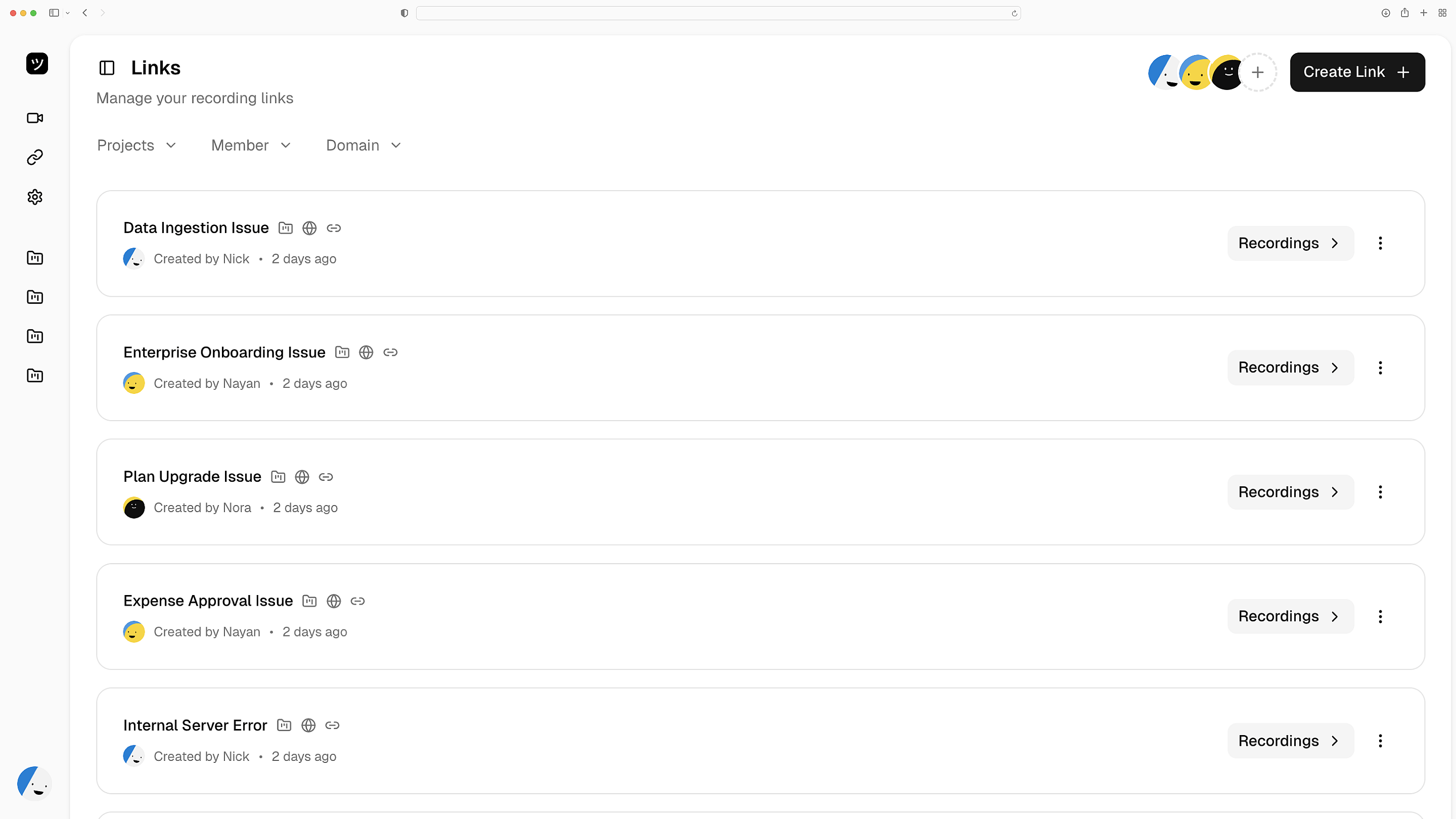
Customers click a link and record. You get a full replay of their SvelteKit session — every page load, transition, and runtime error. No extensions needed.
Replay every session
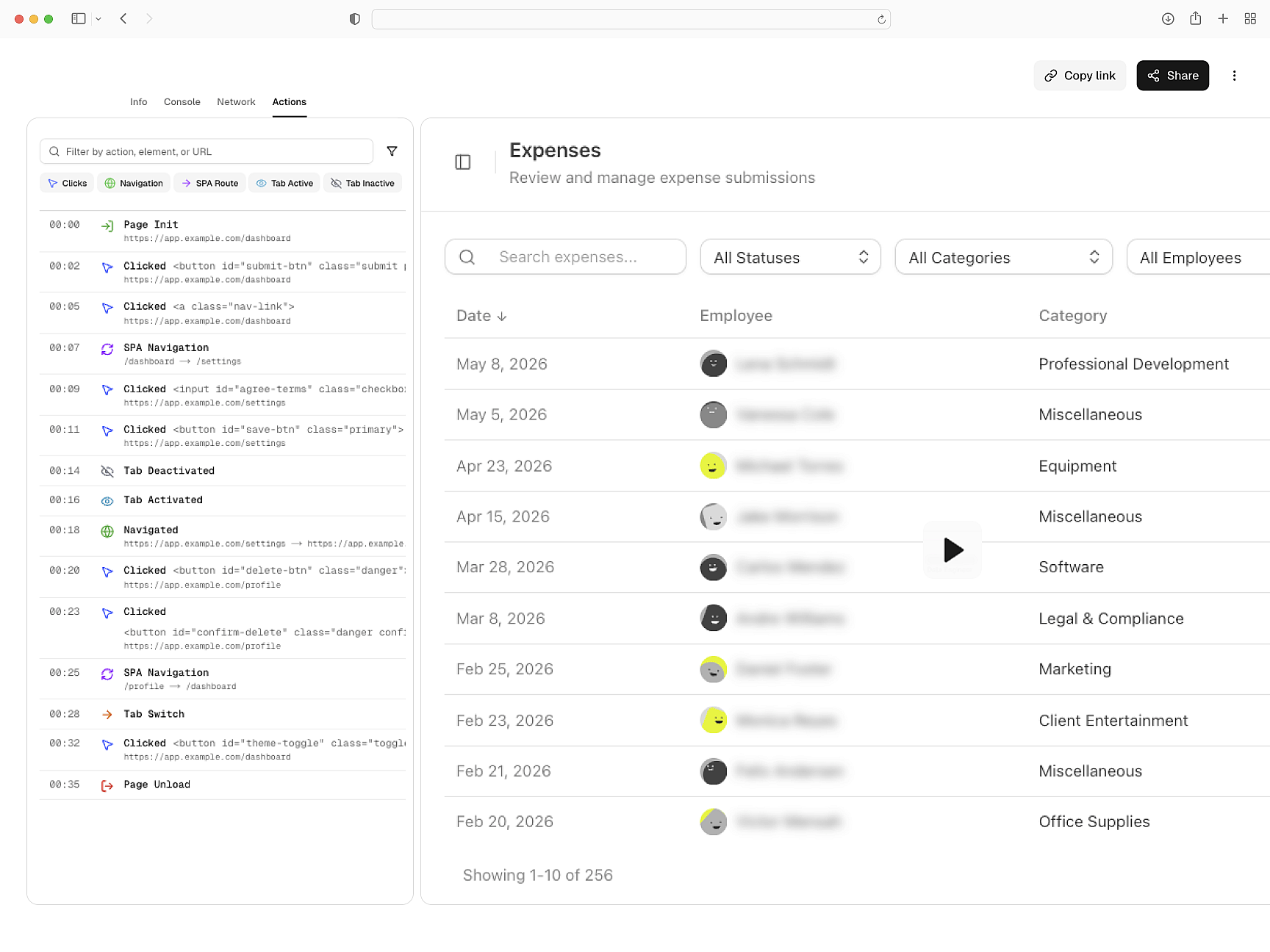
Logs and network activity
Console errors, network details, and browser metadata captured automatically. Debug server-rendered pages and client-side interactions in one recording.
SSR and CSR in one view
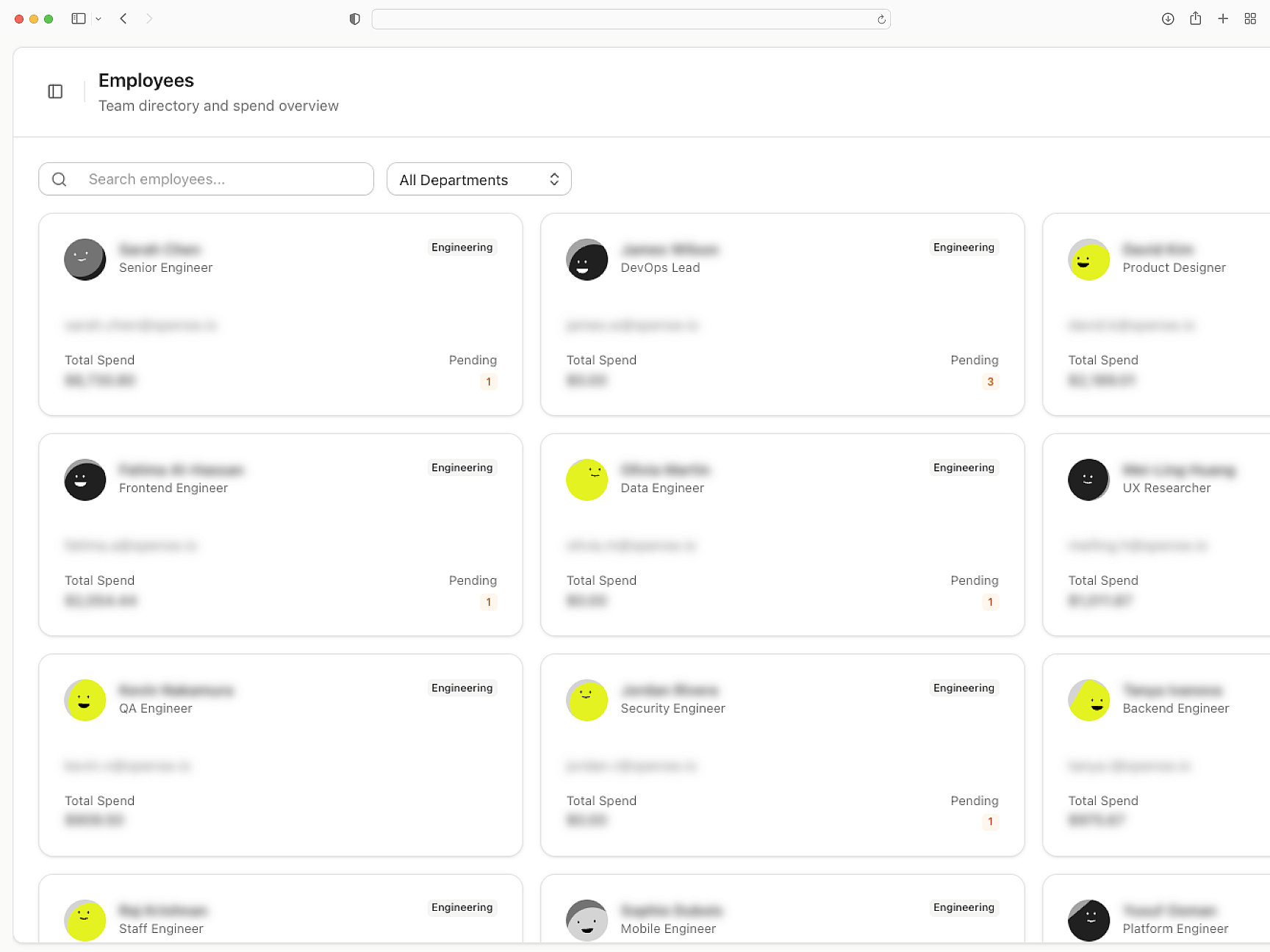
Data stays redacted
Sensitive fields are masked before recordings leave the browser. Server hooks handle token preservation through SvelteKit redirects. GDPR and CCPA ready.
Masked before it ships
Connects to support tools
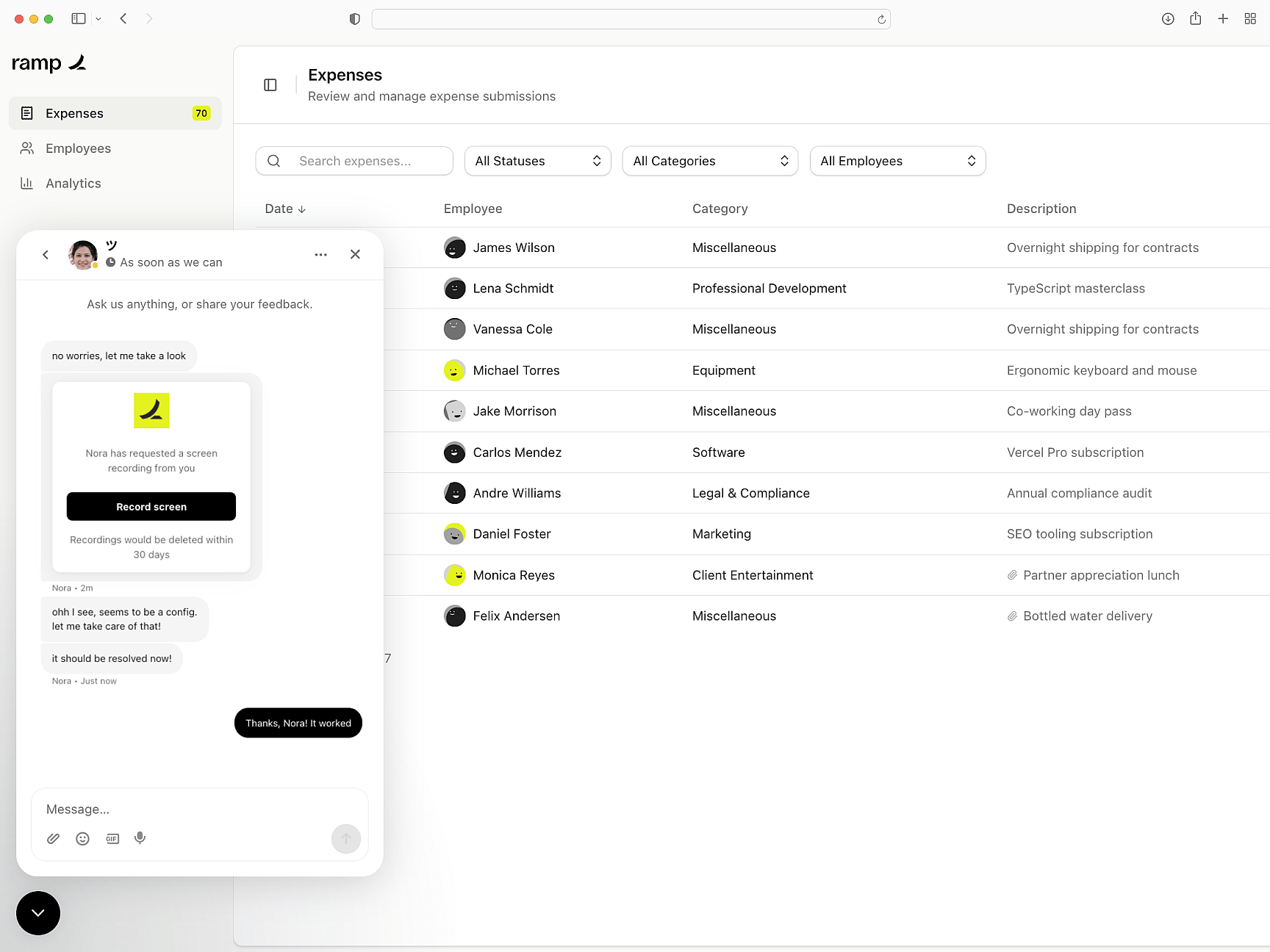
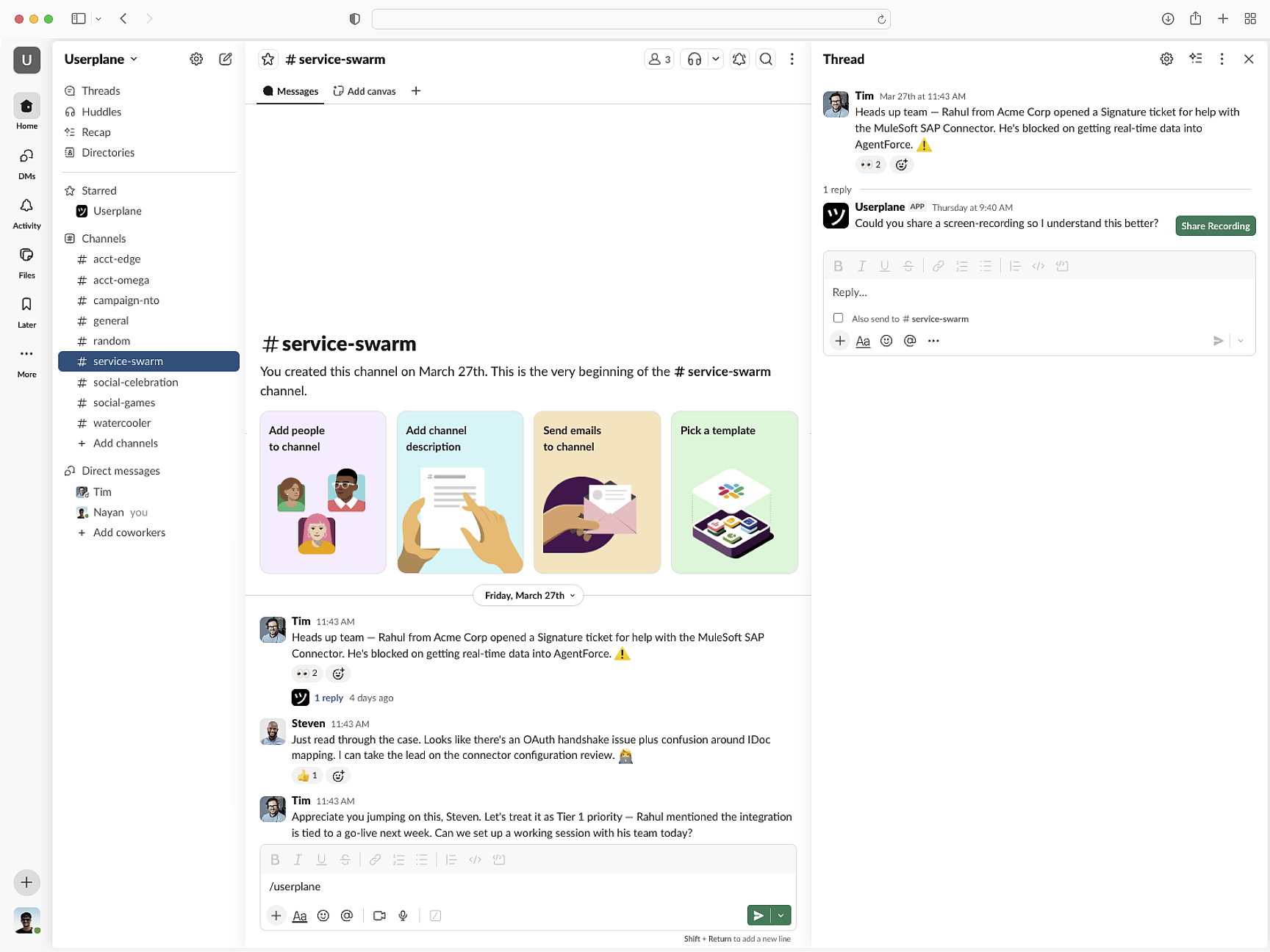
Recordings attach to Intercom, Zendesk, and Slack. Link session data to tickets. API and webhook support for custom routing.
Support context, delivered
Svelte
Svelte Setup Guide
Install Userplane in your SvelteKit application. onMount initialization and server hooks setup.
SDK Overview
Script tag or npm. Pass user metadata, control recording state, and configure redaction.
How Screen Recording Works
How recordings collect console errors, network data, and session activity automatically.
Next.js
Capture console logs, network requests, and session details from your Next.js app. Works with App Router and Server Components.
React
Every React recording ships with console logs, network activity, and session context. Works with Vite, CRA, and custom setups.
Vue
Every Vue recording ships with console logs, network data, and session activity across Vue 3 components and Vue Router transitions.
Trace Svelte bugs to root cause in minutes
Runtime errors, SSR issues, and client-side bugs — resolved with console logs, network data, and full session context.