Fix  Next.js support issues
with screen recordings
Every recording ships with console logs, errors, and network data. Works with App Router and Server Components.
Works with the tools you already use
 Intercom
 Zendesk
 Crisp
Crisp Help Scout
 Slack
Slack Zapier
 Freshdesk
 HubSpot
 Jira
Jira Linear
 Notion
 SalesforceIntercomZendeskCrispHelp ScoutSlackZapierFreshdeskHubSpotJiraLinearNotionSalesforce
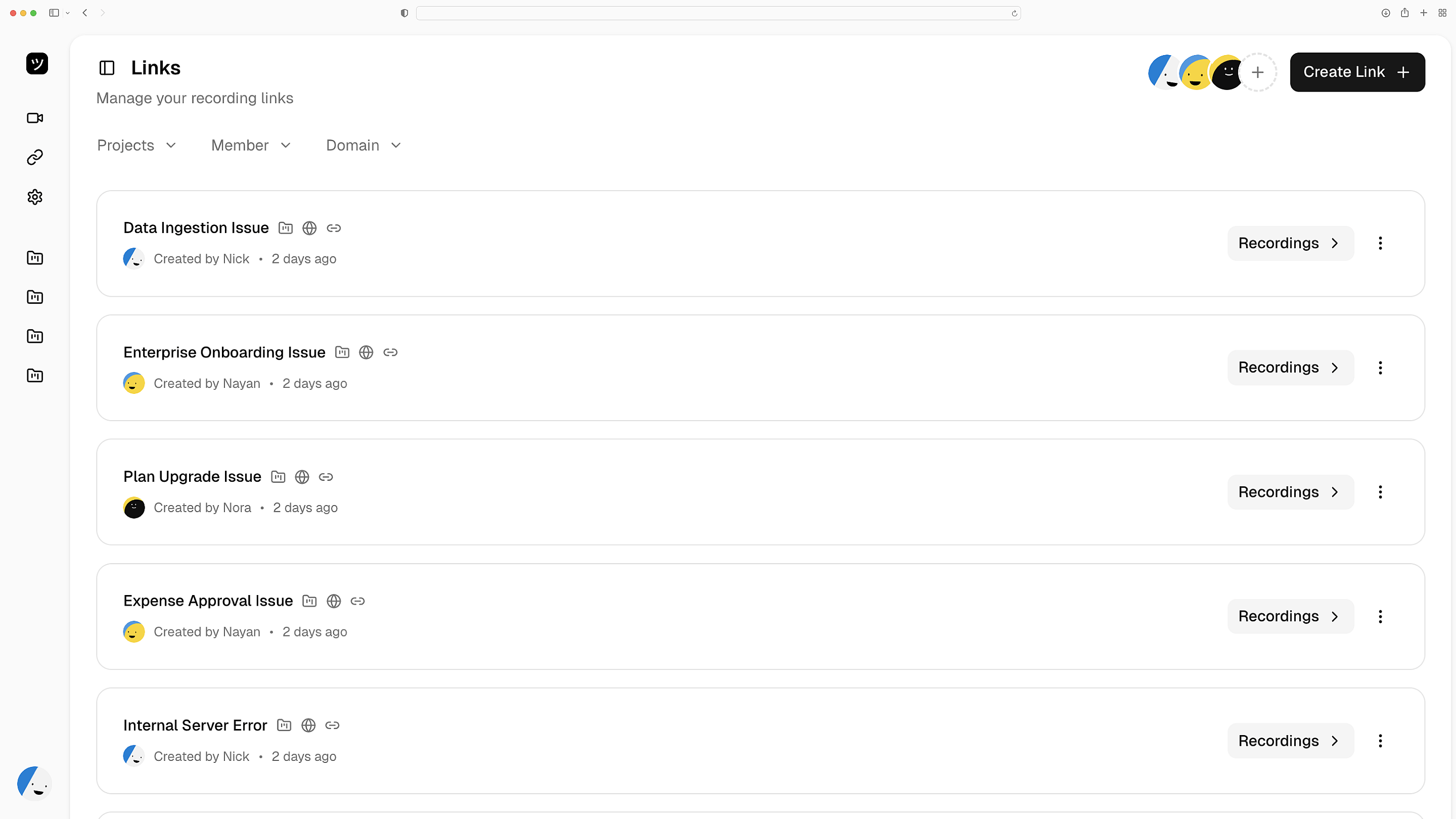
Record customer sessions
Send a recording link. Get back a full session replay from the customer's Next.js app — every click, navigation, and error captured. No browser extension needed.
One link, full replay
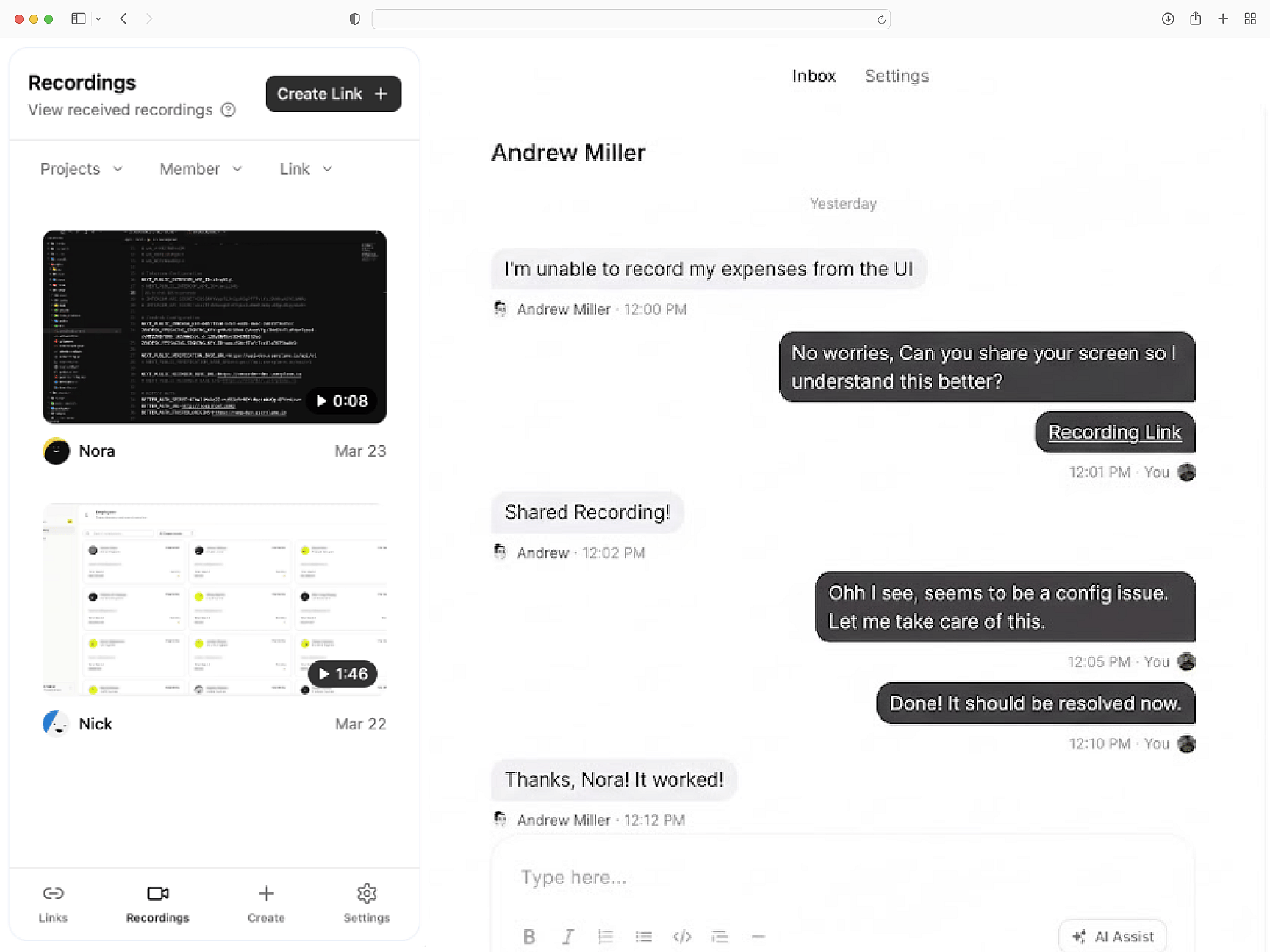
Logs, network, and metadata
Console errors, network request details, and browser fingerprints ship with every recording. Debug client-side hydration issues and API failures without asking for steps to reproduce.
Debug without the back-and-forth
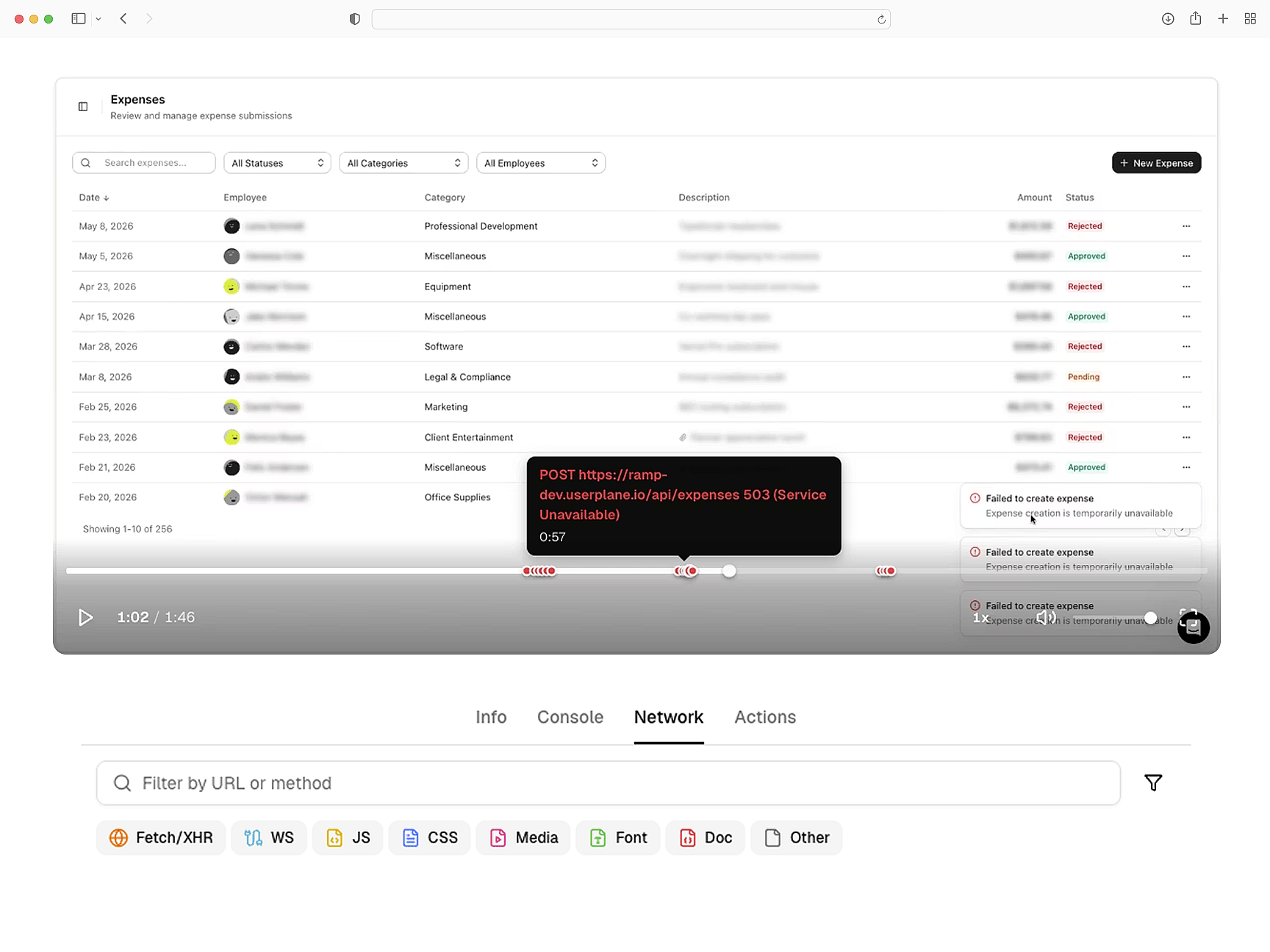
Redaction before capture
PII is masked before recordings leave the browser. GDPR and CCPA compliant. Middleware-compatible token handling for App Router redirects.
Private by default
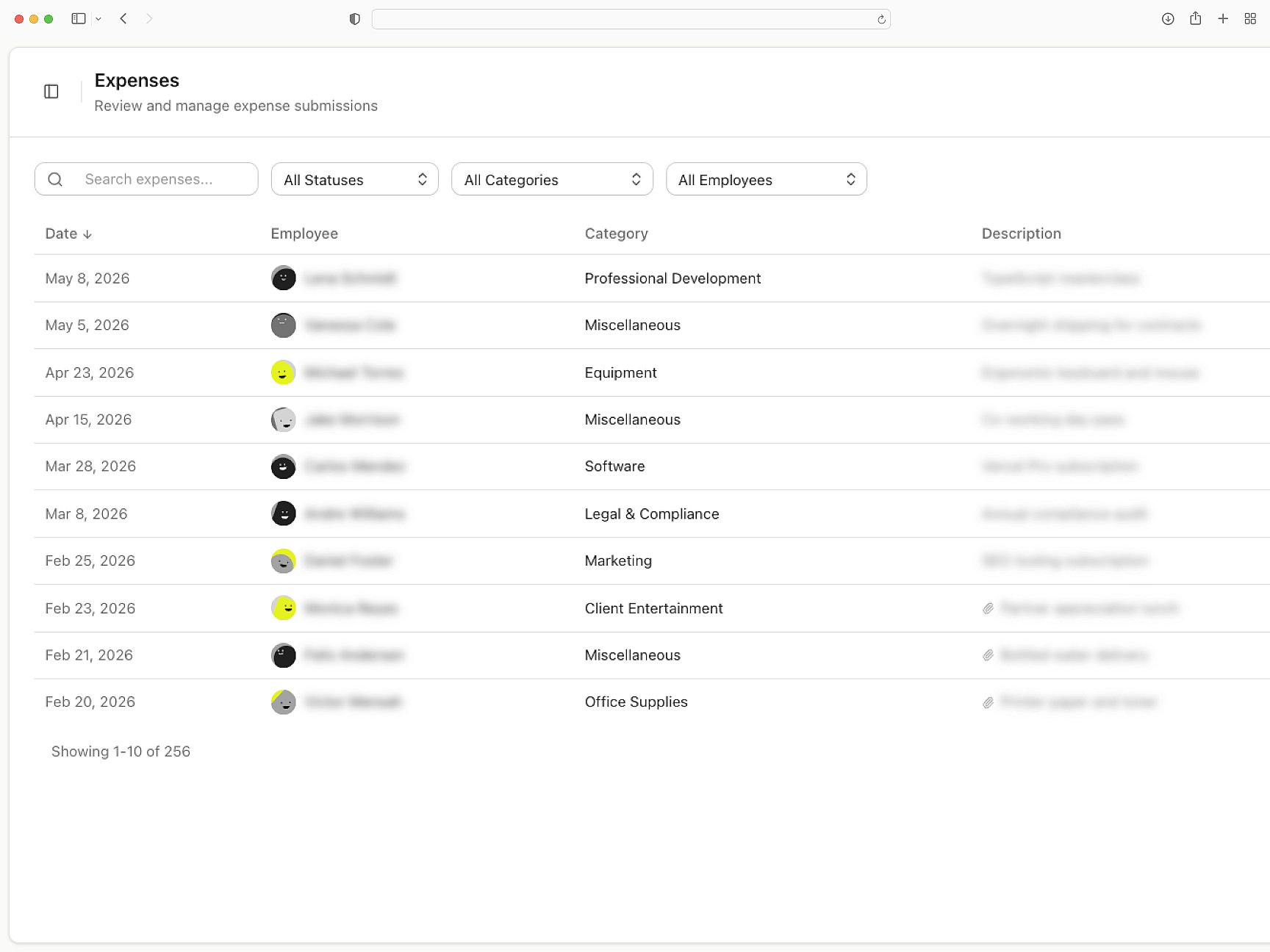
Plugs into your help desk
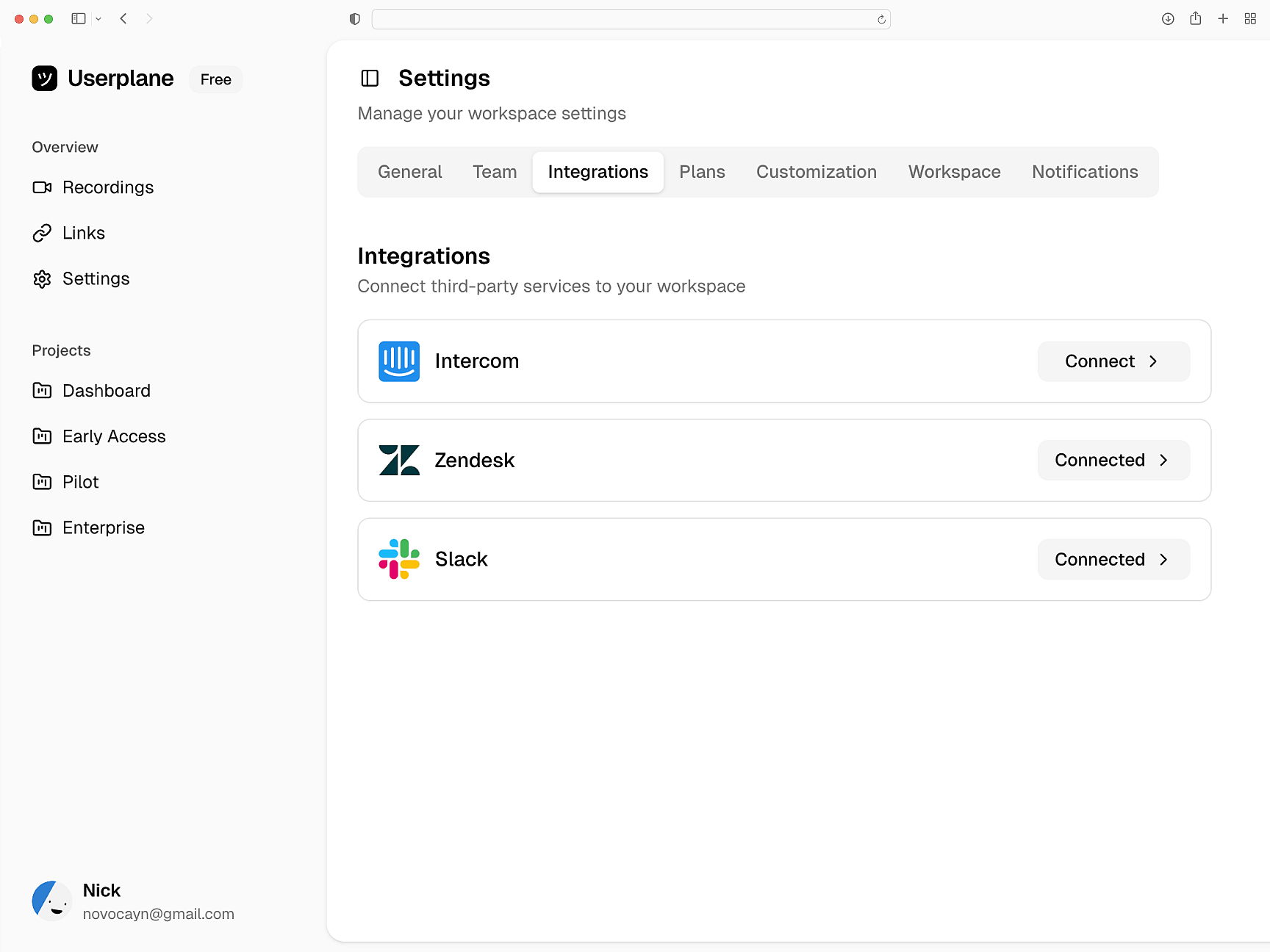
Recordings attach to Intercom, Zendesk, and Slack conversations. Link session details to tickets. API and webhook access for custom routing.
Deliver context where tickets live
Next.js
Next.js Setup Guide
Install Userplane in your Next.js App Router application. Dynamic import, provider component, and middleware setup.
SDK Overview
Embed script or npm package. Attach metadata, control recordings, and configure privacy.
How Screen Recording Works
How recordings capture console logs, network requests, and session details automatically.
React
Every React recording ships with console logs, network activity, and session context. Works with Vite, CRA, and custom setups.
Vue
Every Vue recording ships with console logs, network data, and session activity across Vue 3 components and Vue Router transitions.
Angular
Resolve Angular bugs from screen recordings. Get console logs, network data, and session activity from standalone components.
Debug Next.js issues with full session context
Hydration errors, API failures, and client-side bugs — diagnosed with console logs, network data, and full session context.