Resolve  Angular issues
with screen recordings
See every user interaction with logs, requests, and errors.
Works with standalone components and NgModules.
Works with the tools you already use
 Intercom
 Zendesk
 Crisp
Crisp Help Scout
 Slack
Slack Zapier
 Freshdesk
 HubSpot
 Jira
Jira Linear
 Notion
 SalesforceIntercomZendeskCrispHelp ScoutSlackZapierFreshdeskHubSpotJiraLinearNotionSalesforce
Customer screen recordings
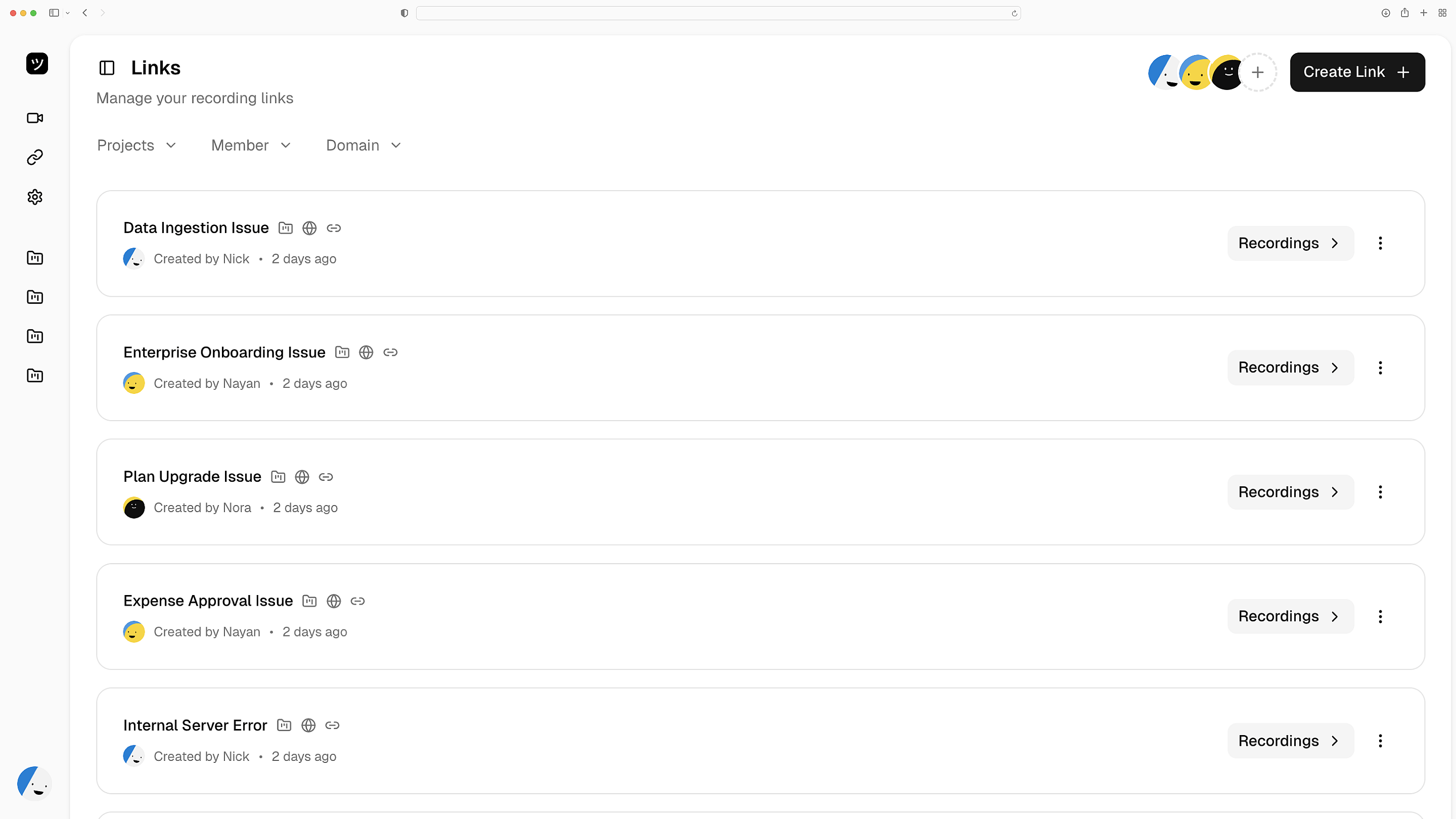
Customers record their bugs from a link. You get a full replay — every component interaction, route change, and HTTP call captured. No downloads required.
Full replay, zero friction
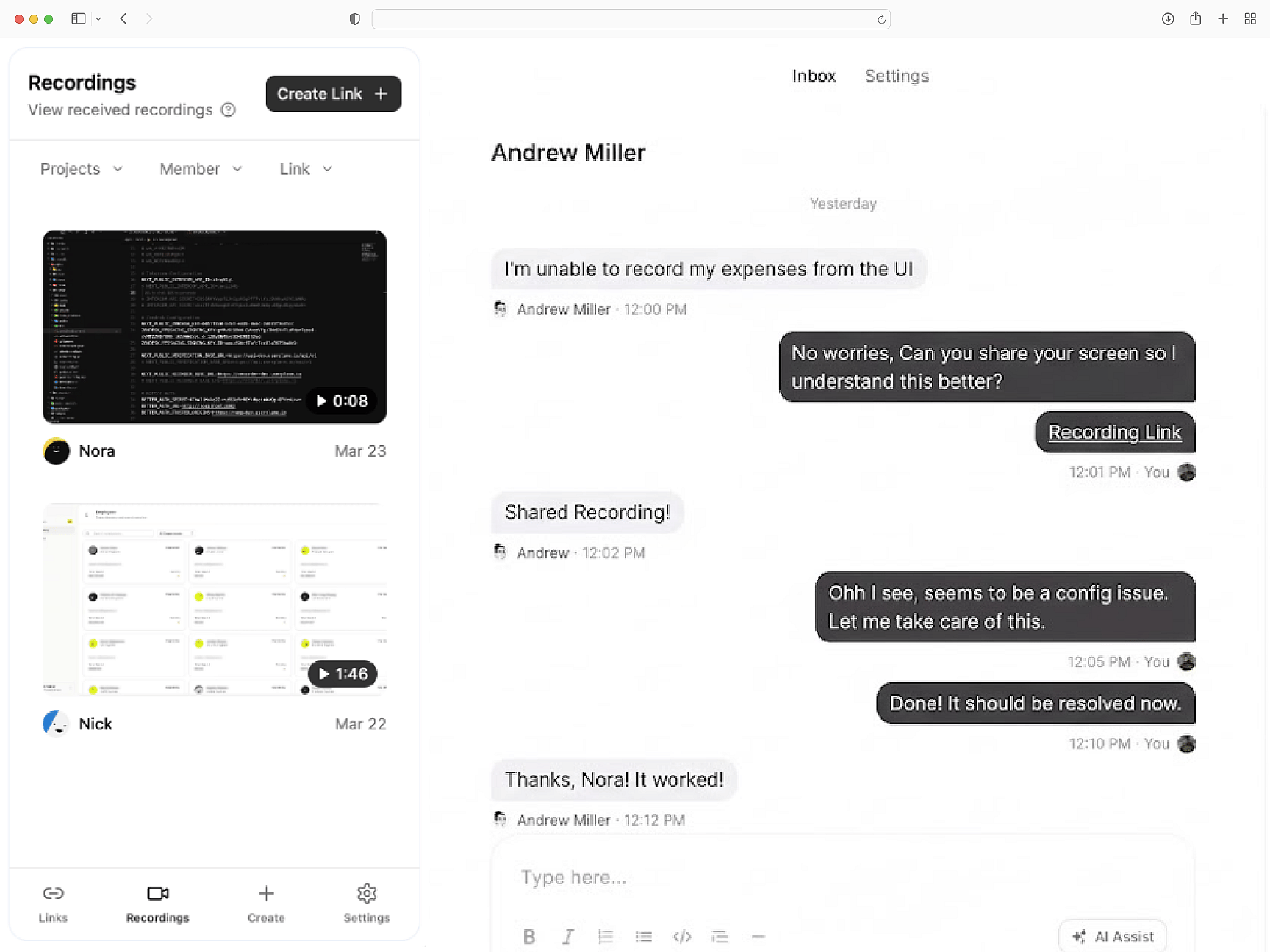
Errors, network, and state
Console errors, network request timelines, browser fingerprints, and complete user action sequences — attached to every screen recording.
Technical depth on every ticket
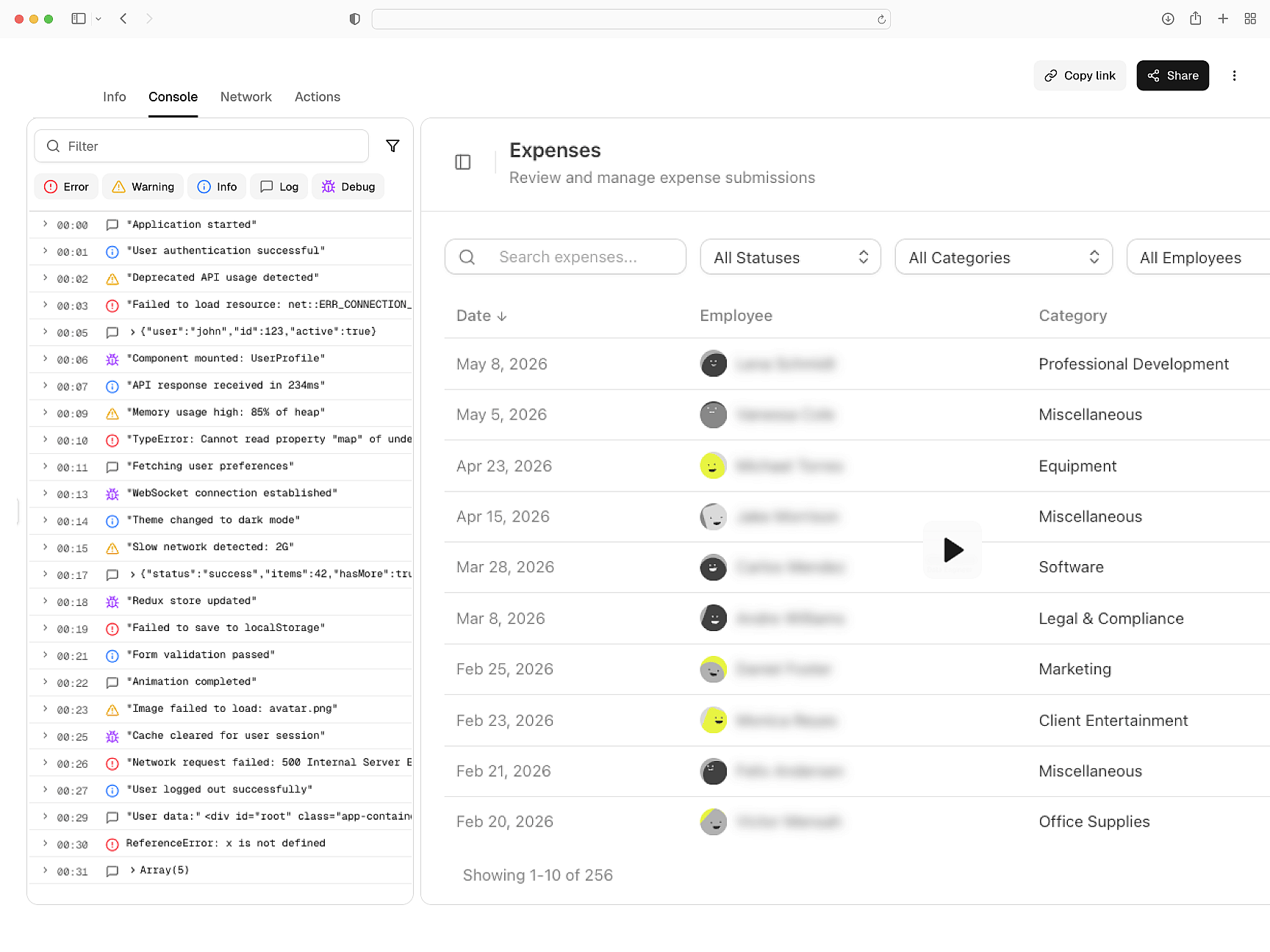
Redaction at the source
PII is masked before recordings leave the customer's browser. Environment-based configuration. GDPR and CCPA compliant across dev, staging, and production.
Compliant in every environment
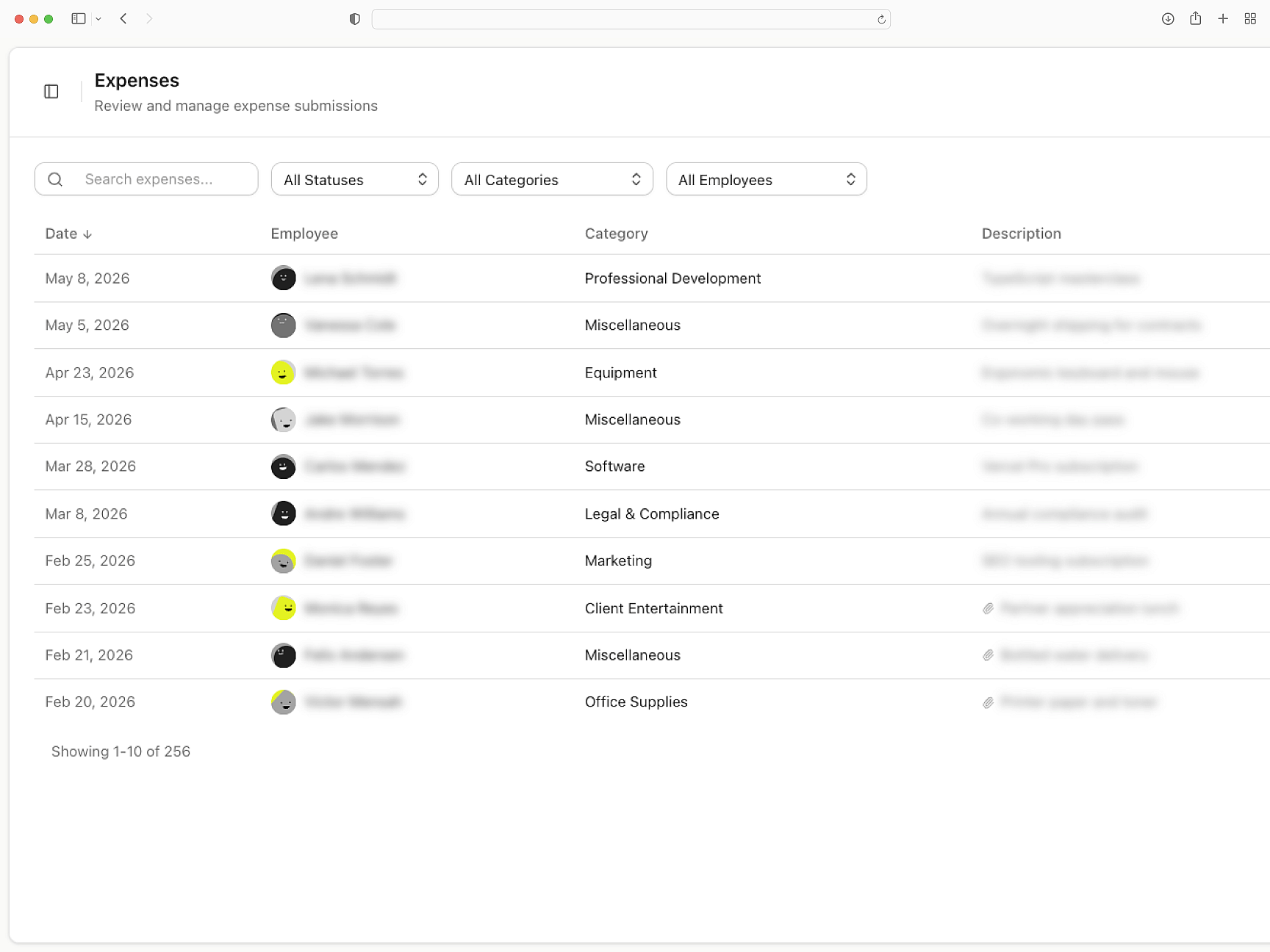
Delivers to your help desk
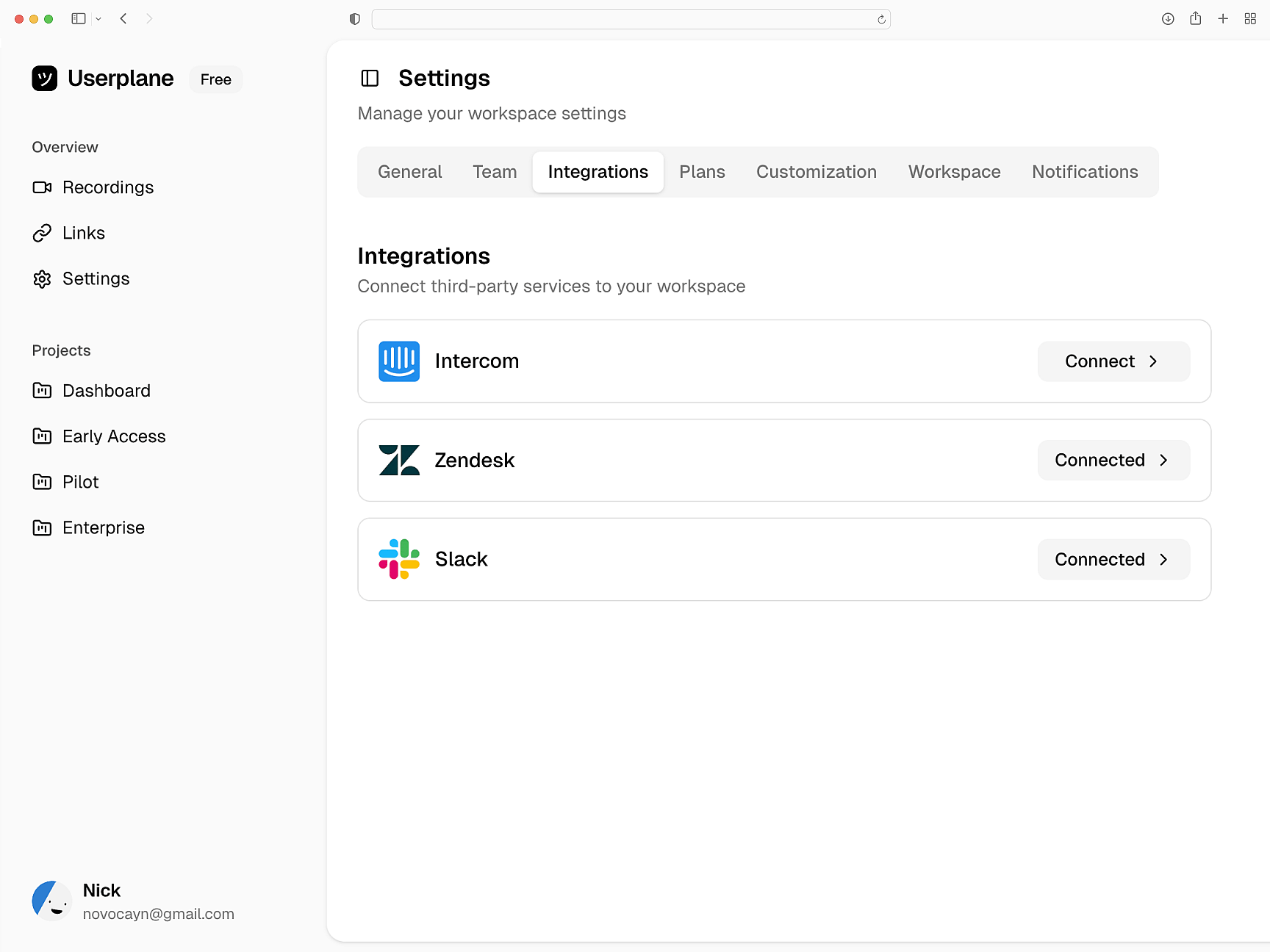
Screen recordings attach to Intercom, Zendesk, and Slack conversations. Session data links to tickets. API and webhook endpoints for custom routing.
Recordings where tickets live
Angular
Angular Setup Guide
Install Userplane in your Angular application. APP_INITIALIZER integration and environment-based configuration.
SDK Overview
Embed script or npm package. Attach metadata, control recordings, and configure privacy.
How Screen Recording Works
How recordings capture console logs, network requests, and session details automatically.
Next.js
Capture console logs, network requests, and session details from your Next.js app. Works with App Router and Server Components.
React
Every React recording ships with console logs, network activity, and session context. Works with Vite, CRA, and custom setups.
Vue
Every Vue recording ships with console logs, network data, and session activity across Vue 3 components and Vue Router transitions.
Pinpoint Angular issues with full technical context
Dependency injection errors, routing issues, and change detection bugs — resolved with full technical context from every recording.