Built for teams
customers count on
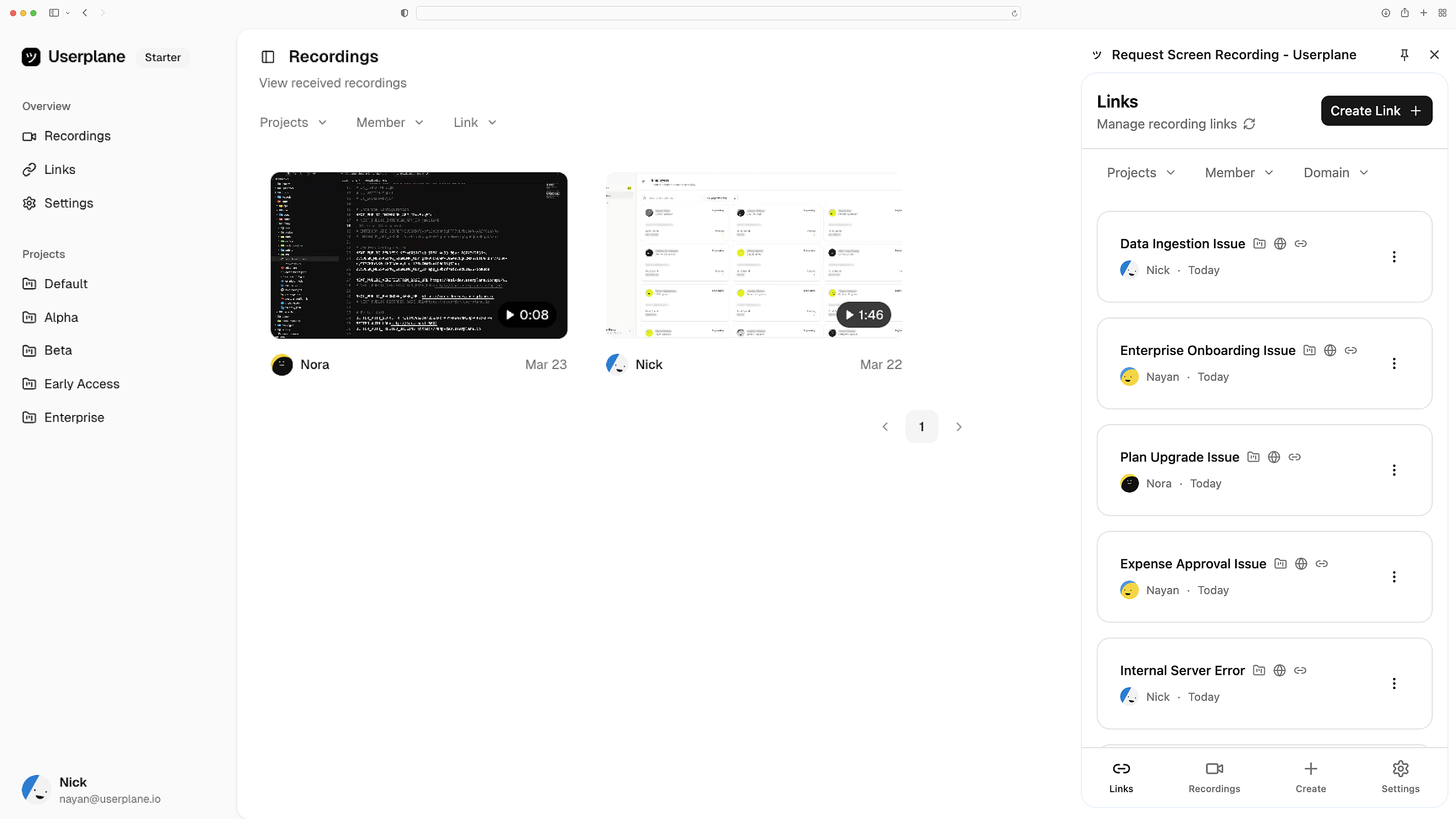
Screen recordings with console logs and session details.
Capture harder to describe support issues.
Works with the tools you already use
 Intercom
 Zendesk
 Crisp
Crisp Help Scout
 Slack
Slack Zapier
 Freshdesk
 HubSpot
 Jira
Jira Linear
 Notion
 SalesforceIntercomZendeskCrispHelp ScoutSlackZapierFreshdeskHubSpotJiraLinearNotionSalesforce
Full session context, upfront
Resolve harder-to-describe customer issues. Request screen recordings which include console errors, network failures, and the exact steps that led to the issue.
Complete picture on first contact
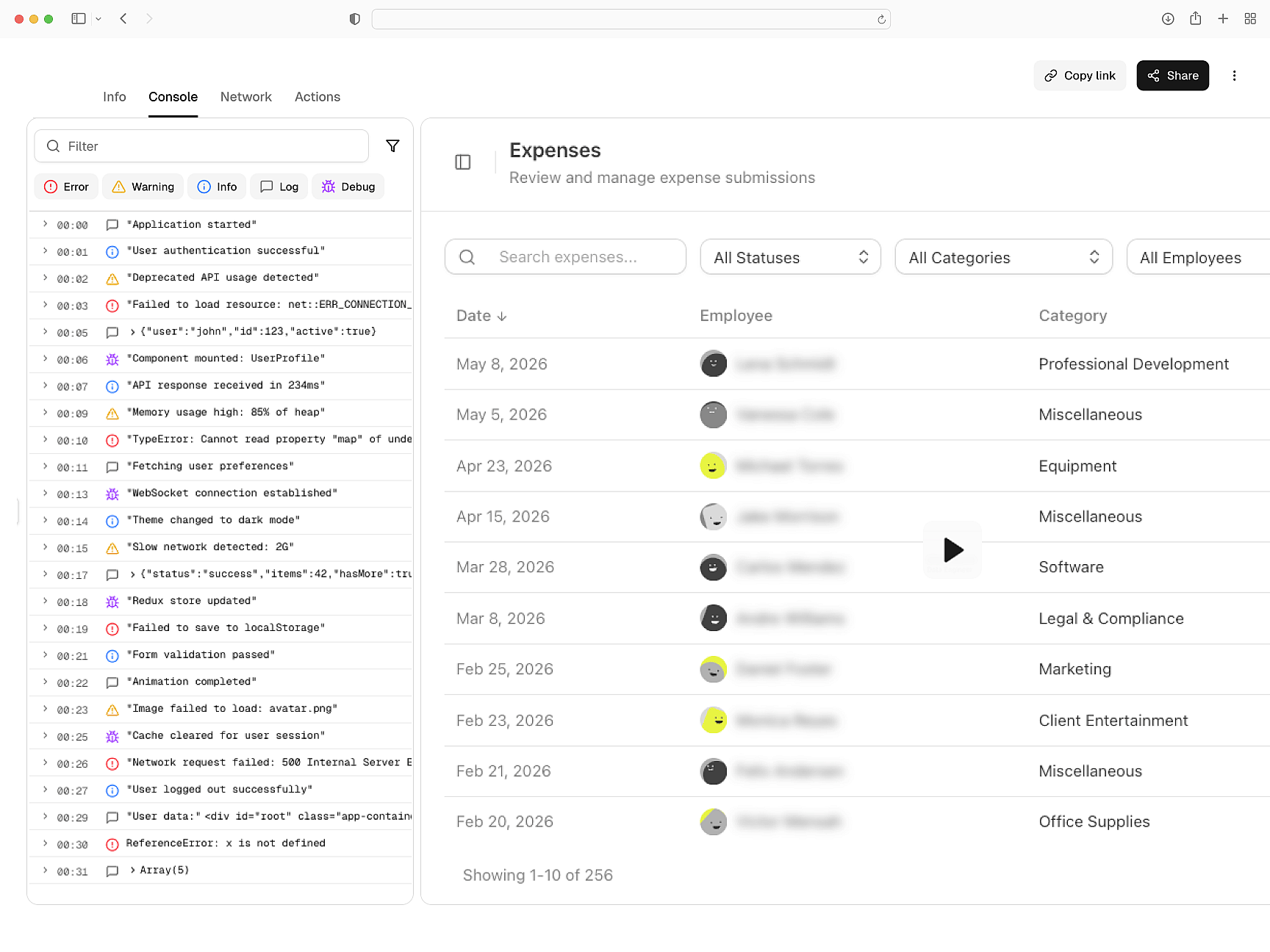
Console logs and network data
Automatically collect network requests, browser logs, and device details with every recording. Get to the root cause without involving engineering.
Triage without escalating
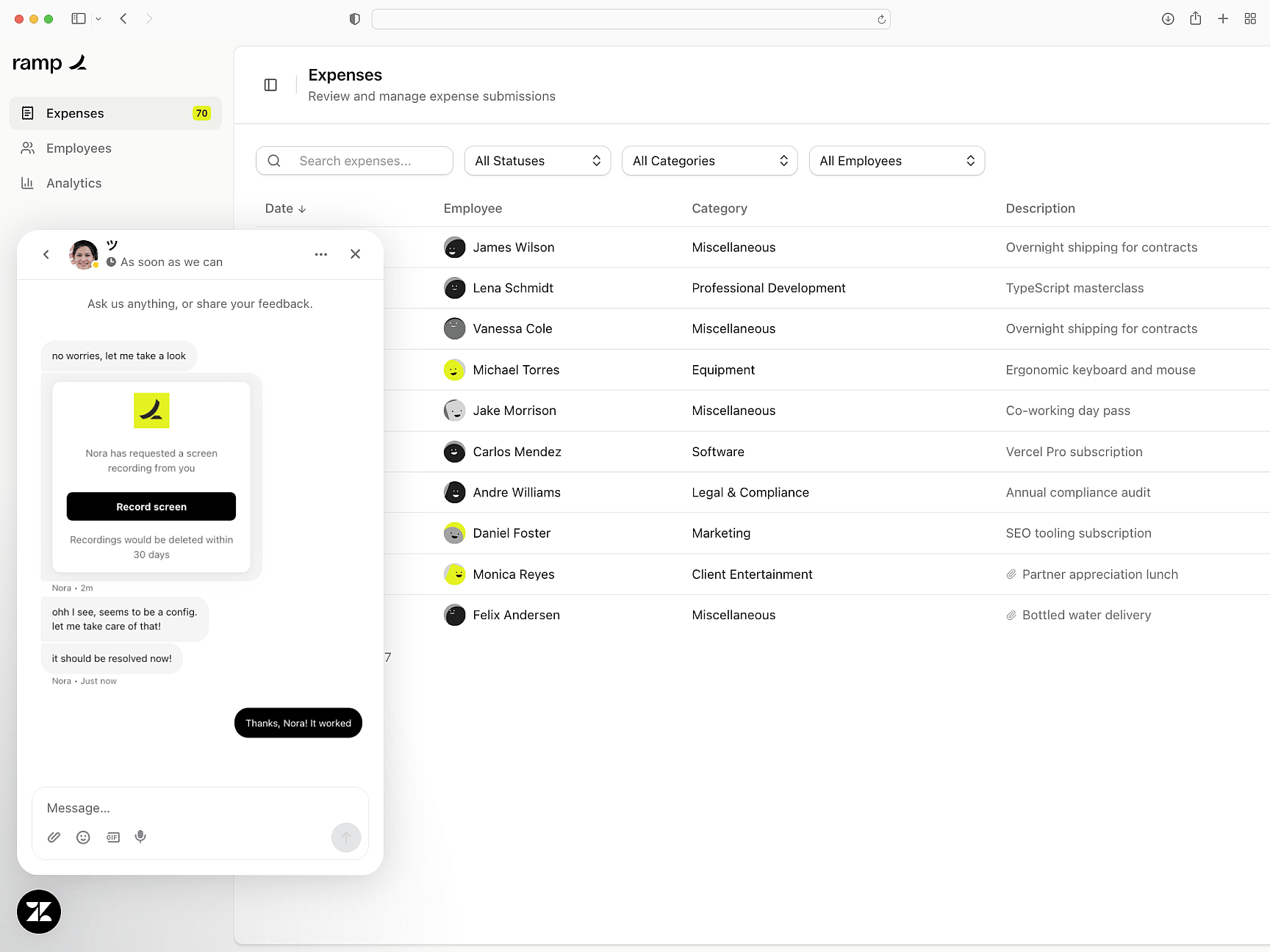
Native help desk integration
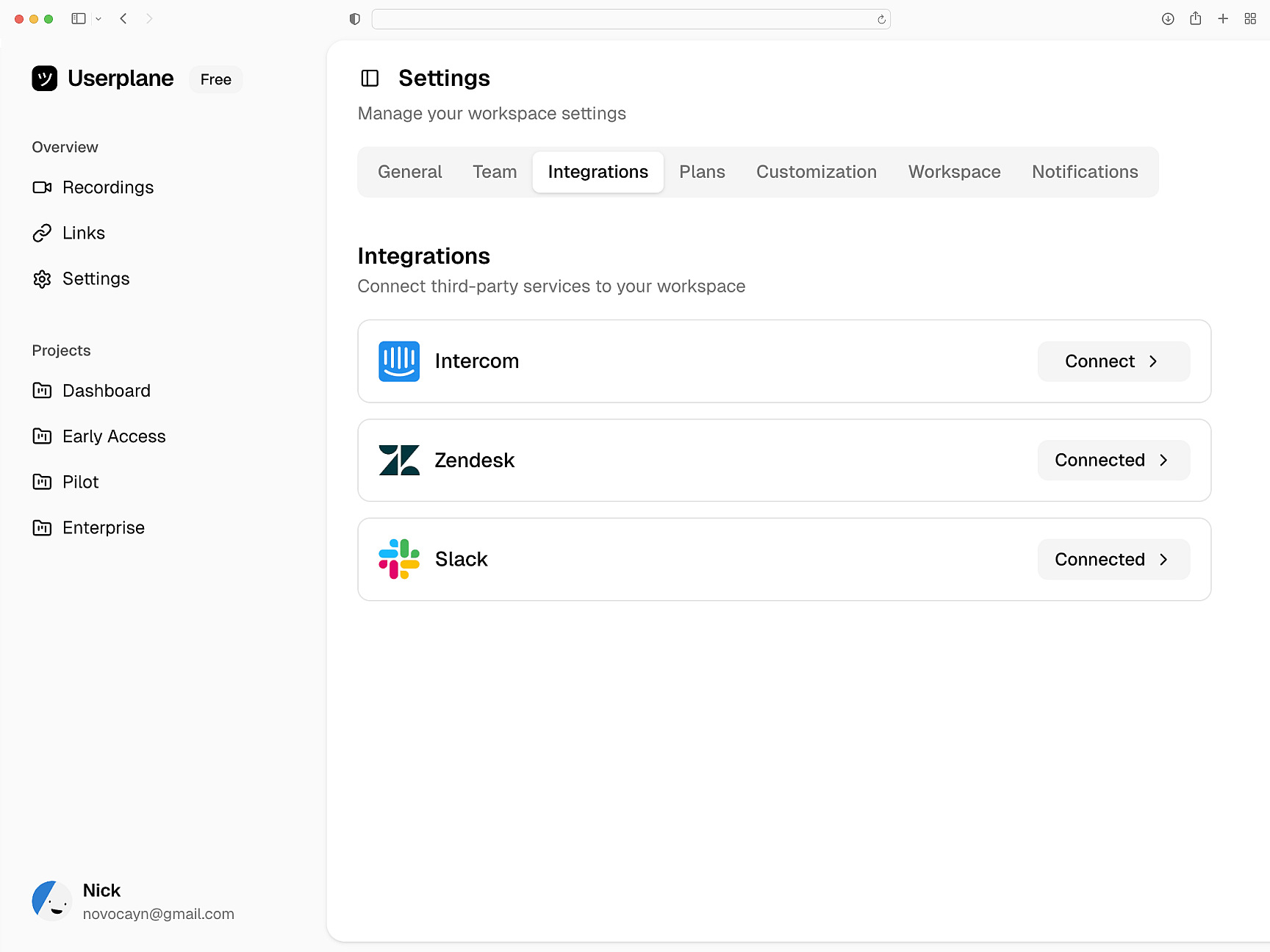
Request and review recordings from Intercom, Zendesk, or Slack. Recordings live alongside the conversation — accessible to everyone involved. No context switching required.
Works where you already work
Enterprise-grade privacy controls
Sensitive fields are redacted before recordings leave the browser. GDPR and CCPA compliant. Turn moments of friction into moments of trust.
Built for Trust
CS Teams
Customer Success Onboarding
Start collecting screen recordings from customers and reviewing sessions inside your help desk.
How Screen Recording Works
Learn how recordings capture console logs, network requests, and session metadata automatically.
Sensitive Data Redaction
Configure what gets captured and redacted. Automatic PII masking and compliance controls.
Support Agents
Close support tickets on first contact. Every recording lands with console logs, network data, and exact user steps.
Support Engineers
Diagnose escalations without back and forth. Each recording carries console logs, network data, session activity, and user steps.
Engineering Teams
Reproduce support issues with screen recordings. Console logs, network data, and session activity on every capture.
Resolve complex issues without back-and-forth
Screen recordings with console logs, network data, and session metadata. Handle complex issues without the escalation.