Resolve  Vue issues
with screen recordings
Console logs, user actions, and network data in every recording.
Compatible with Vue 3 and Vue Router.
Works with the tools you already use
 Intercom
 Zendesk
 Crisp
Crisp Help Scout
 Slack
Slack Zapier
 Freshdesk
 HubSpot
 Jira
Jira Linear
 Notion
 SalesforceIntercomZendeskCrispHelp ScoutSlackZapierFreshdeskHubSpotJiraLinearNotionSalesforce
Session replays on demand
Send a link. Customers record their session. You get a replay with every reactive state change, route transition, and error that occurred. No extensions required.
Record on demand
Technical context included
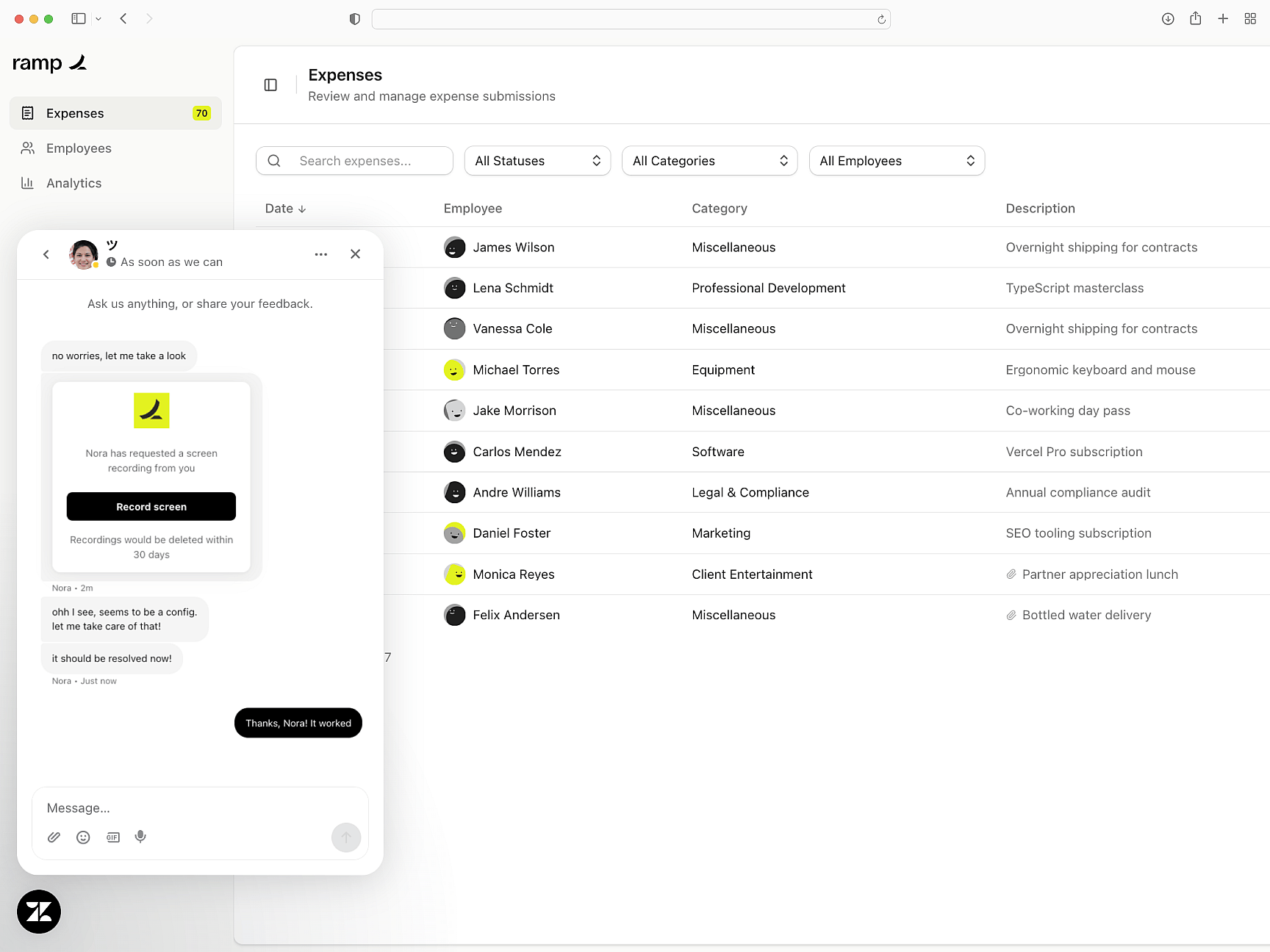
Console errors, network snapshots, browser metadata, and step-by-step user actions — attached to every recording from your Vue application automatically.
Everything to triage
Privacy controls included
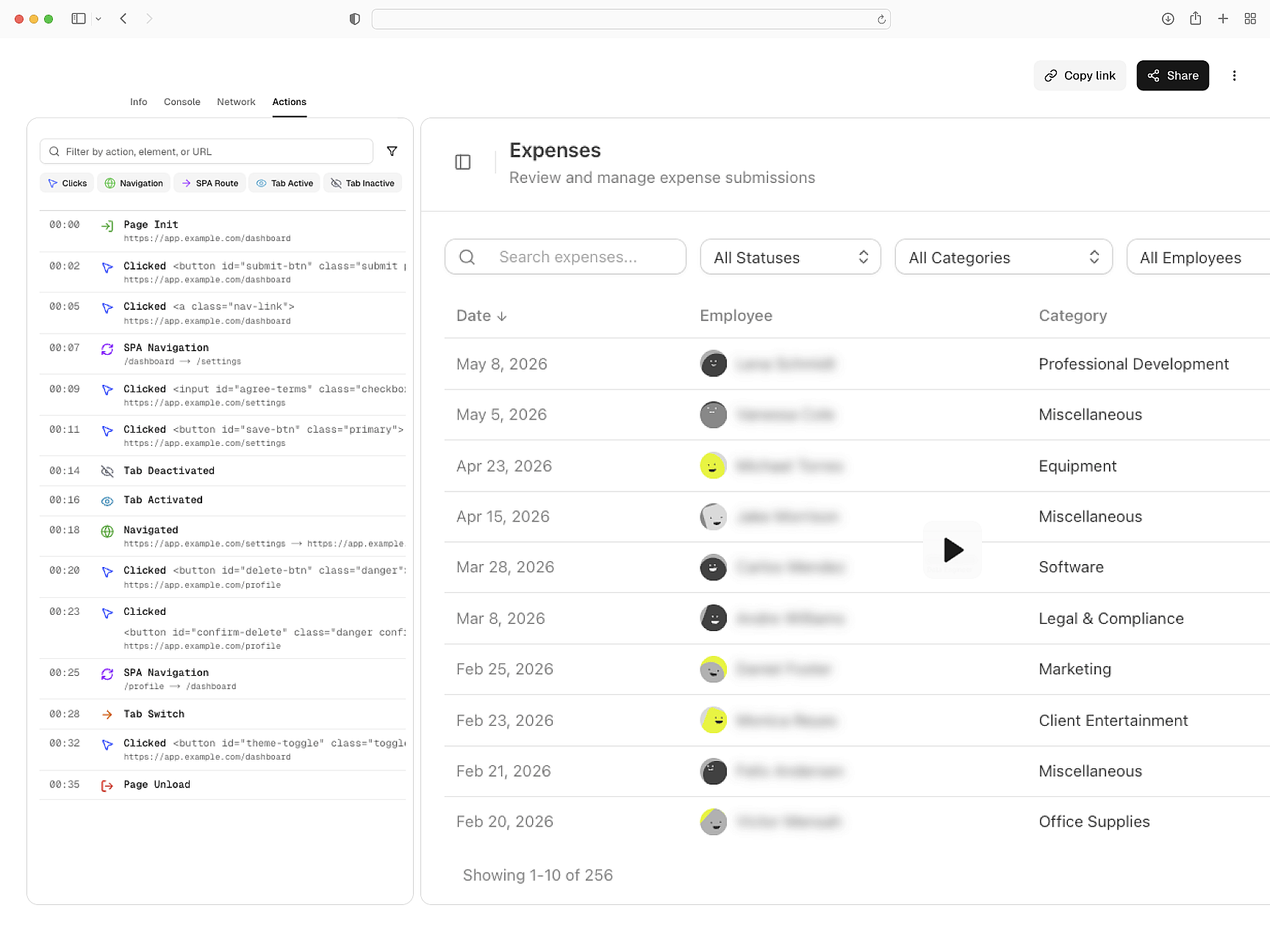
Sensitive data is redacted before it leaves the customer's browser. Router-aware token preservation. GDPR and CCPA compliant out of the box.
Redacted before capture
Integrates with your stack
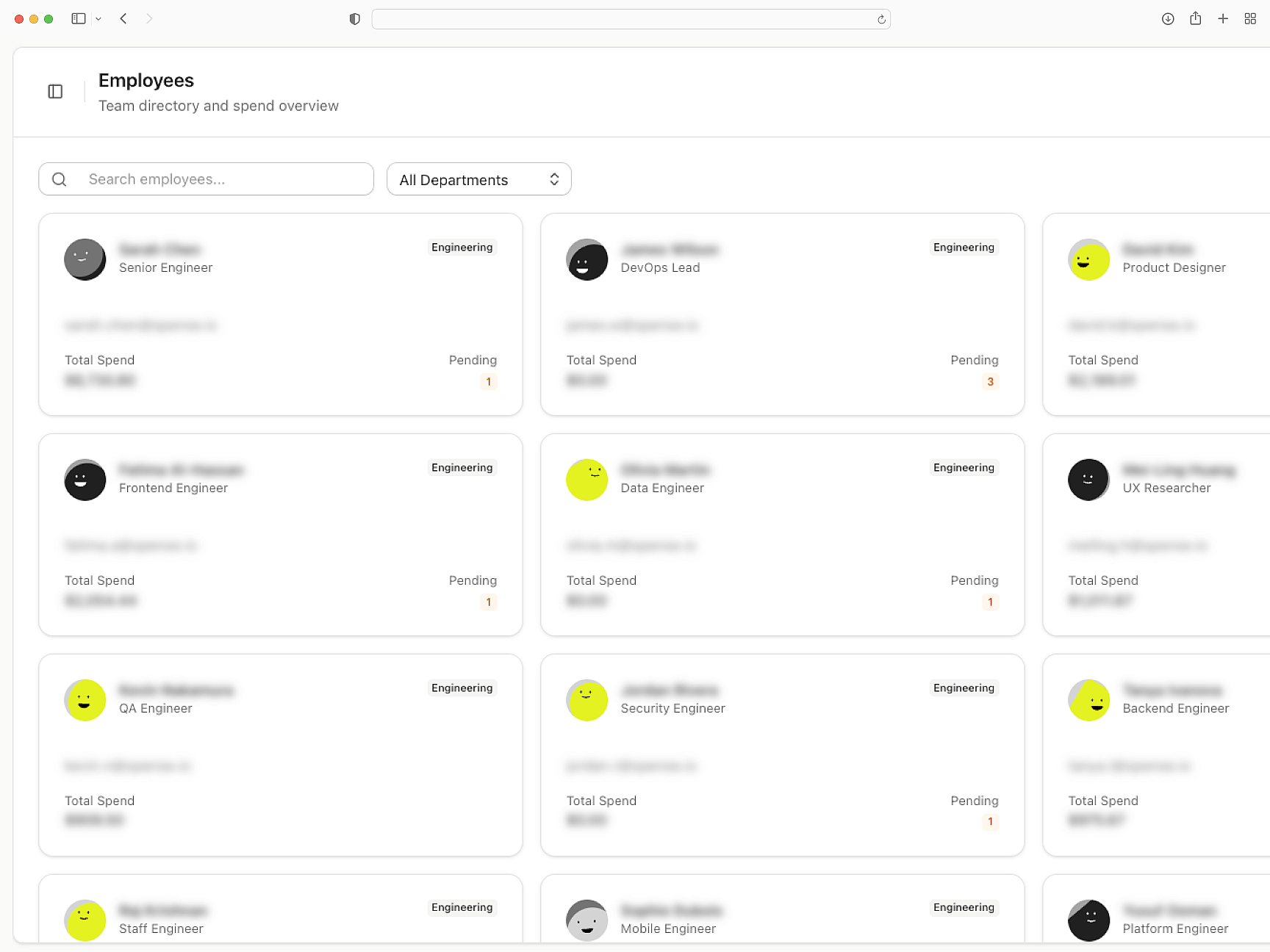
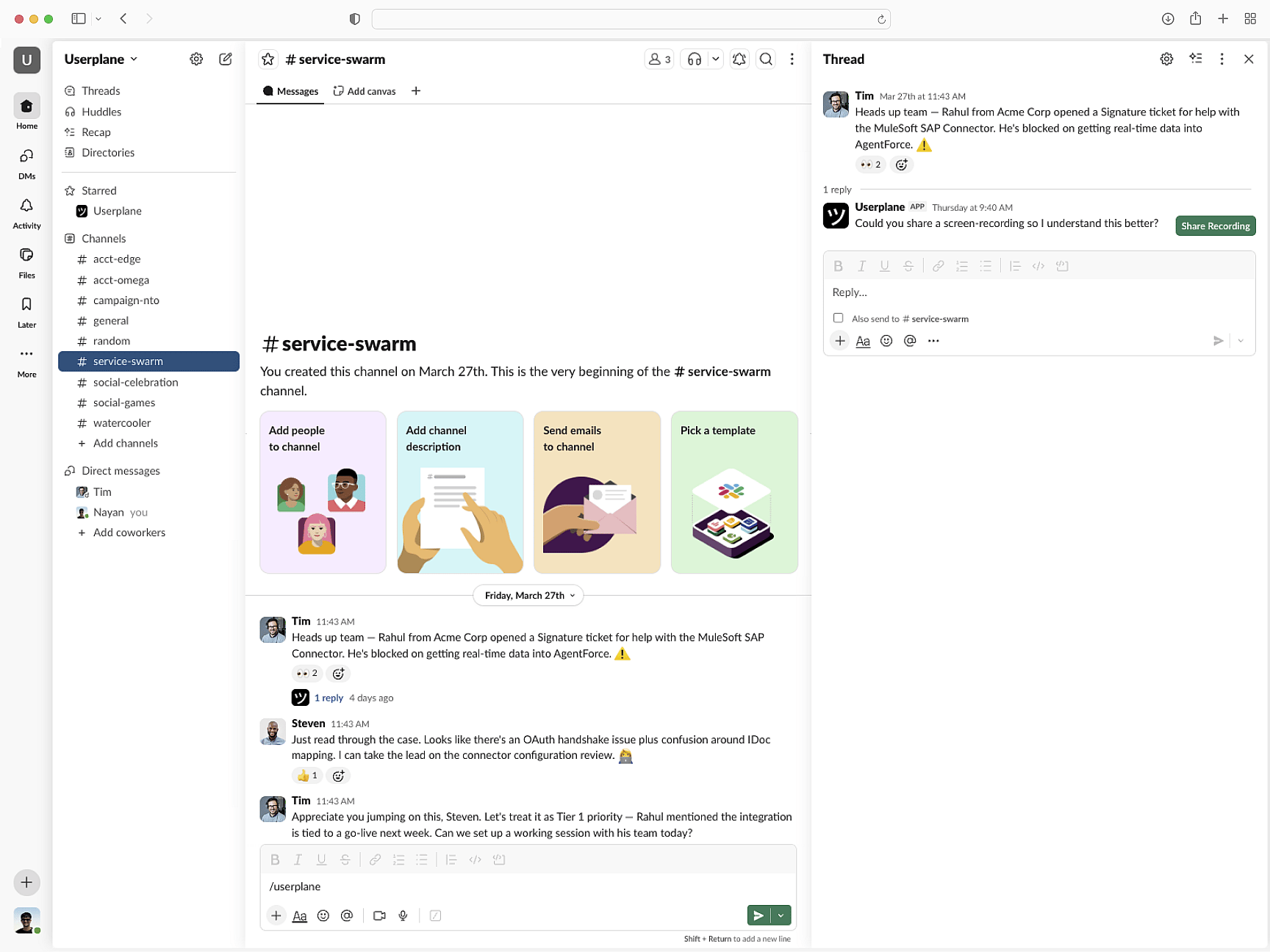
Recordings route to Intercom, Zendesk, or Slack. Session data links to tickets. API and webhook support for custom pipelines.
Fits your support workflow
Vue
Vue Setup Guide
Install Userplane in your Vue application. Vue plugin integration and router configuration.
SDK Overview
CDN script or npm package. Identify users, manage sessions, and apply privacy settings.
How Screen Recording Works
How recordings gather console output, network requests, and session interactions automatically.
Next.js
Capture console logs, network requests, and session details from your Next.js app. Works with App Router and Server Components.
React
Every React recording ships with console logs, network activity, and session context. Works with Vite, CRA, and custom setups.
Angular
Resolve Angular bugs from screen recordings. Get console logs, network data, and session activity from standalone components.
See exactly what went wrong in your Vue app
Reactive state issues, routing bugs, and runtime errors — every recording has the technical context to find the root cause.