Screen Recording Links
for  Support Teams
Share recording links right within Chrome. Capture logs, network activity, and user context to speed up ticket resolution.
Available in theChrome Web Store
Works with the tools you already use
 Intercom
 Zendesk
 Crisp
Crisp Help Scout
 Slack
Slack Zapier
 Freshdesk
 HubSpot
 Jira
Jira Linear
 Notion
 Salesforce
 Asana
Asana Chrome
 ClickUp
 Discord
 Freshchat
 Front
Front HappyFox
 Hiver
Hiver Jira Service Desk
 Make
Make n8n
n8n Plain
Plain Pylon
Pylon Sentry
 ZohoIntercomZendeskCrispHelp ScoutSlackZapierFreshdeskHubSpotJiraLinearNotionSalesforceAsanaChromeClickUpDiscordFreshchatFrontHappyFoxHiverJira Service DeskMaken8nPlainPylonSentryZoho
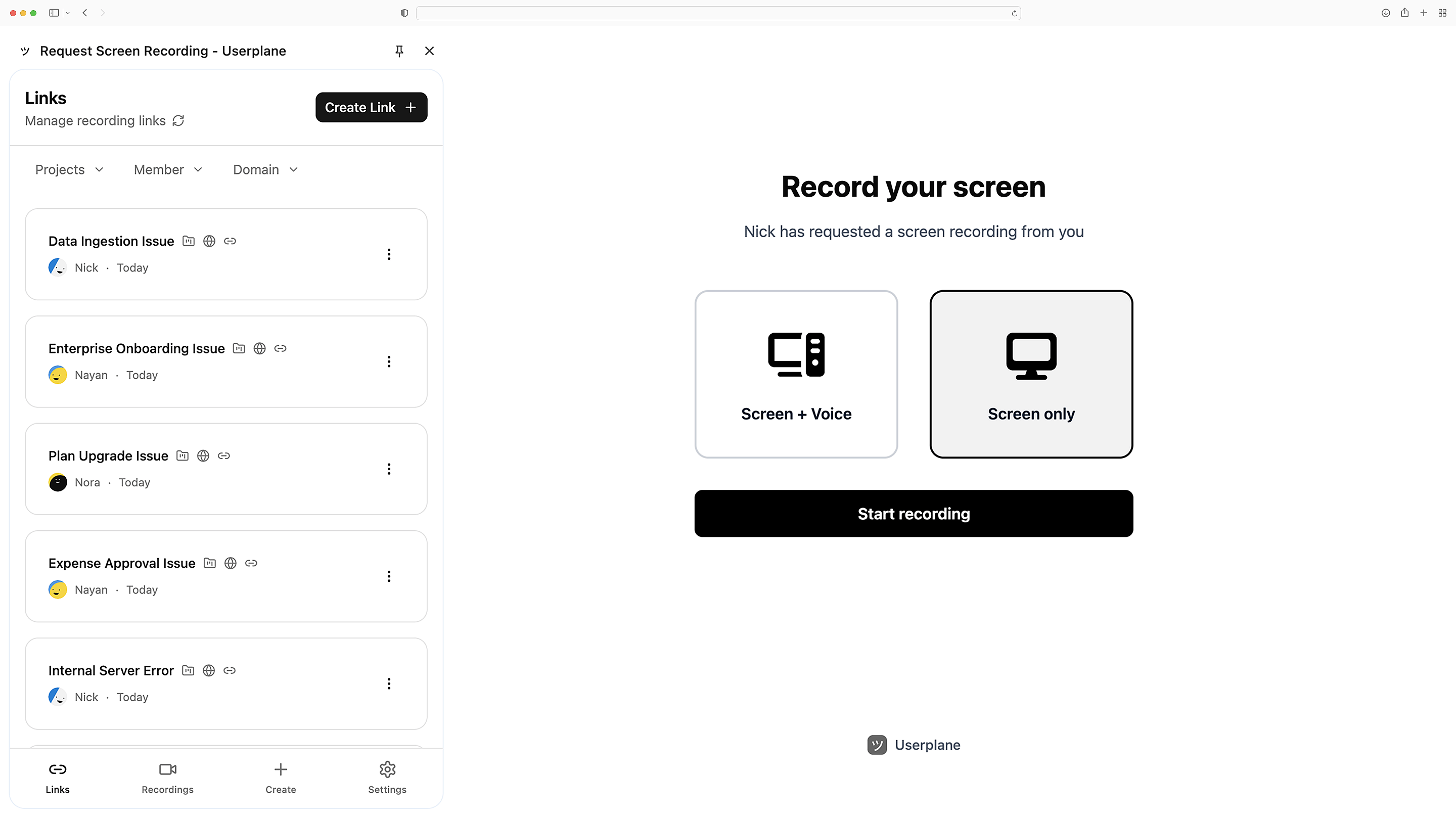
Send a link. Get a recording.
Userplane lives in your Chrome toolbar. Create and send recording links from any page. No integration required.
Zero-friction recording
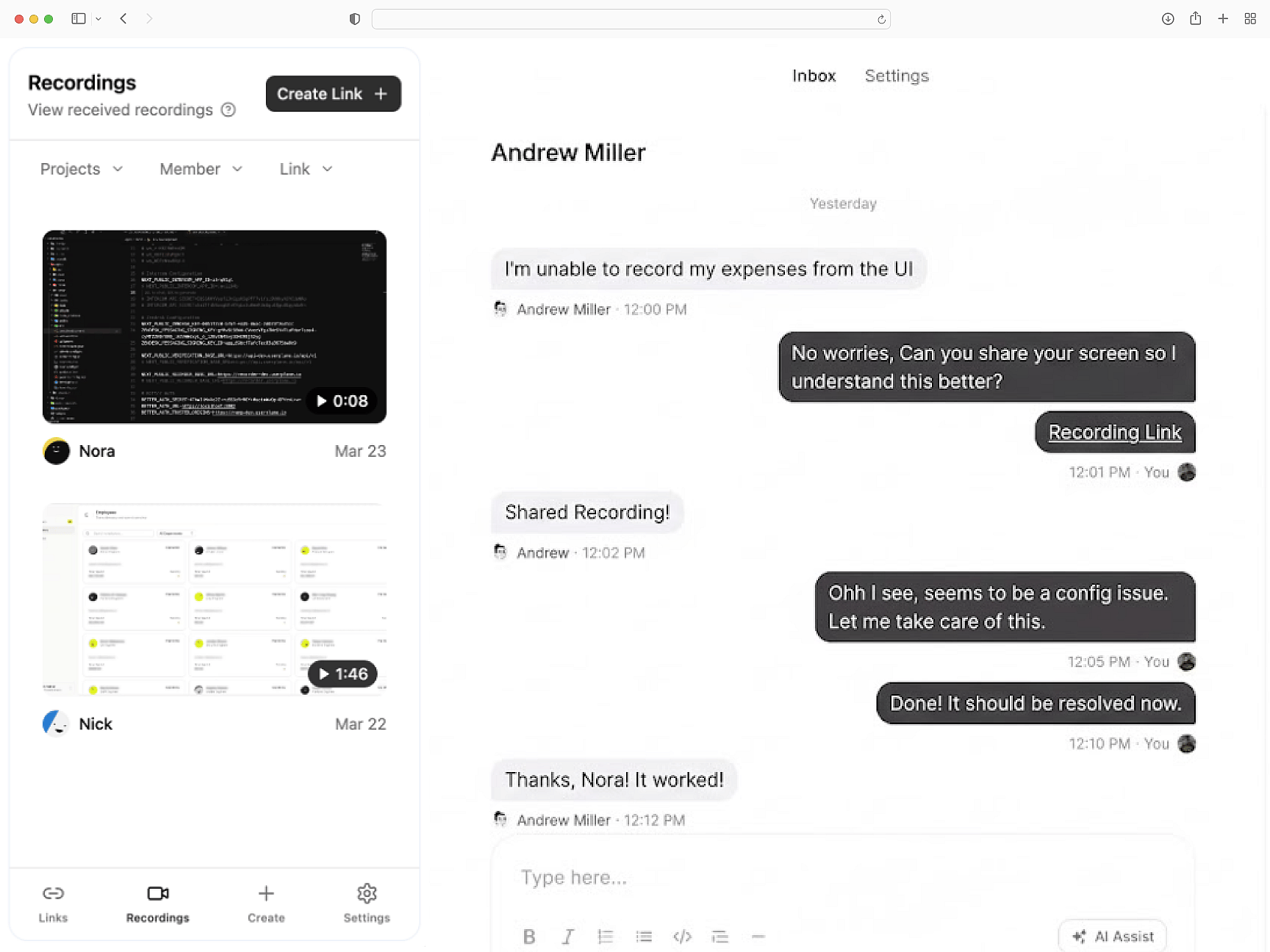
Automatic technical context
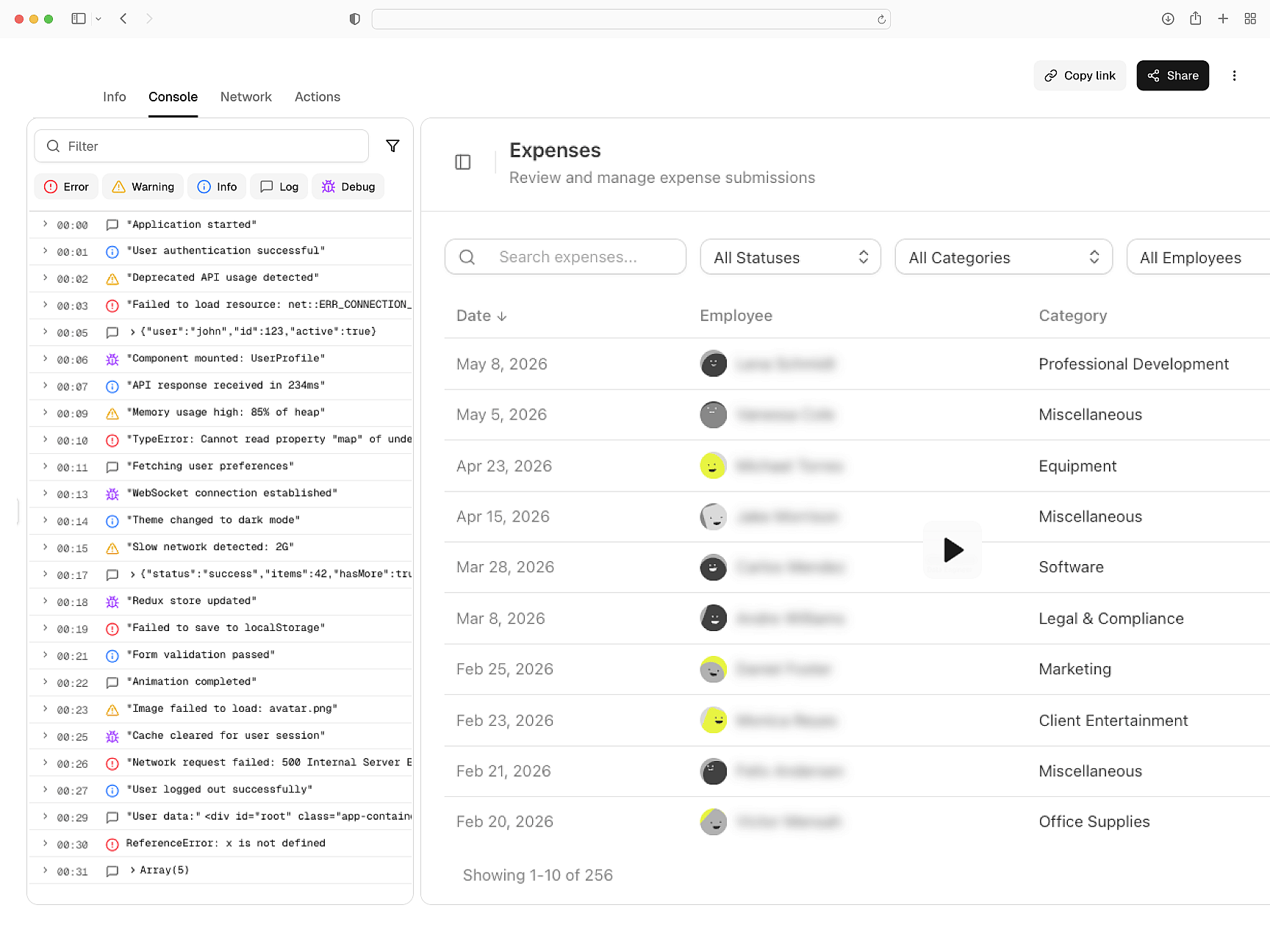
Every recording link includes logs, network activity, and session data—so your team can debug faster without asking customers for more details.
Built for debugging
Secure and private
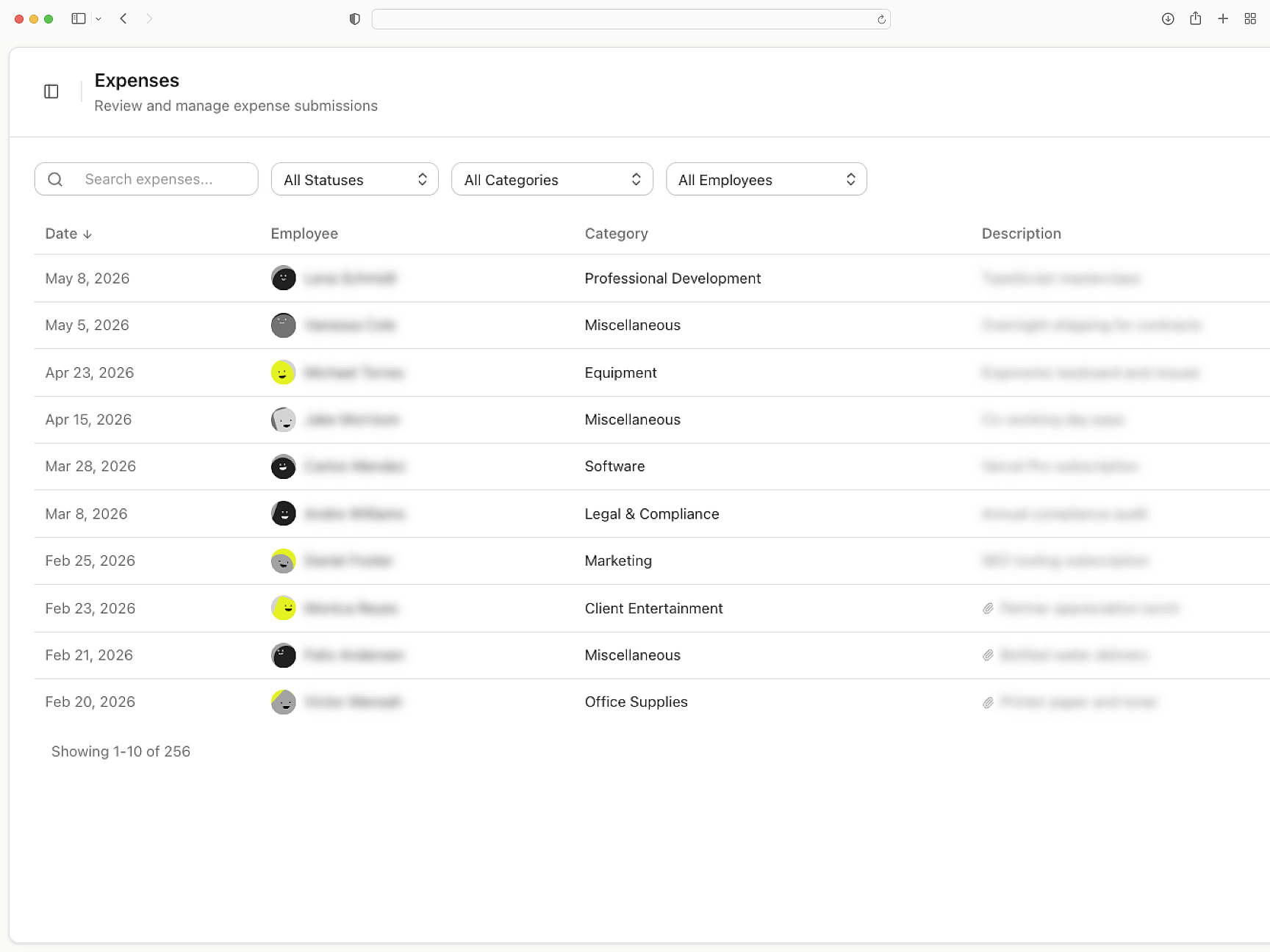
Userplane protects your customers by default. Control what gets recorded, and stay compliant without additional effort.
Built for compliance
Chrome
Getting Started with Chrome Extension
Set up Userplane in your Chrome Extension workspace and send your first recording request in minutes.
How Screen Recording Works
Learn how recordings capture console logs, network requests, and session metadata automatically.
Developer Installation Guide
Technical guide for installing the Userplane SDK and configuring it for your application.
Intercom
Resolve Intercom tickets without back-and-forth. Recordings carry console logs, network data, and session activity.
Slack
Triage customer bugs within Slack. Every screen recording carries console logs, network data, and session activity.
Zendesk
Close Zendesk tickets on first contact. Each request returns a recording with console logs, network data, and session activity.
Request screen recordings
right within Chrome
Send a recording link and get back a complete replay of the customer's issue.