Fix user-reported issues
with screen recordings
Capture console logs, network requests, and session activity from any app. One script tag. No frameworks needed.
Works with the tools you already use
 Intercom
 Zendesk
 Crisp
Crisp Help Scout
 Slack
Slack Zapier
 Freshdesk
 HubSpot
 Jira
Jira Linear
 Notion
 SalesforceIntercomZendeskCrispHelp ScoutSlackZapierFreshdeskHubSpotJiraLinearNotionSalesforce
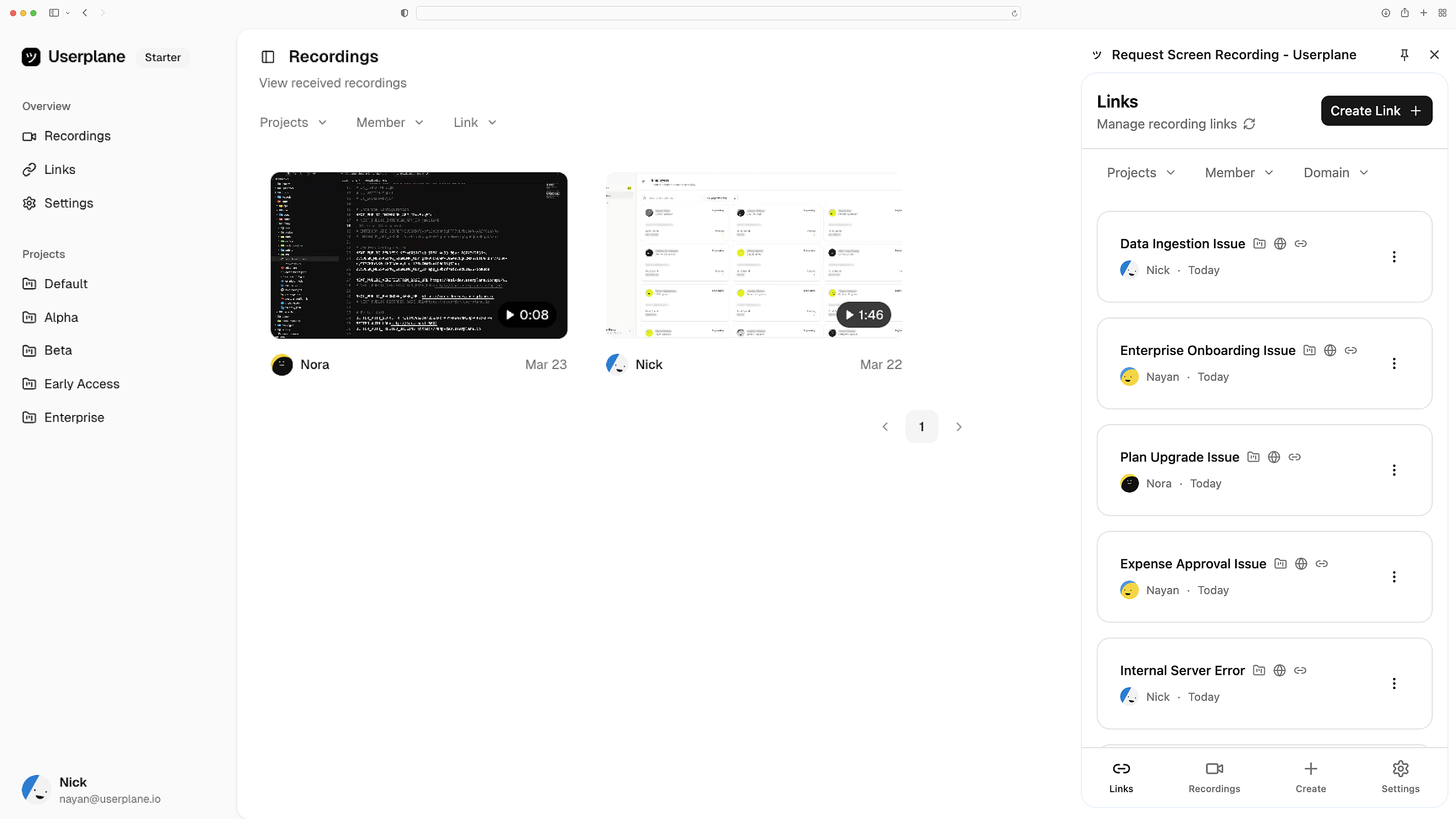
Add a script tag, done
One <script> tag and a <meta> tag in your HTML. No npm, no build step, no framework. Customers record from a link — you get the full replay.
Paste and ship
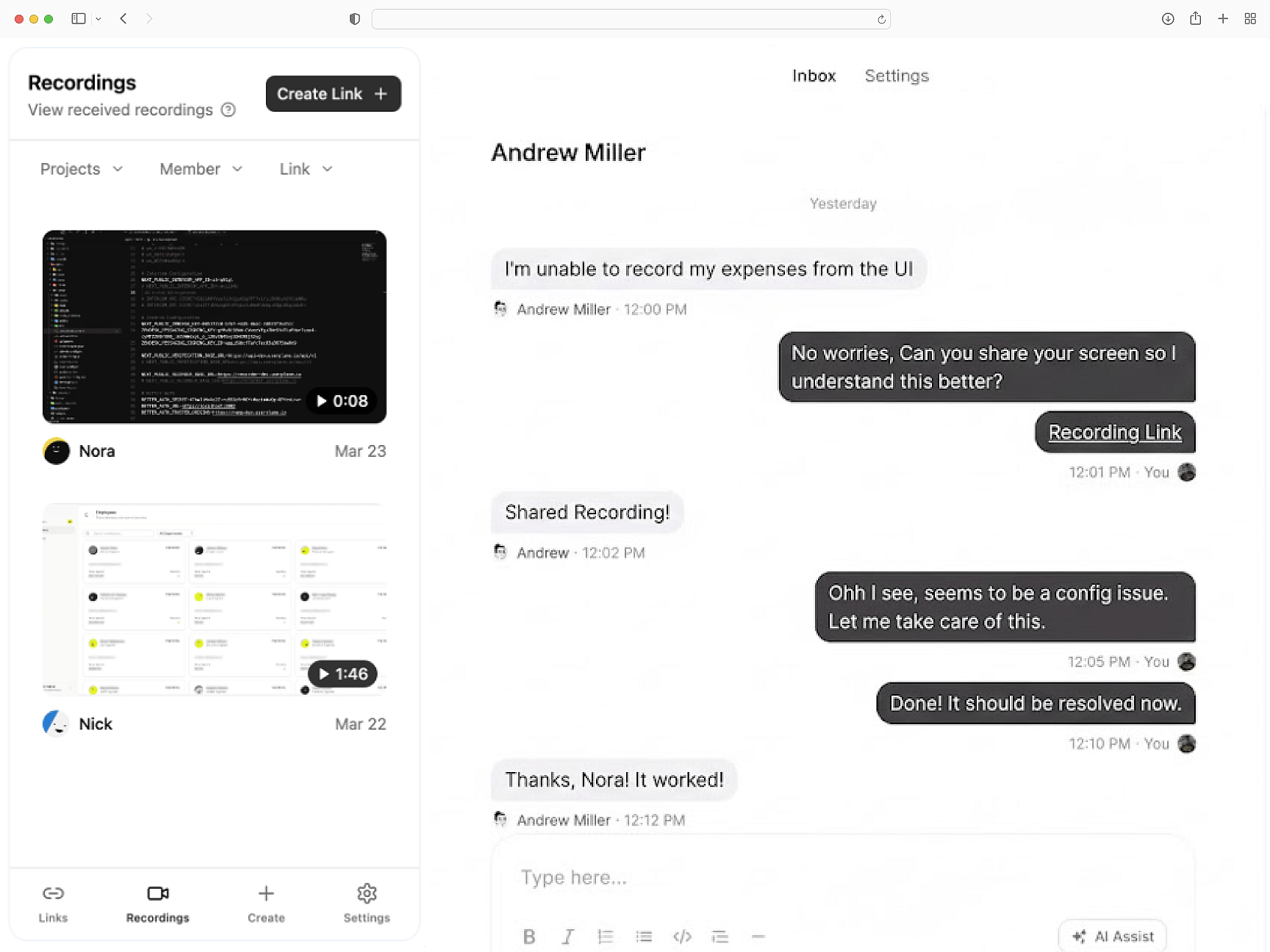
Logs and network included
Console errors, network request data, browser metadata, and user steps — attached to every recording. Works on any page that runs JavaScript.
Works everywhere
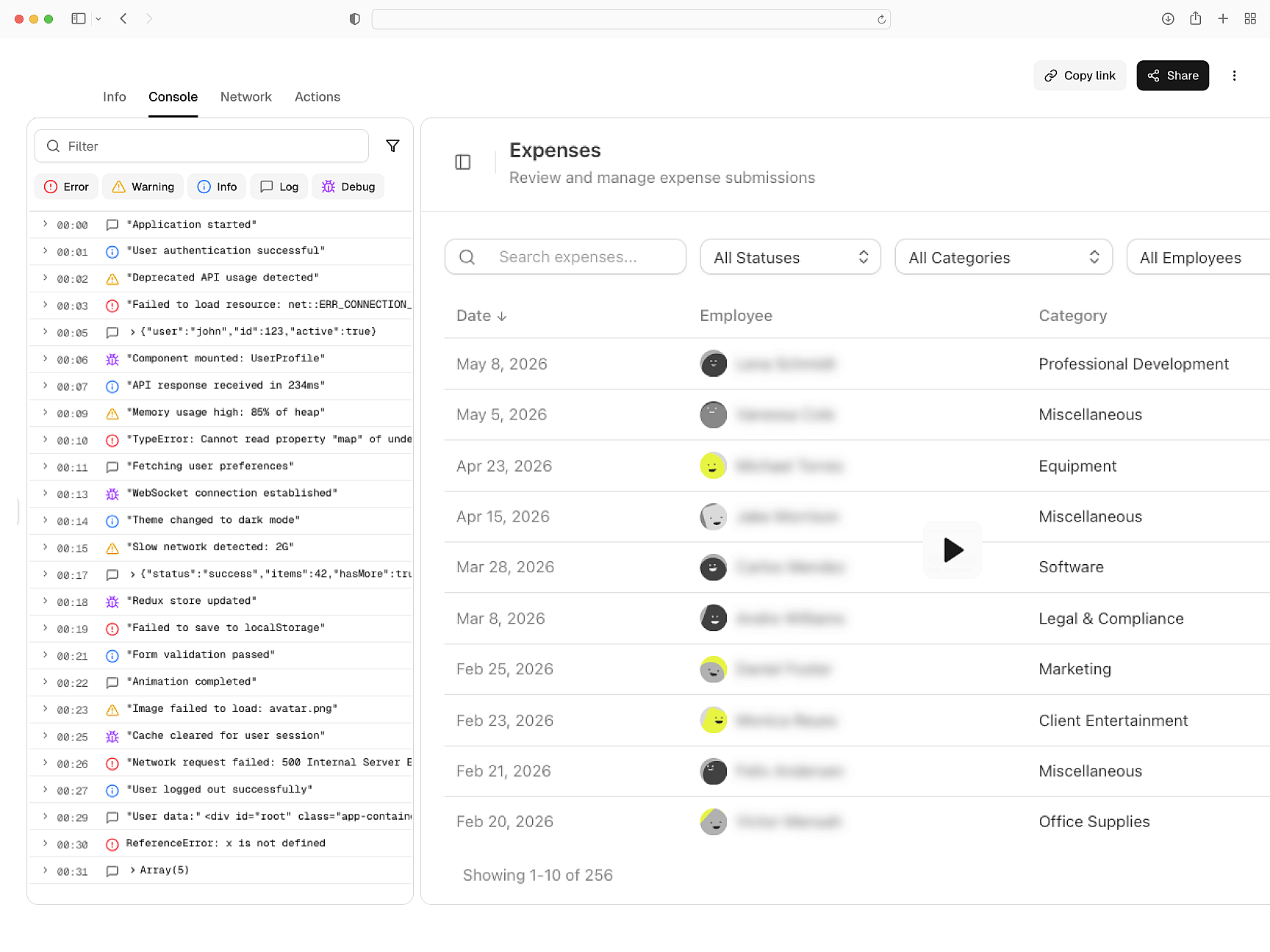
Redaction via markup
Add data-userplane-blur to any HTML element to redact it. Configure blur targets via meta tags. No code changes. GDPR and CCPA compliant.
Private by default
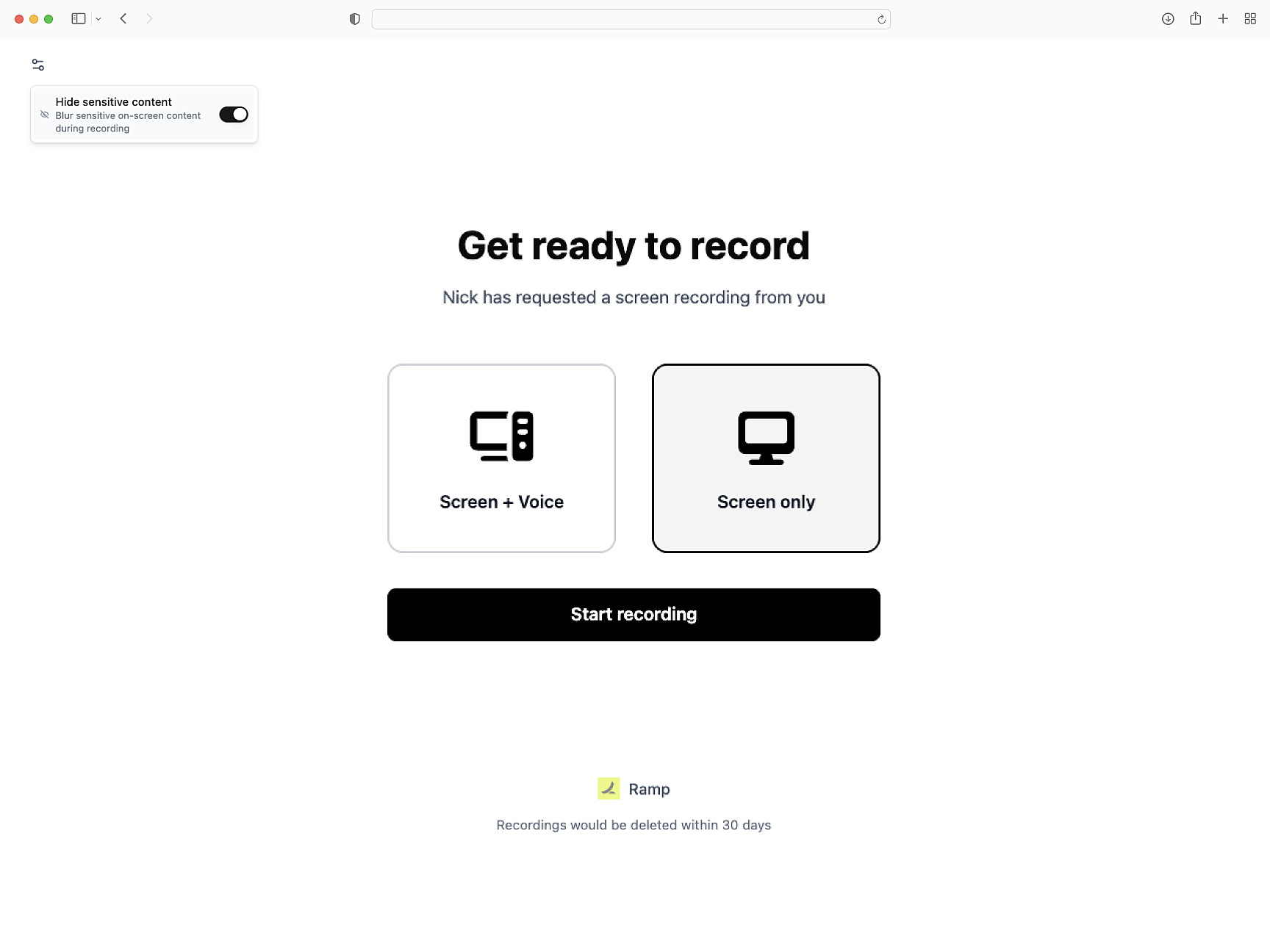
Works with every help desk
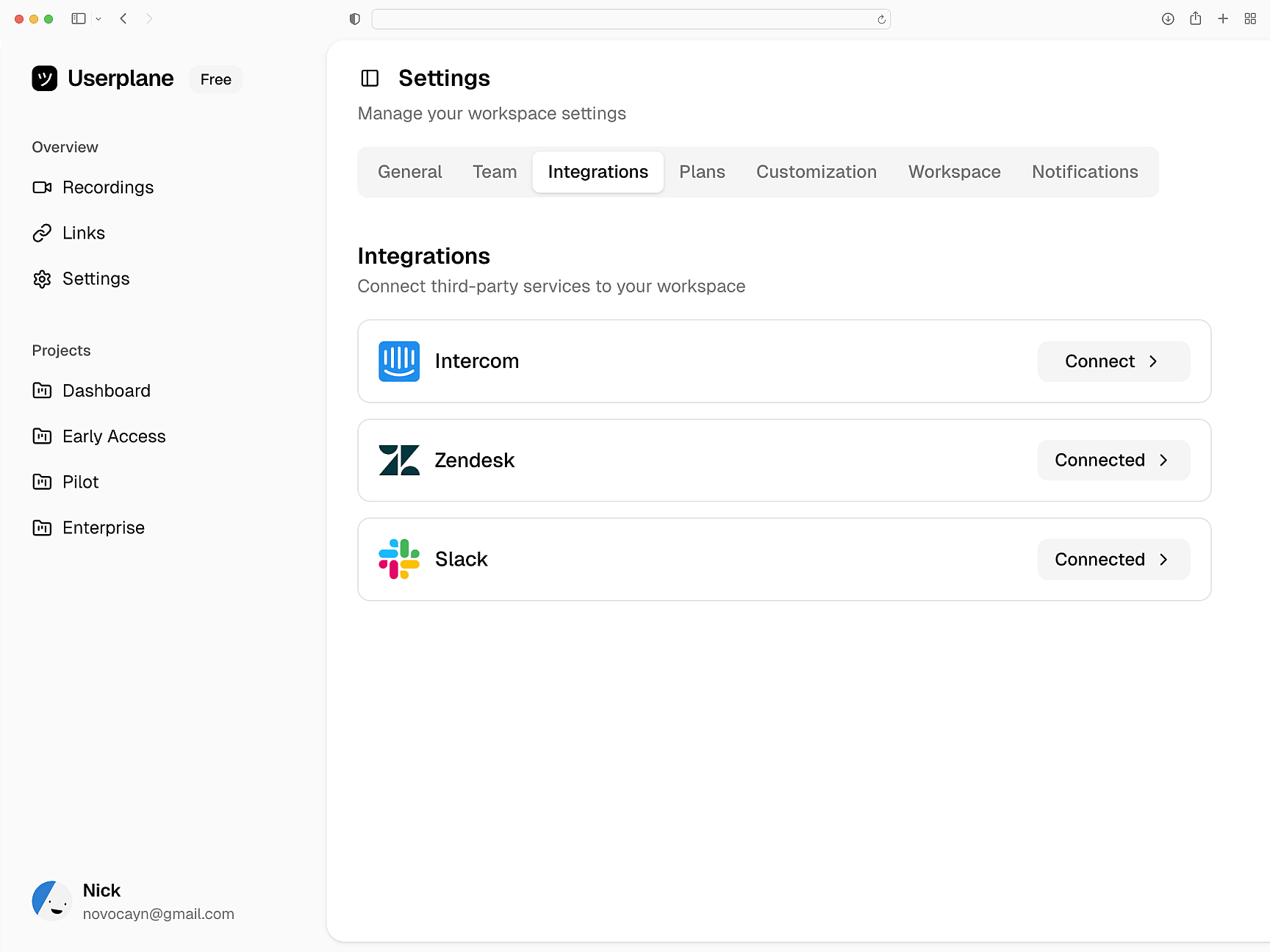
Recordings attach to Intercom, Zendesk, and Slack. Session data routes to tickets. API and webhook support for any custom integration.
Help desk agnostic
Web
Static HTML Setup Guide
Add Userplane to any website. One script tag, no build step.
SDK Overview
One script tag or npm install. Attach metadata, trigger recordings, and mask sensitive fields.
How Screen Recording Works
How recordings capture errors, network traffic, and session behavior automatically.
Next.js
Capture console logs, network requests, and session details from your Next.js app. Works with App Router and Server Components.
React
Every React recording ships with console logs, network activity, and session context. Works with Vite, CRA, and custom setups.
Vue
Every Vue recording ships with console logs, network data, and session activity across Vue 3 components and Vue Router transitions.
Fix customer issues without asking what happened
Console errors, network data, and user steps — everything your team needs to resolve issues on first contact.