Get complete visibility
into customer issues
Request screen recordings with console logs and session data. See exactly what went wrong and resolve it on the first contact.
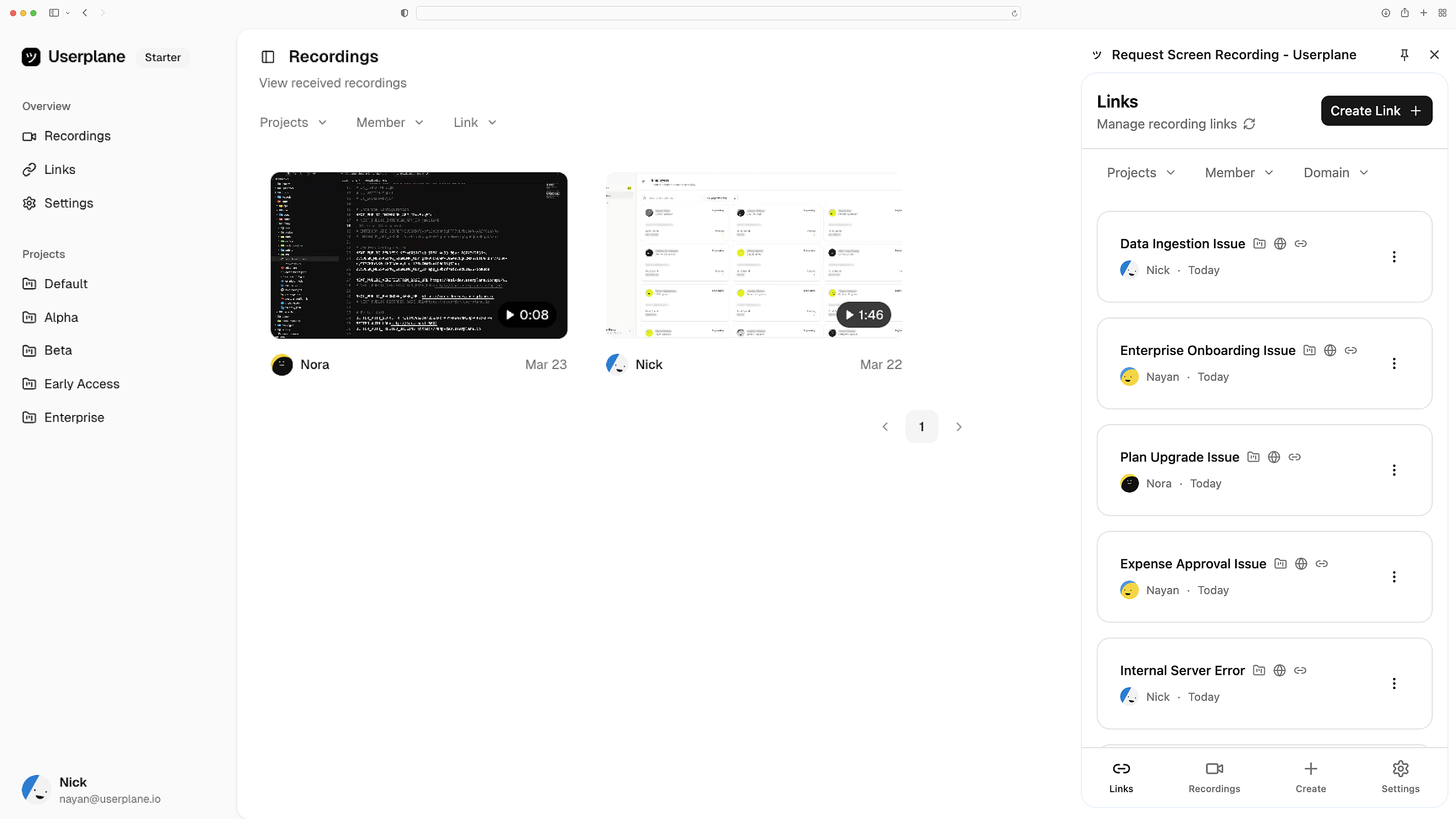
Works with the tools you already use
 Intercom
 Zendesk
 Crisp
Crisp Help Scout
 Slack
Slack Zapier
 Freshdesk
 HubSpot
 Jira
Jira Linear
 Notion
 SalesforceIntercomZendeskCrispHelp ScoutSlackZapierFreshdeskHubSpotJiraLinearNotionSalesforce
Know exactly what went wrong
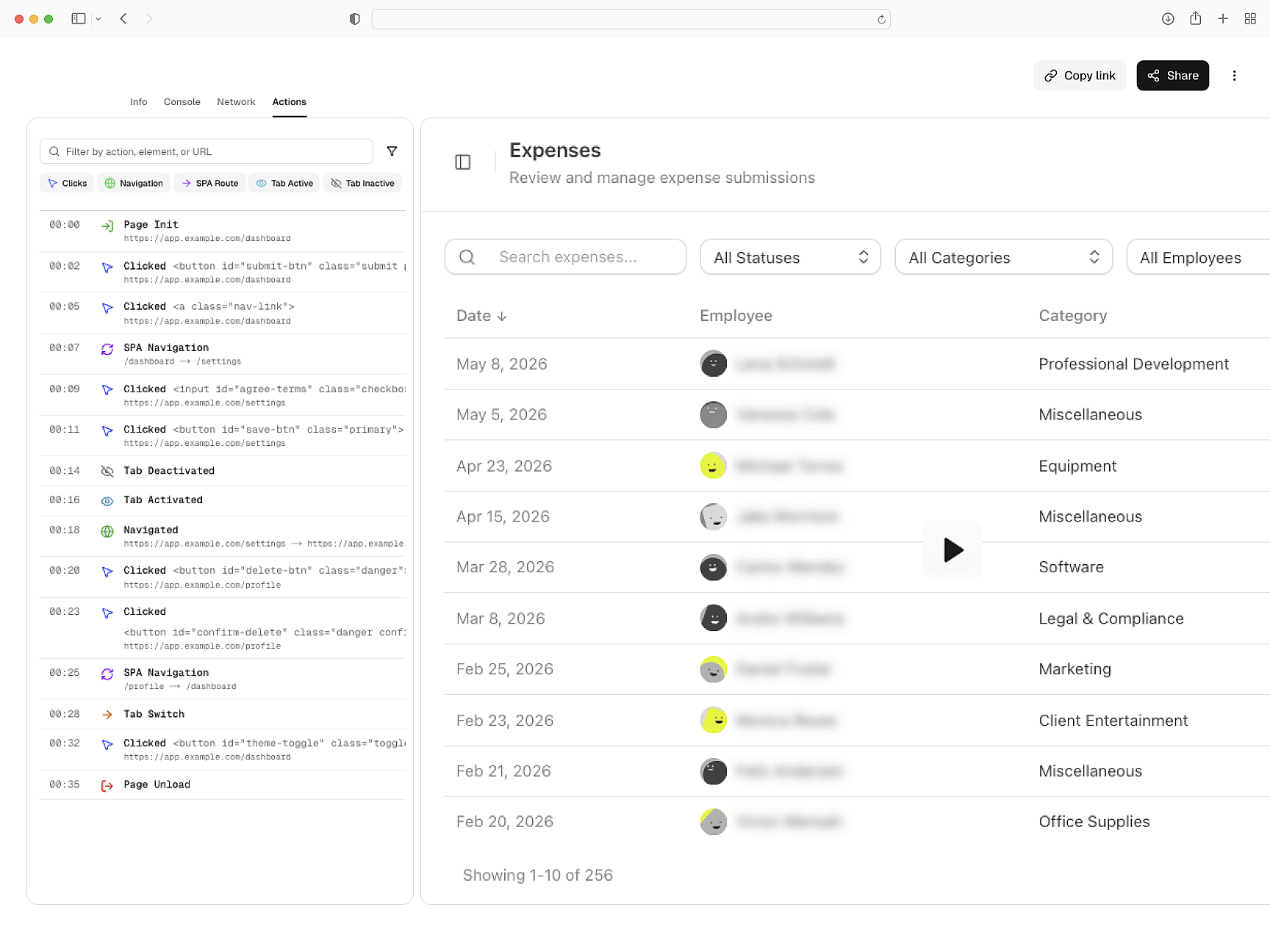
See the exact steps that led to the issue. Every click, scroll, and moment leading up to the problem. Get the full sequence — from first action to point of failure, delivered to you.
See the issue, not a description of it
Get to the root cause
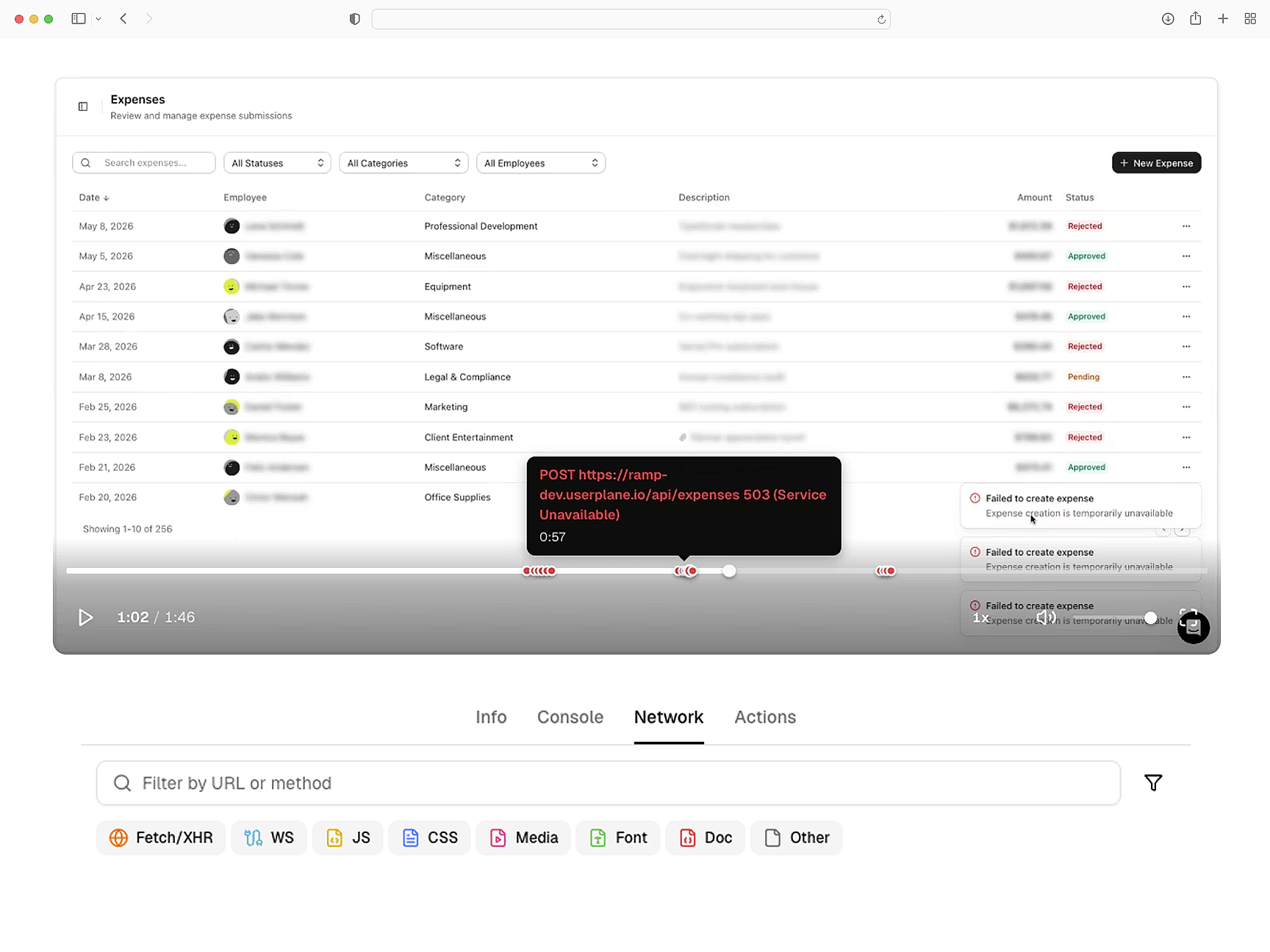
Every recording includes console errors, network requests and a step-by-step action trail. So you can triage issues with complete context upfront. No additional follow-ups needed.
Everything you need to triage
No context switch needed
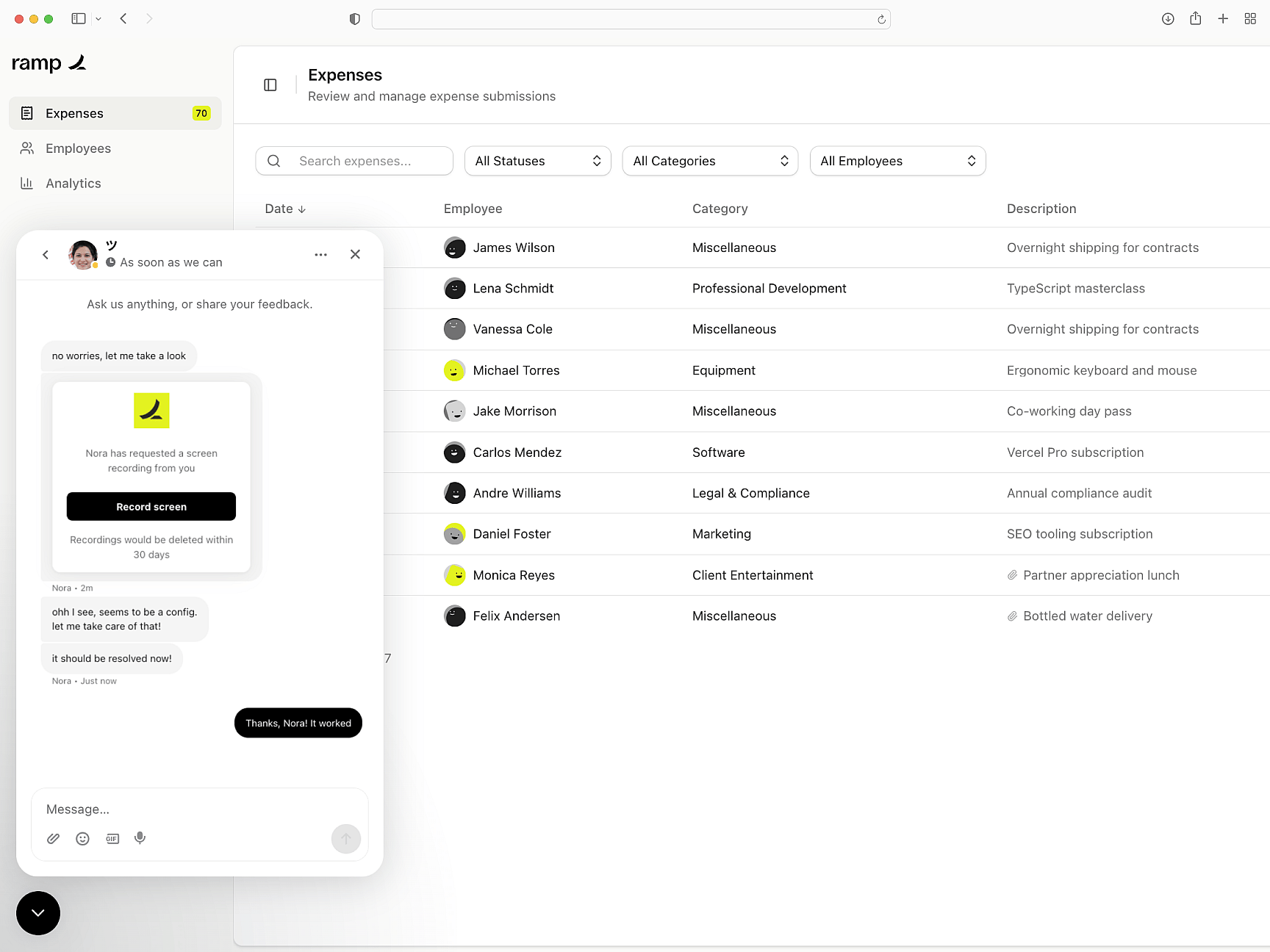
Userplane fits into your existing support workflow. Request and review recordings from the sidebar, shortcuts, and macros — without leaving Intercom, Zendesk, or Slack.
Works where you already work
Built for compliance
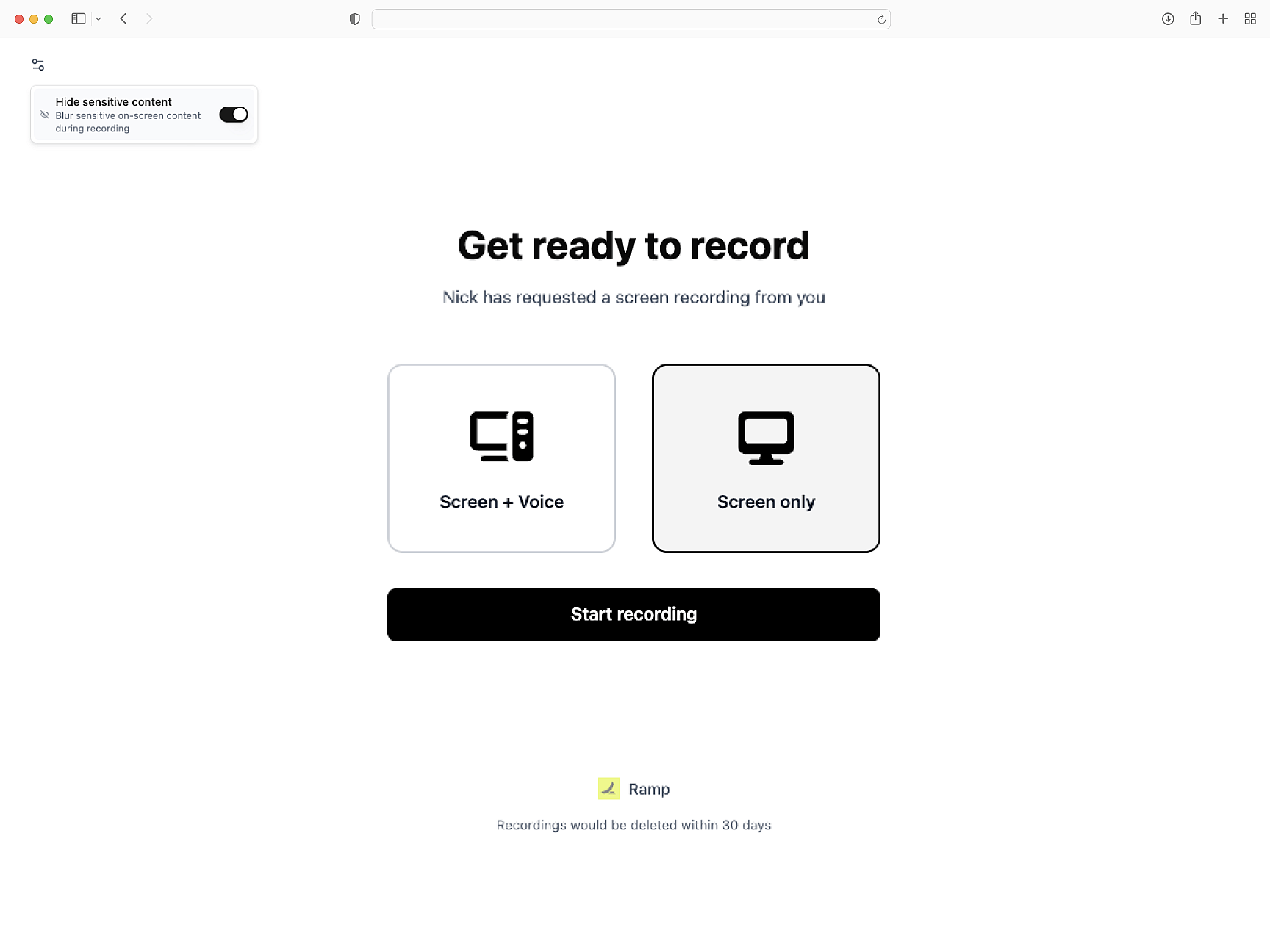
Sensitive data gets redacted and confidential fields get blurred automatically. Built-in consent controls — so your team gets full context without any compliance risk.
Compliant out of the box
Agents
Support Agent Onboarding
Start collecting screen recordings from customers and reviewing sessions inside your help desk.
How Screen Recording Works
Learn how recordings capture console logs, network requests, and session metadata automatically.
Help Desk Setup
Connect Userplane to your help desk and send your first recording request in minutes.
Support Engineers
Diagnose escalations without back and forth. Each recording carries console logs, network data, session activity, and user steps.
Customer Success
Understand harder to describe issues. Every recording carries console logs, network data, and full session context.
Engineering Teams
Reproduce support issues with screen recordings. Console logs, network data, and session activity on every capture.
Stop guessing what went wrong
Resolve issues on first contact with screen recordings, console logs, network requests, and user steps.