Request screen recordings
without leaving  Intercom
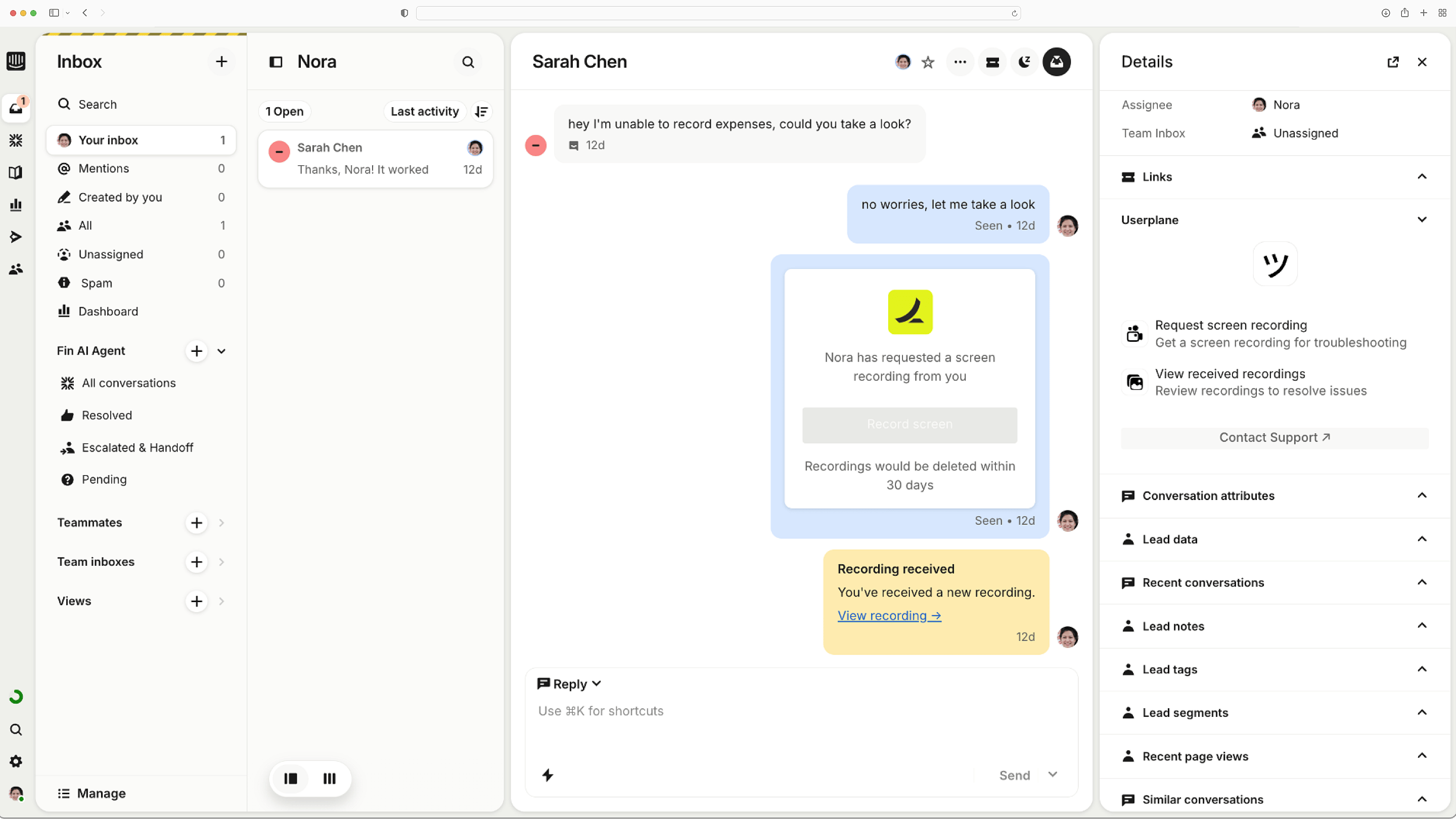
Userplane embeds screen recording into Intercom.
So your team can understand and resolve support issues faster.
Available in theIntercom App Store
Works with the tools you already use
 Intercom
 Zendesk
 Crisp
Crisp Help Scout
 Slack
Slack Zapier
 Freshdesk
 HubSpot
 Jira
Jira Linear
 Notion
 Salesforce
 Asana
Asana Chrome
 ClickUp
 Discord
 Freshchat
 Front
Front HappyFox
 Hiver
Hiver Jira Service Desk
 Make
Make n8n
n8n Plain
Plain Pylon
Pylon Sentry
 ZohoIntercomZendeskCrispHelp ScoutSlackZapierFreshdeskHubSpotJiraLinearNotionSalesforceAsanaChromeClickUpDiscordFreshchatFrontHappyFoxHiverJira Service DeskMaken8nPlainPylonSentryZoho
Built for Intercom
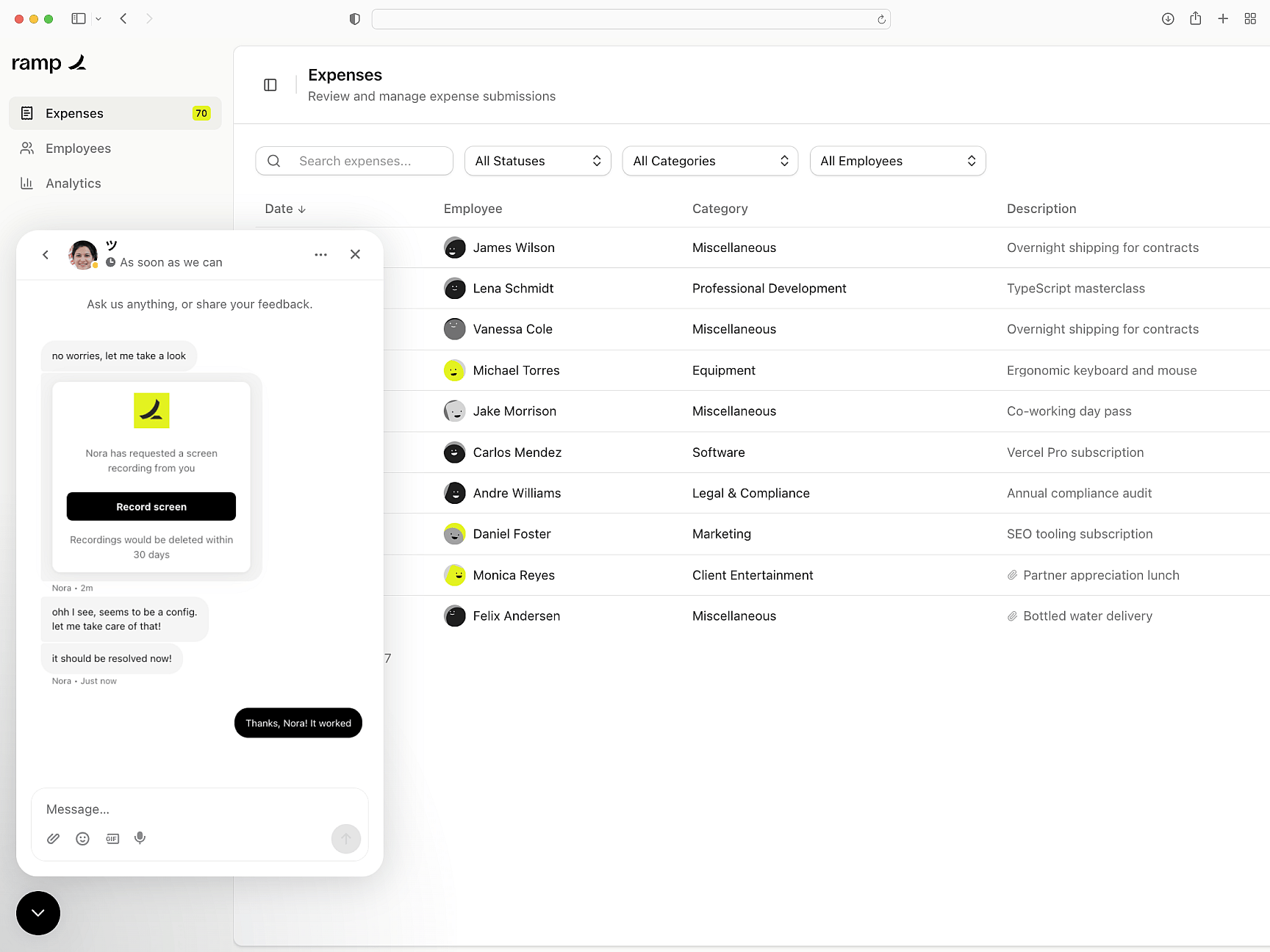
Userplane brings screen recordings into Intercom Messenger, so your team can see exactly what went wrong and resolve issues faster. Send one-click recording links that work anywhere.
Native Intercom integration
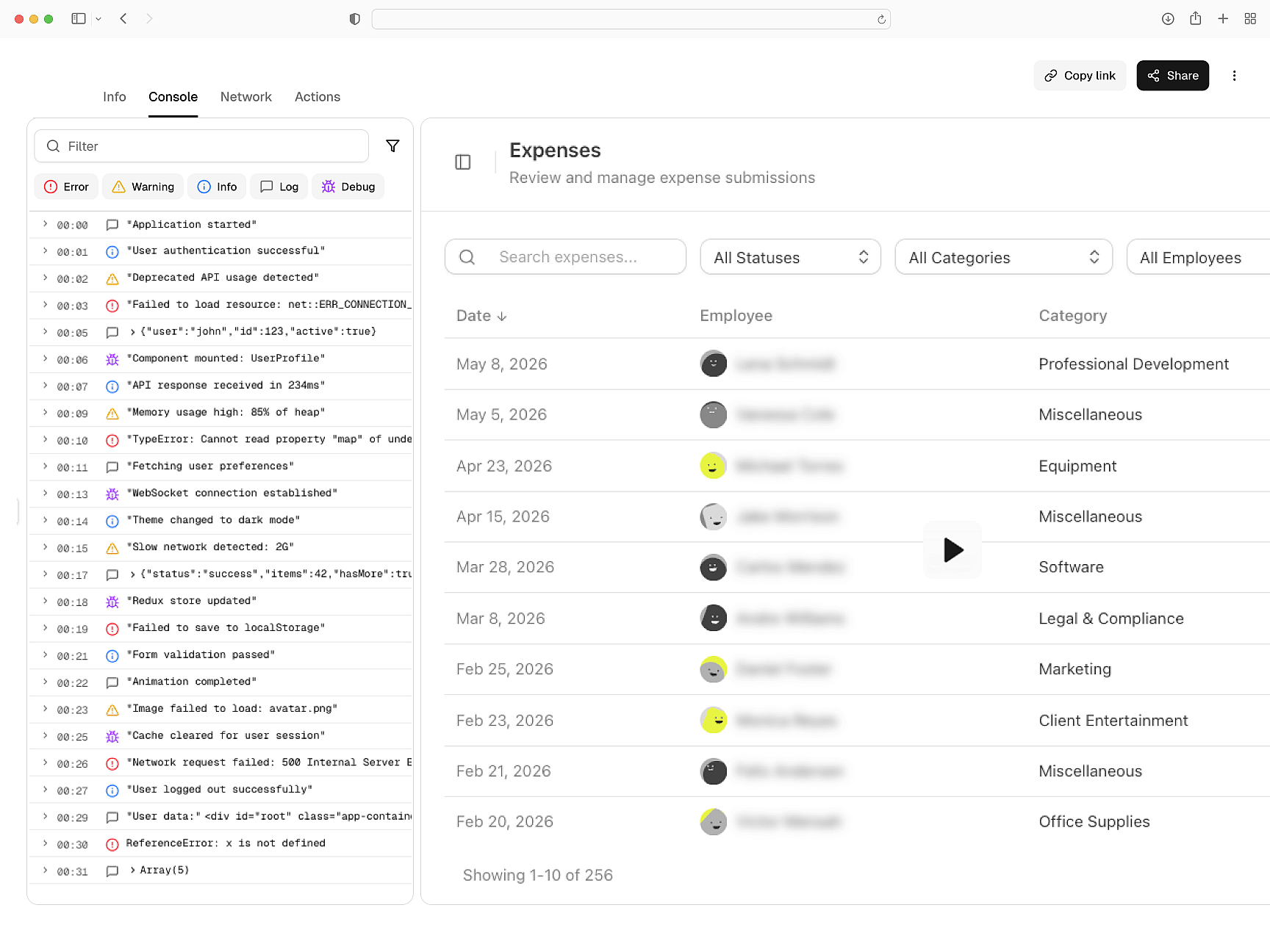
Console logs, network data, and session details
Each recording includes the full technical context behind what the customer sees — console errors, network activity, and user steps — so your team can get to the root cause faster.
Full technical context
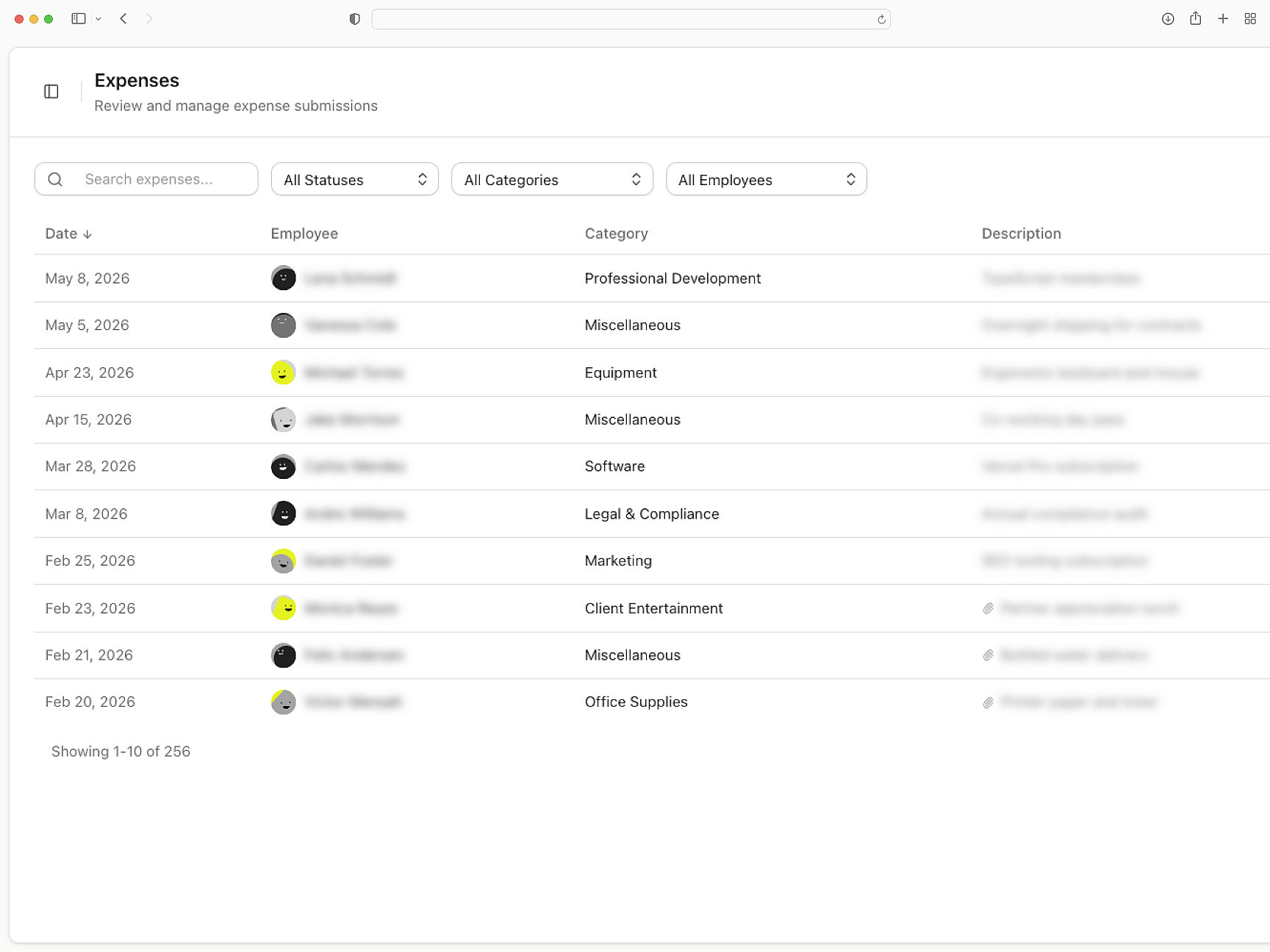
Privacy controls built in
Sensitive data is masked before recordings ever leave the customer's browser. Configure exactly what gets captured, enforce consent, and meet compliance requirements with ease.
Private by default
Intercom
Getting Started with Intercom
Set up Userplane in your Intercom workspace and send your first recording request in minutes.
How Screen Recording Works
Learn how recordings capture console logs, network requests, and session metadata automatically.
Developer Installation Guide
Technical guide for installing the Userplane SDK and configuring it for your application.
Slack
Triage customer bugs within Slack. Every screen recording carries console logs, network data, and session activity.
Zendesk
Close Zendesk tickets on first contact. Each request returns a recording with console logs, network data, and session activity.
Chrome Extension
Resolve customer bugs without leaving Chrome. Send a recording link; the replay returns with console, network, and session activity.
Resolve support issues faster
right inside Intercom
Request screen recordings and get back a complete replay of the customer's experience.