Resolve  SolidJS issues
with screen recordings
Console logs, network data, and user actions from every render.
Works with SolidStart SSR and Vite-based setups.
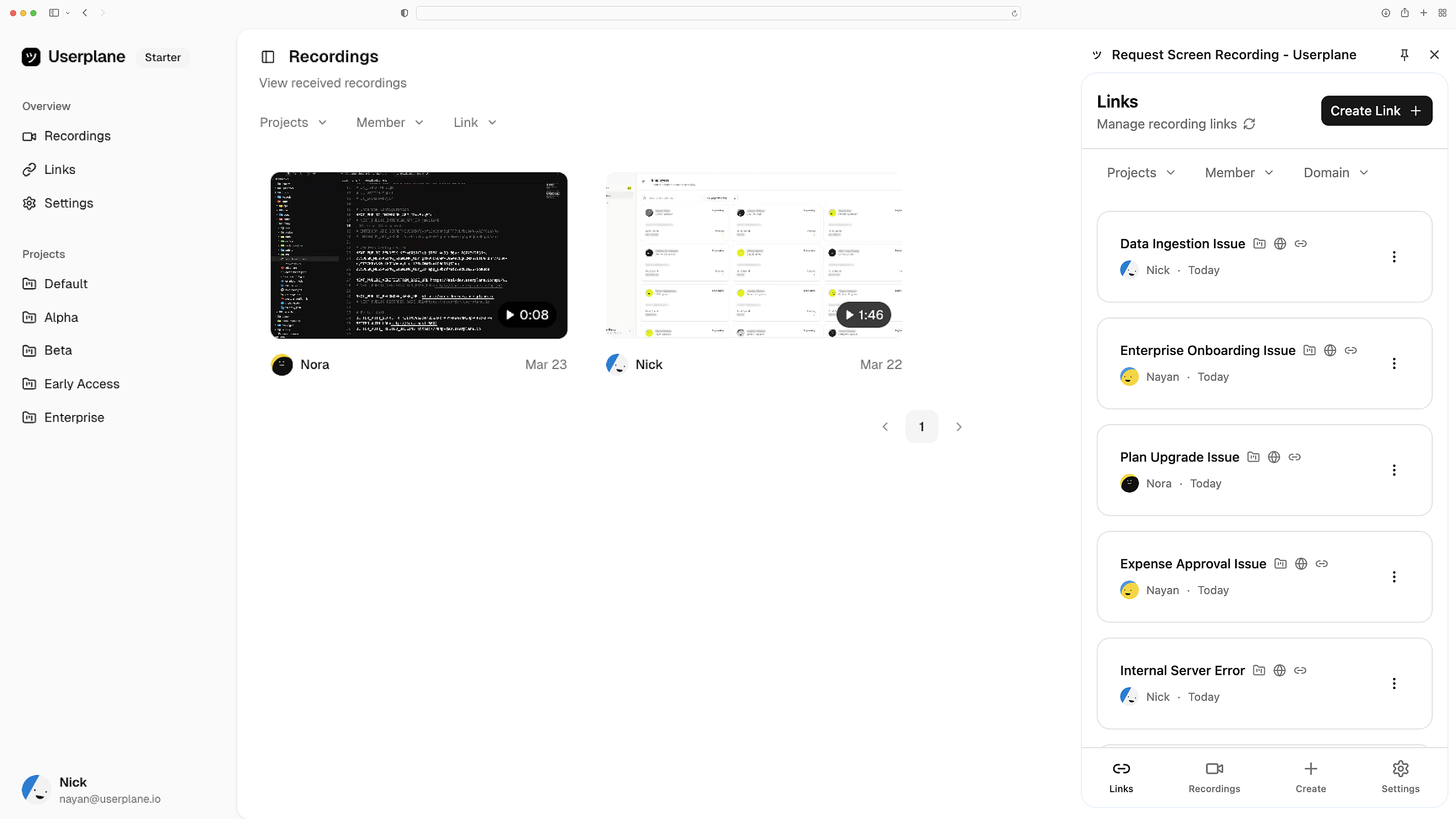
Works with the tools you already use
 Intercom
 Zendesk
 Crisp
Crisp Help Scout
 Slack
Slack Zapier
 Freshdesk
 HubSpot
 Jira
Jira Linear
 Notion
 SalesforceIntercomZendeskCrispHelp ScoutSlackZapierFreshdeskHubSpotJiraLinearNotionSalesforce
CDN or npm — your call
Add a script tag for instant setup, or install the npm package for programmatic control. SolidStart apps use dynamic imports to keep the server bundle clean.
Flexible installation
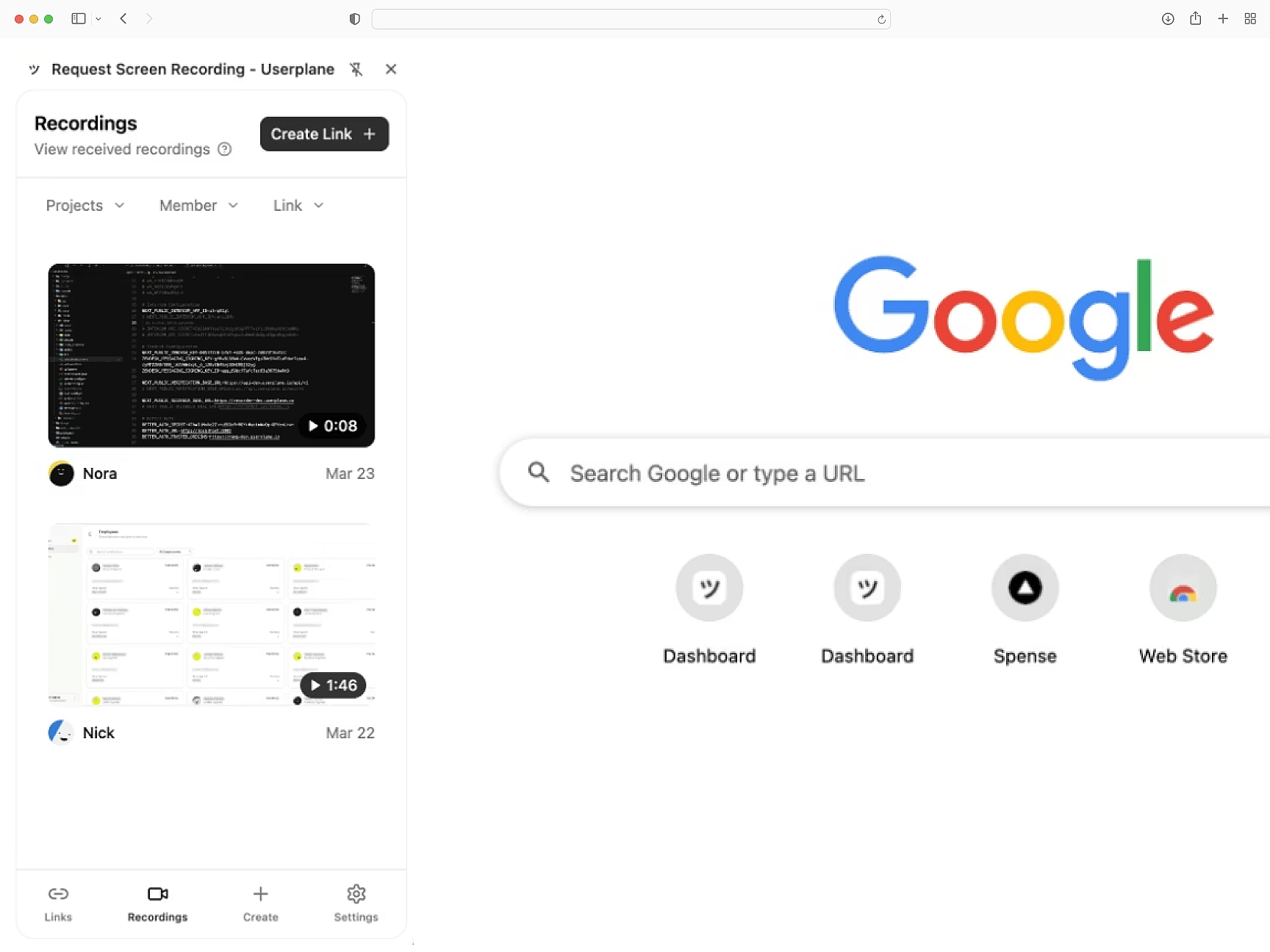
Signals and network captured
Console errors, network requests, browser metadata, and user actions — captured from every SolidJS render. Debug reactive state issues with full session context.
Reactive state visibility
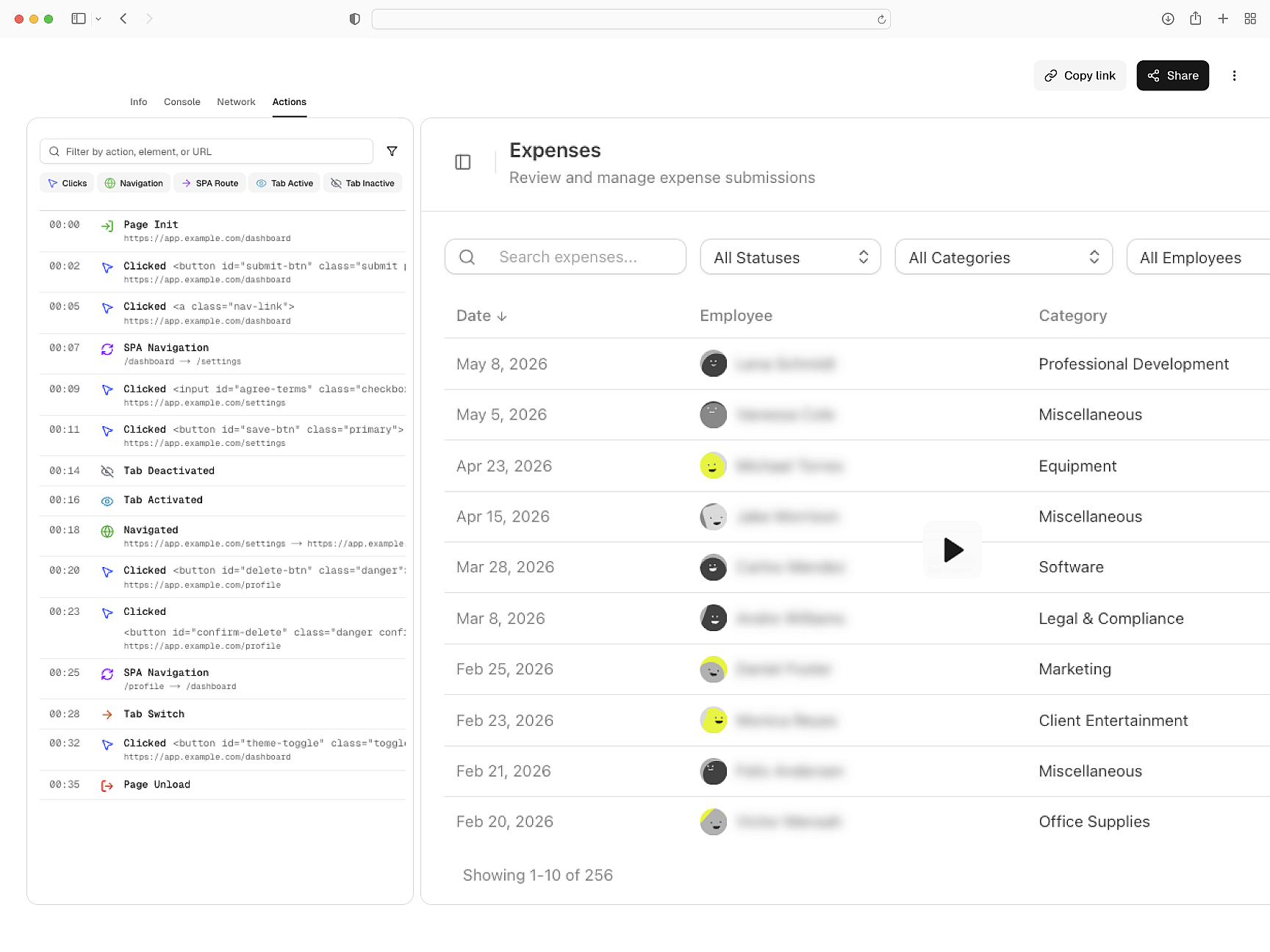
Privacy-first recording
Sensitive data is masked before recordings leave the browser. Works with SolidStart middleware. GDPR and CCPA compliant out of the box.
Redacted before capture
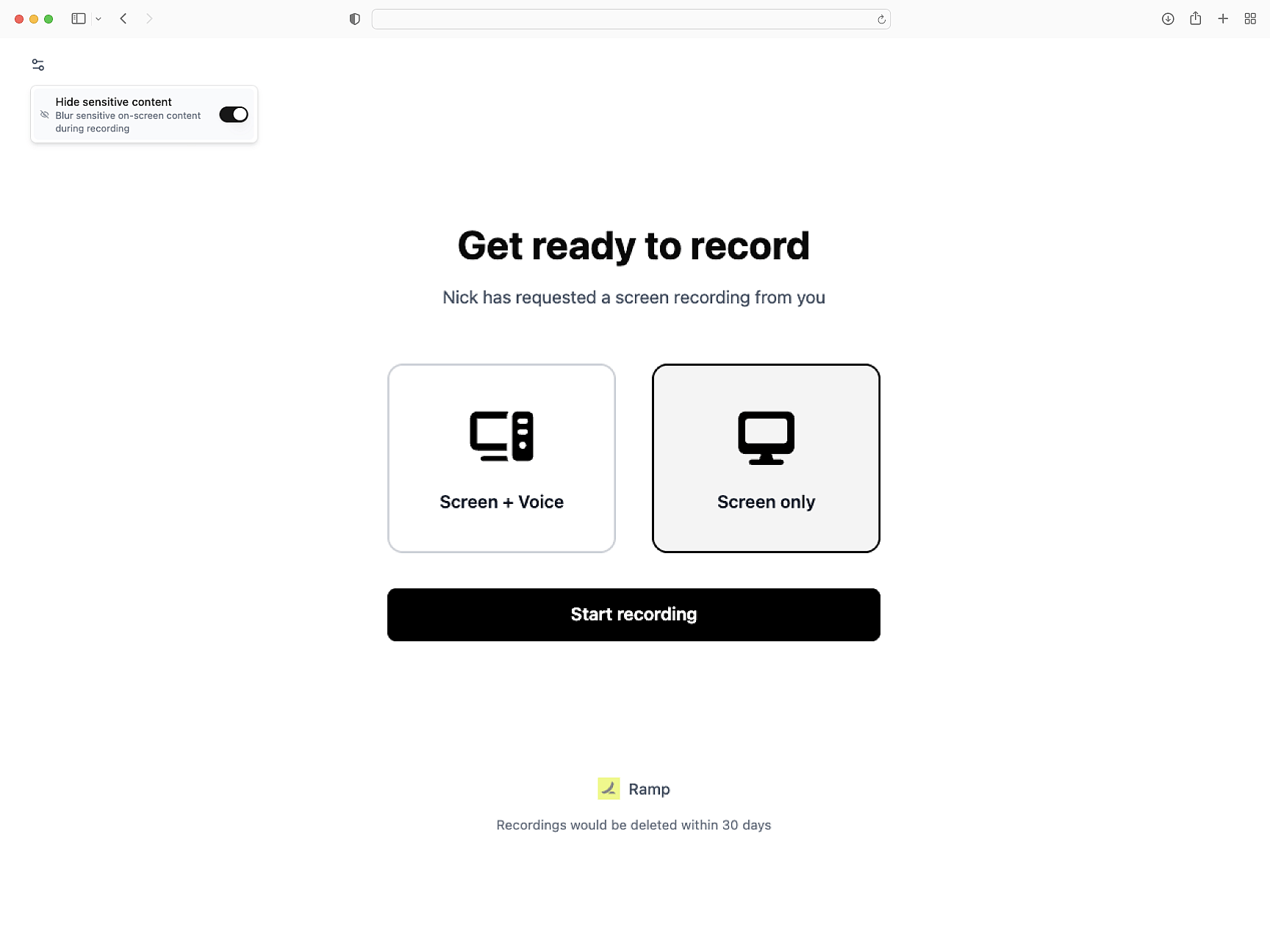
Works with your support tools
Recordings attach to Intercom, Zendesk, and Slack conversations. Session data links to tickets. API and webhook support for custom workflows.
Fits where you triage
SolidJS
SolidJS Setup Guide
Install Userplane in your SolidJS application. Provider component and onMount initialization.
SDK Overview
One script tag or npm install. Attach metadata, trigger recordings, and mask sensitive fields.
How Screen Recording Works
How recordings capture errors, network traffic, and session behavior automatically.
Next.js
Capture console logs, network requests, and session details from your Next.js app. Works with App Router and Server Components.
React
Every React recording ships with console logs, network activity, and session context. Works with Vite, CRA, and custom setups.
Vue
Every Vue recording ships with console logs, network data, and session activity across Vue 3 components and Vue Router transitions.
Identify SolidJS issues with screen recordings
Reactive state issues, SSR hydration bugs, and runtime errors — every recording has the technical context to find the root cause.